38
JOB SCAN - Selecting a sequence of JOBS while using a standard TIG torch with one button
When a standard TIG torch with one button is installed, the JOBS in a sequence can be selected using the “JOB SCAN” function.
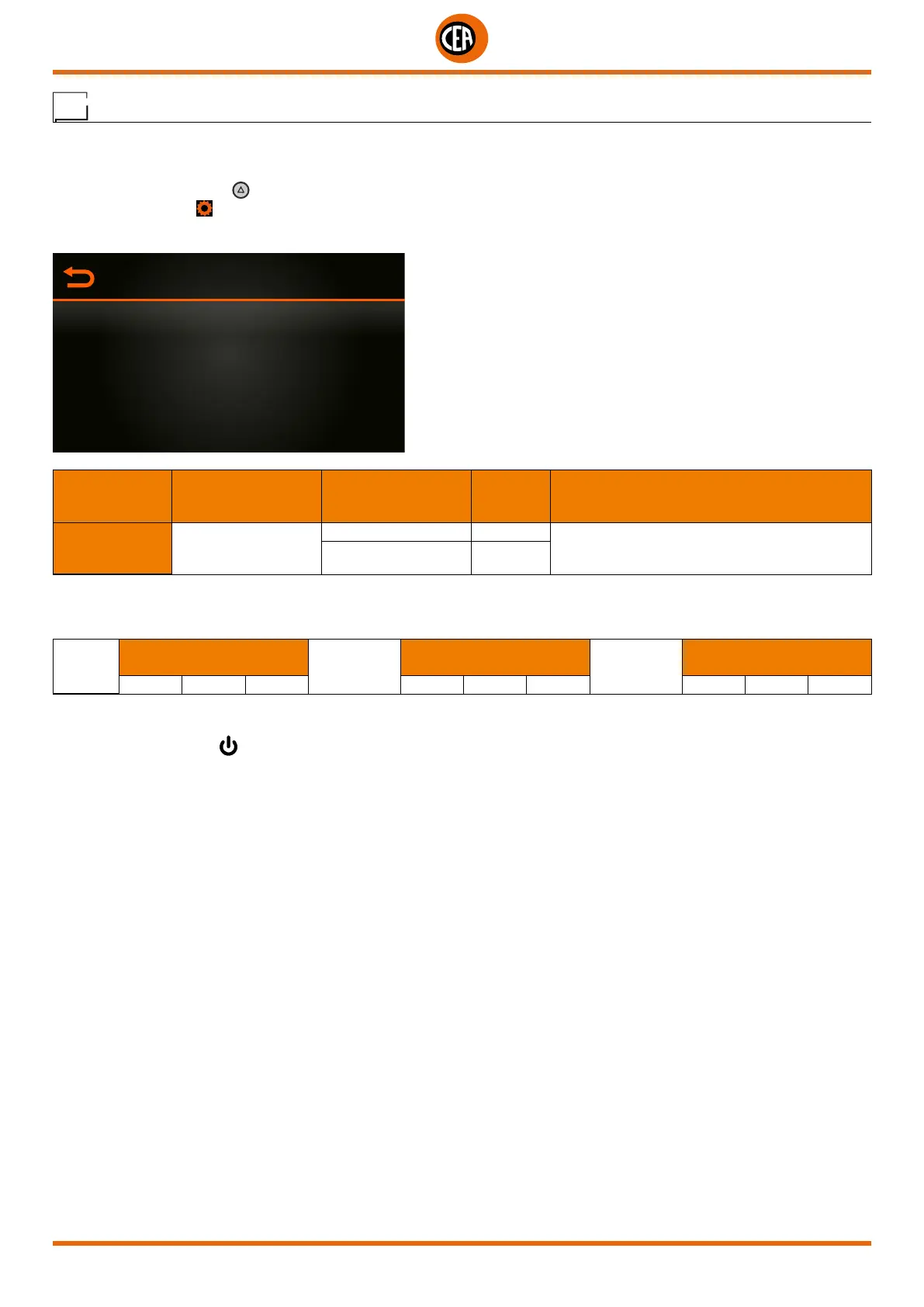
To enable the “JOB SCAN” function, proceed as follows, accessing the “CONFIGURATION” menu:
You can access the “CONFIGURATION” menu by:
• Holding down the SET key for 5 seconds.
• By selecting the icon
from the process setting page.
• Select the “WELDING” menu.
CONFIGURATION
GENERAL
WELDING
INFORMATION
ERROR PAGE
PANEL LOCK
MAIN MENU MAIN SUB-MENU
PARAMETERS /
HIGH - LOW LIMIT
DEFAULT
VALUE
NOTE
WELDING JOB SCAN
INACTIVE When using a standard torch, a single button can
be used to go to the next JOB by pushing and
releasing the button within 1 second
ACTIVE X
In the “JOB SCAN” sub-menu, select “ACTIVE”.
To create a JOB sequence, leave a memory slot open before and after the JOB group that you want to make into a sequence.
MAN
SEQUENCE 1
JOB not
saved
SEQUENCE 2
JOB not
saved
SEQUENCE 3
J-01 J-02 J-03 J-05 J-06 J-07 J-09 J-10 J-11
Once the required sequences have been created, select and load one of the JOBS in the required sequence (e.g. J-05).
Now, by pushing and releasing the torch button within 1 second you can scroll the JOBS in the sequence (J-05 → J-06 → J-07 → J-05).
If you hold the torch button
down you start the welding process using the JOB parameters shown on the display.













 To Next Page