35
JOB - Naming, deleting, moving, and copying a program saved
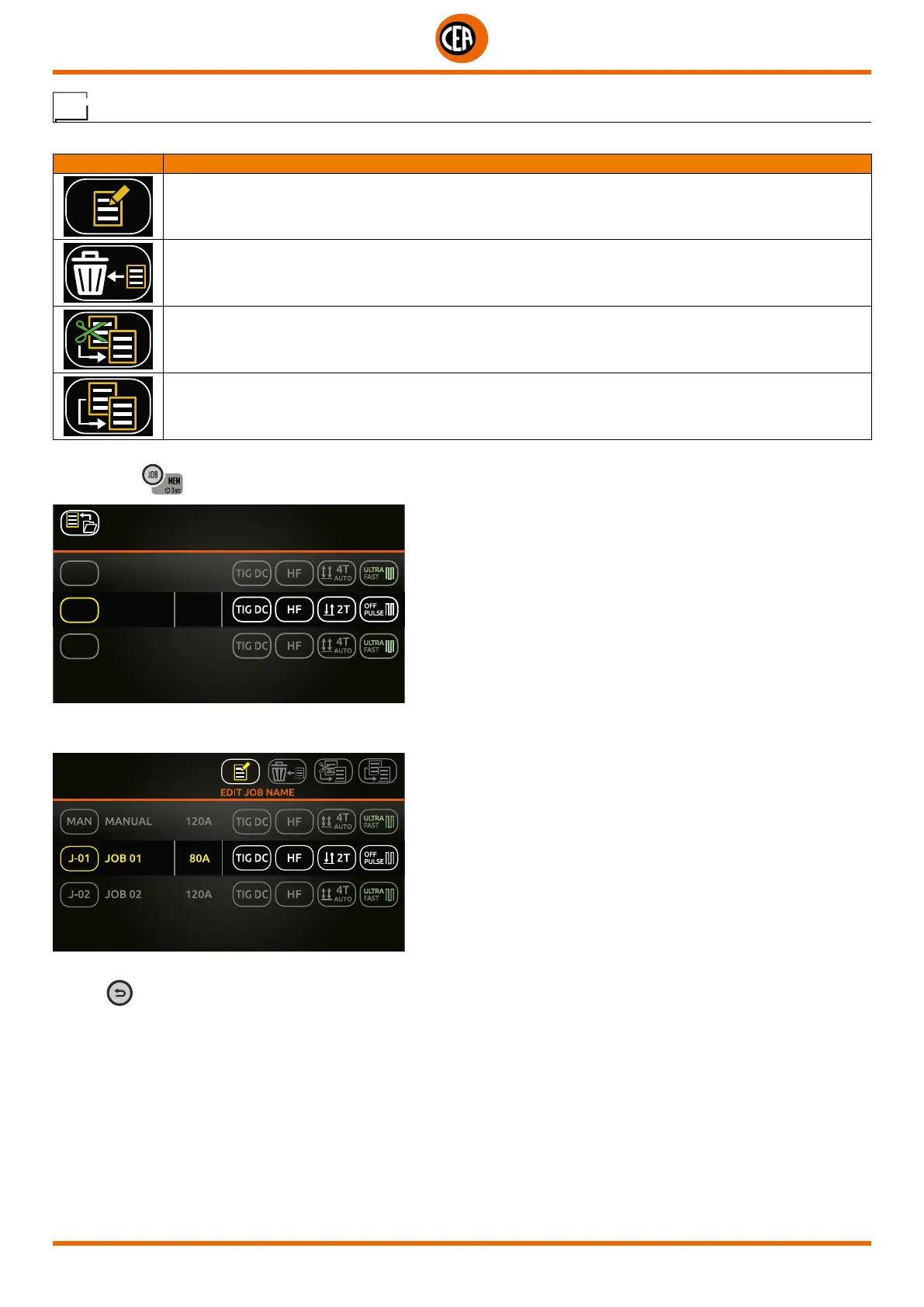
On the page that contains a list of the saved programs (JOBS) you can carry out the following tasks:
SYMBOL DESCRIPTION
Name or rename a JOB
Delete a JOB
Move a JOB
Copy a JOB
Proceed as follows:
1. When the
key is pushed the page that contains a list of the saved programs (JOBS) is displayed.
2 SAVED JOBS
PRESS KNOB TO LOAD
MAN
J-02
MANUAL 120A
J-01
PRESS KNOB 2 sec TO EDIT
JOB 01 80A
JOB 02 120A
2. Hold the knob down for at least 2 seconds to access the page below, which allows you to name, delete, move, and copy a program
saved (JOB).
3. Choose the option you want, and follow the guided instructions on the display.
4. The
key can be used to annul the operation in progress.













 To Next Page