13
SPOT welding mode
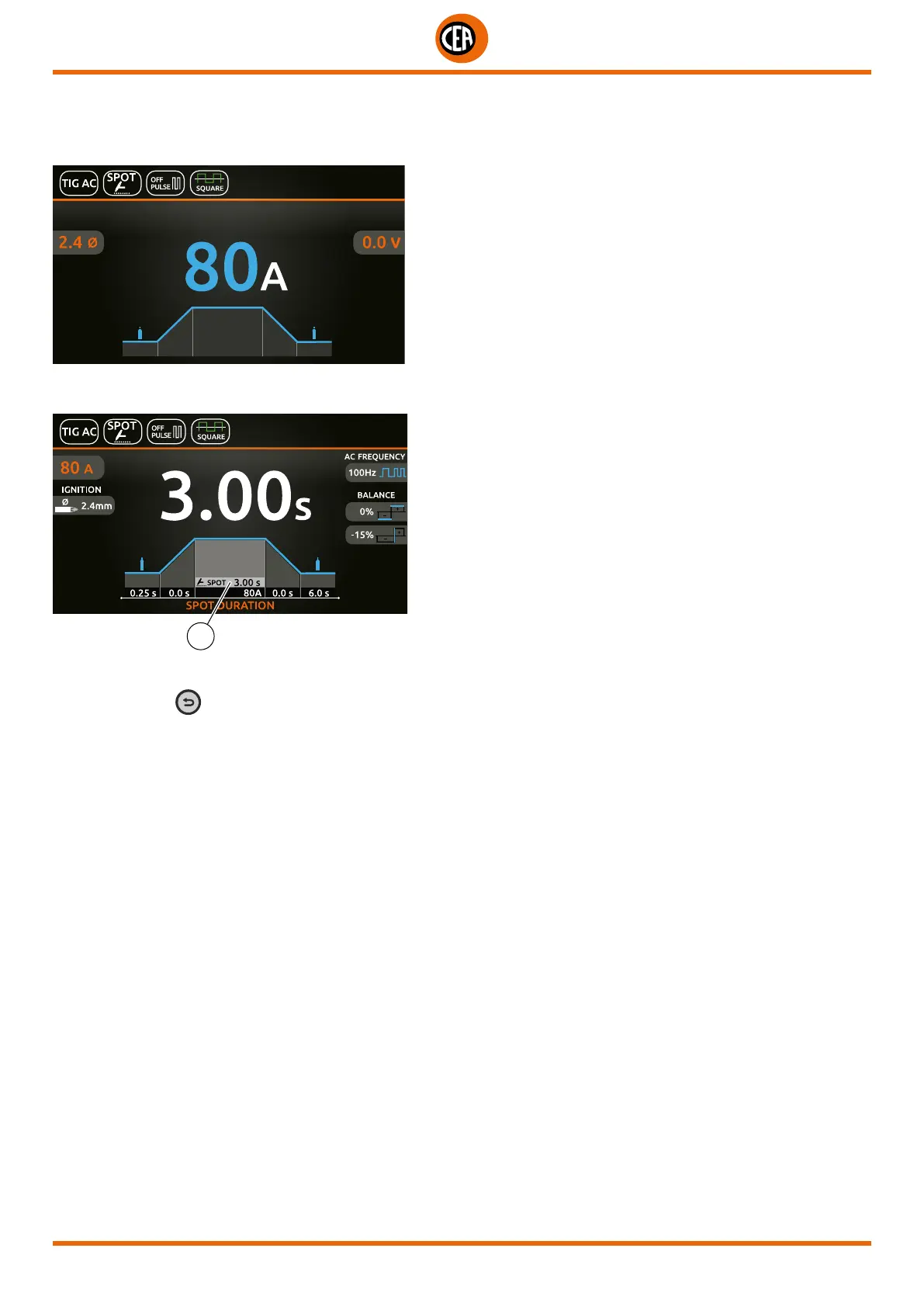
An example of the configuration of parameters with SPOT welding mode active is shown below.
This can be used by pushing the torch button to spot weld for a pre-set period of time (in seconds) at the end of which the arc switch-
es off automatically.
Push the knob to enter the SET page.
By pushing and rotating the knob, besides the parameters described above, you can set:
1
1. Spot time.
NOTE: If the BACK
key is held down for 2 seconds, the parameter goes back to its default setting.
Once the all the selections/settings indicated above have been made, welding can begin.
During the welding process the display shows the current and the real voltage at which the operator is actually welding.













 To Next Page