73
Note: Press the BACK key to retare the balance.
13. Place the syringe containing the sample on the external balance pan.
14. Press the NEXT key.
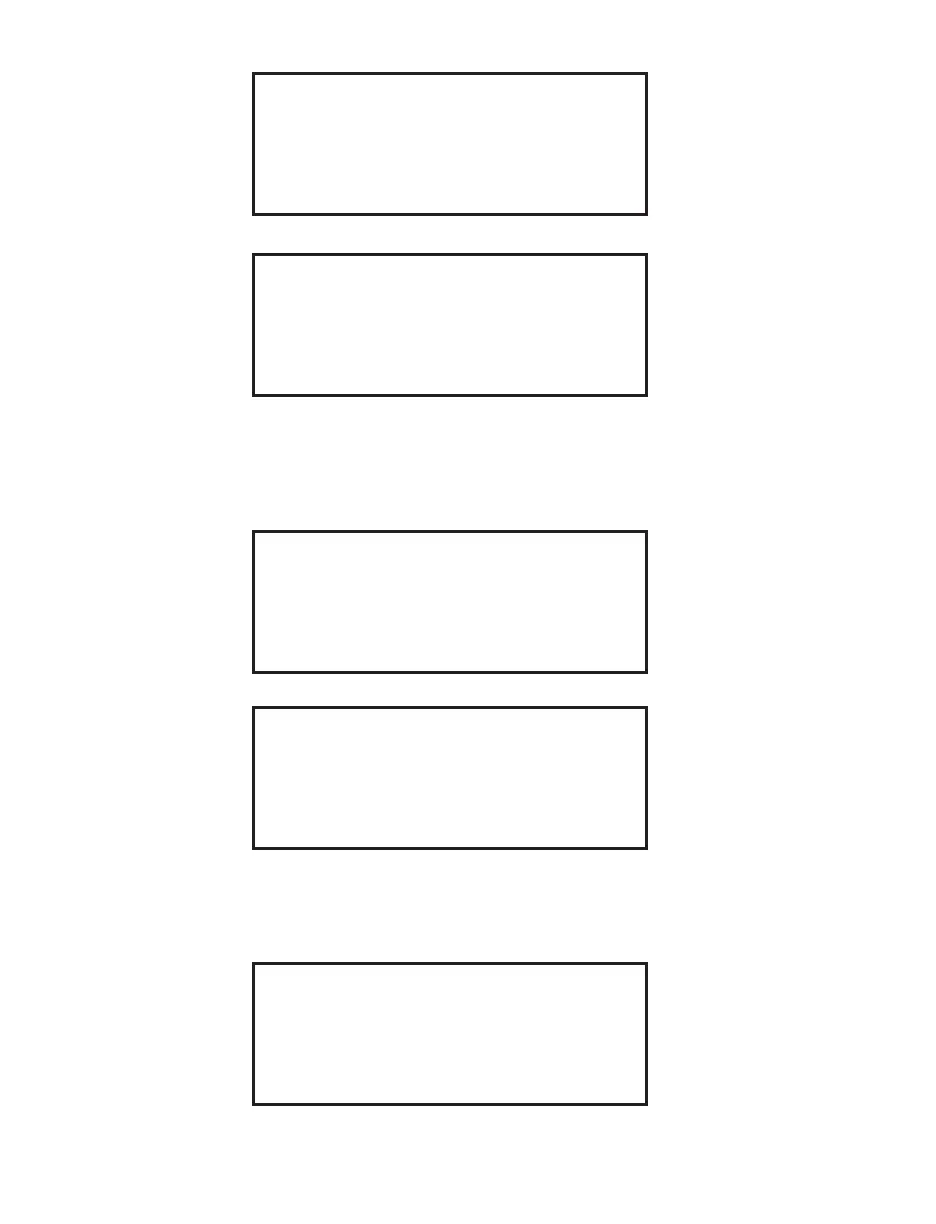
READING BALANCE
TARING BALANCE
12. Wait for the instrument to tare the balance.
Start Weight
SAMPLE ID: XXXX
CRUCIBLE WT: XXXX.X
Place syringe with sample
on balance pan and press NEXT
Press BACK to Retare
15. Wait for the instrument to determine the weight of the syringe and sample.
Start Weight
SAMPLE ID: XXXX
CRUCIBLE WT: XXXX.X
Syringe specimen into crucible,
clear external balance pan
and press NEXT
16 . Remove the syringe from the balance pan. Dispense the sample from the
syringe into an empty crucible.
17. Press the NEXT key.
TARING BALANCE


 To Next Page