1 Operational Manual
2.46 Peripheral and Cipher Setting Menu
F1 F2 F3 F4 F5 F6 F7 F8 F9 F10
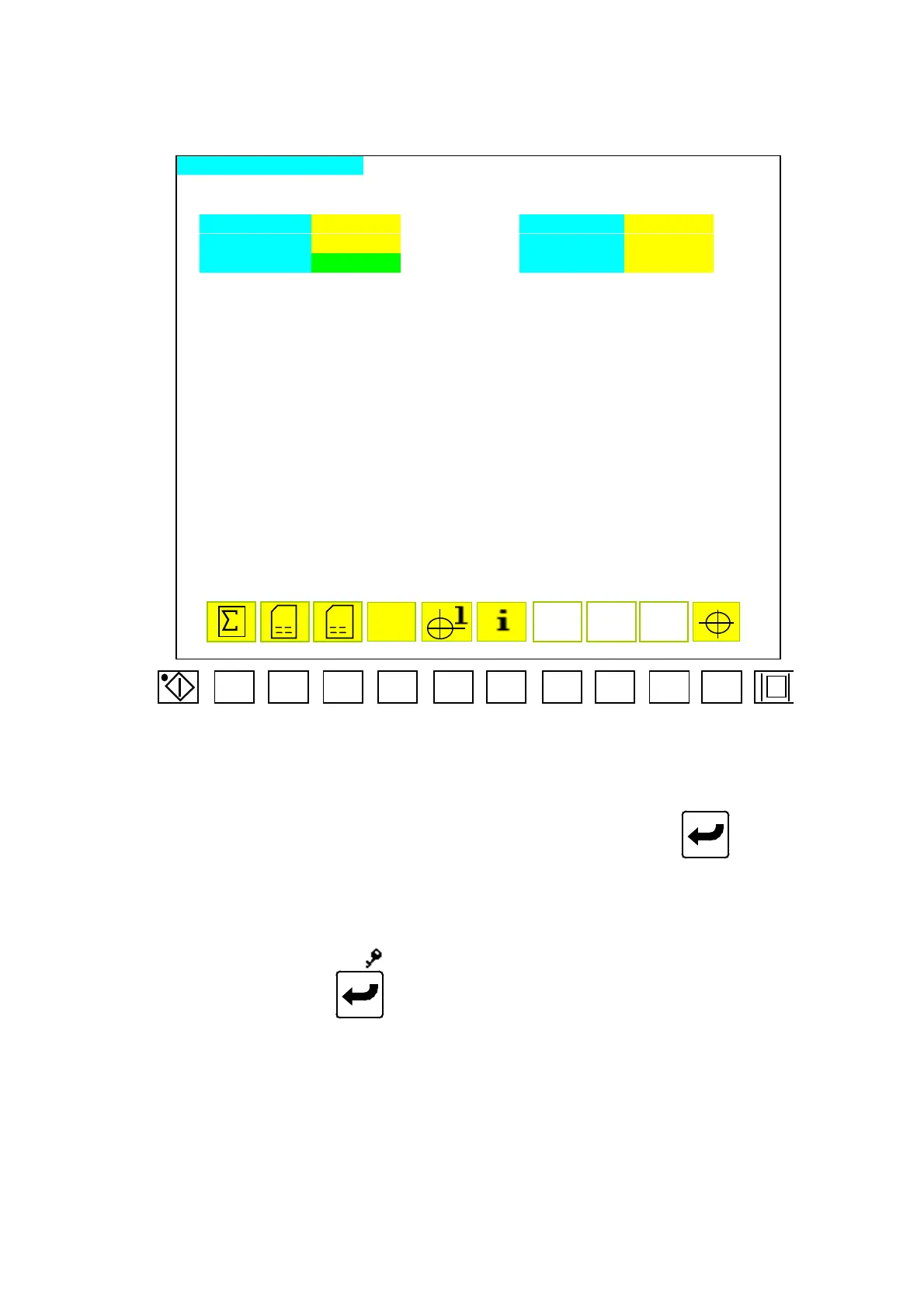
INTERFACE SETTING PAGE
PASSWORD AAAAAAAA DATA UNLOCK CCCCCCCC
NEW PASSWORD BBBBBBBB SYS-PASSWORD DDDDDDDD
USER LEVEL E SPEED LOW OFF
PROG. DATE:
CDC [99/09/30] TAB [99/09/30] MOJI [99/09/30] FON [99/09/30]
D
BZ
Menu46
2.46.1 Move the cursor to set parameter, key in desired digits and press
to complete a
correction. Code descriptions of menu 46 are as follows:
A) E: Place for user to enter the code class.
B) AAAAAAAA: input the exact cipher to decode.
C) BBBBBBBB: When the sign
“
“
disappeared in the right of
“
AAAAAAAA
”
, then can modify
“
BBBBBBBB
”
and press
to complete a correction.
D) CCCCCCCC: In order to inhibit the cipher will be exchange by another so we can
input the exact class 0 cipher in
“
CCCCCCCC
”
,
E) DDDDDDDD: Spare function
F) F: We can reduce the operational speed for maintenance.
2.46.2 Function Description:
A) The CDC-2000 is divided into 0~3 class, the 0 class is to inhibit the cipher to
be modified, the 1 class is a normal class for user, the 2 class is for governor,
04/08/13
154



 To Next Page