1 Operational Manual
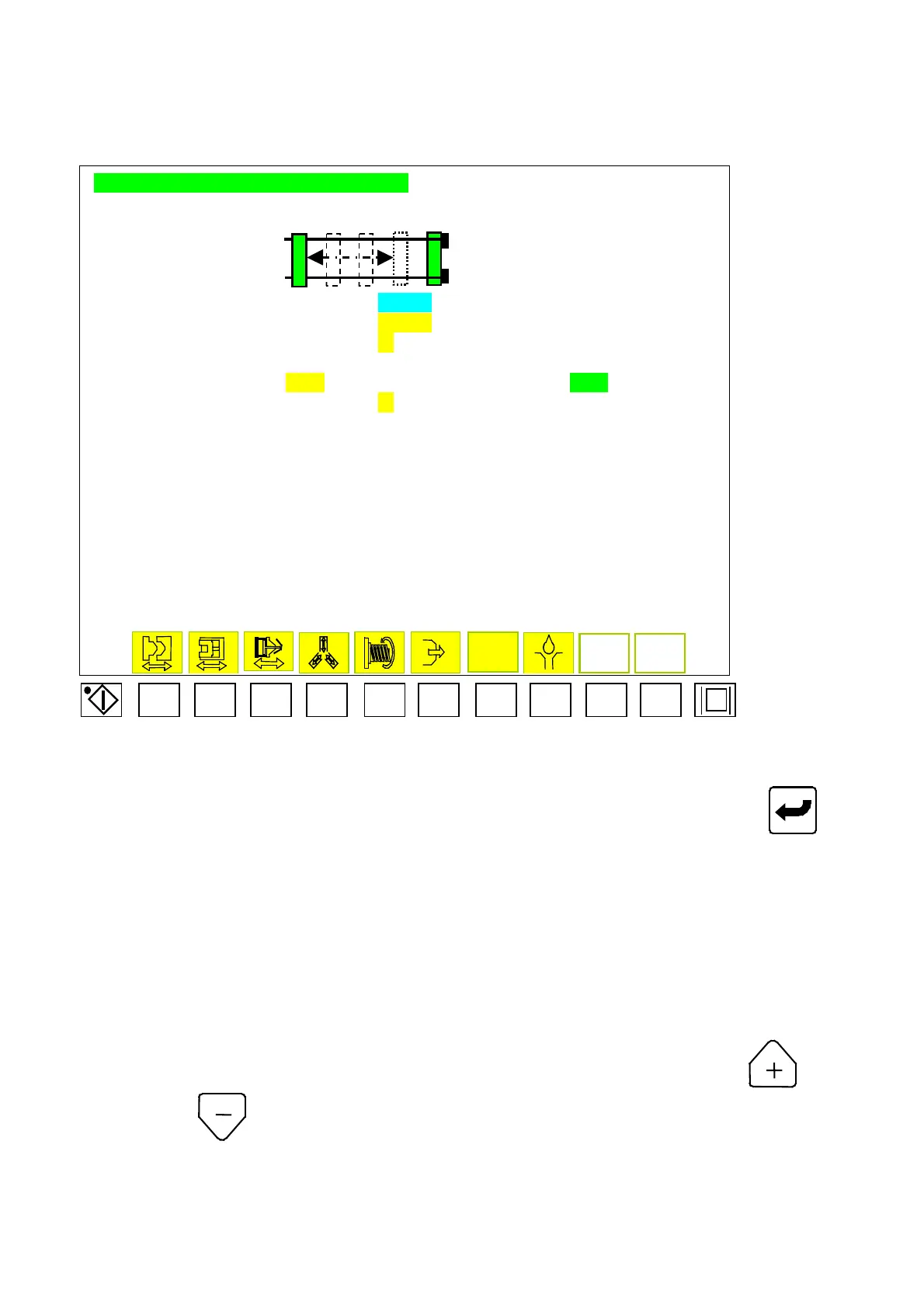
2.11.4 Combined Mold Thickness Setup
MOLD THICKNESS ADJUSTMENT SETTING
AAAAAAAAAAAAAAAA
BBBBBBBB CCCCCCCC
EXIST MOLD HEIGHT :
PPPP.Pmm
INPUT MOLD THICKNESS : DDDD.Dmm
AUTO. MOLD THICKNESS ADJUSTMENT :
L
CLAMPING FORCE SETTING
EEEEE TONS LOW-PR. CLAMPING POS. AT KKKKKp
AUTO. CLAMPING FORCE SETTING :
M
Menu 09
F1 F2 F3 F4 F5 F6 F7 F8 F9 F10
2.11.4.1 Move cursor to set parameter, key in desired digits and press to
complete a correction. Code descriptions for Menu (09) listed below:
A) AAAAAAAAAAAAAAA: At mold thickness function
“
L
”
to select
“
open
”
, then display
“
Automatic mold thickness adjustment
”
.
B) BBBBBBBB: At mold adjustment backward to display
“
mold adjustment backward
”
.
C) CCCCCCCC: At mold adjustment forward to display
“
mold adjustment forward
”
.
D) PPPP.P: Display of current mold height.
E) DDDD.D: Setup for mold dimension.
F) L :Function selection for mold thickness auto adjustment. Press
to open
and
to close.
G) EEEEE : not used.
H) KKKKK : not used.
I) M :not used.
04/08/13
56



 To Next Page