1 Operational Manual
2.31 Mold Number Setting
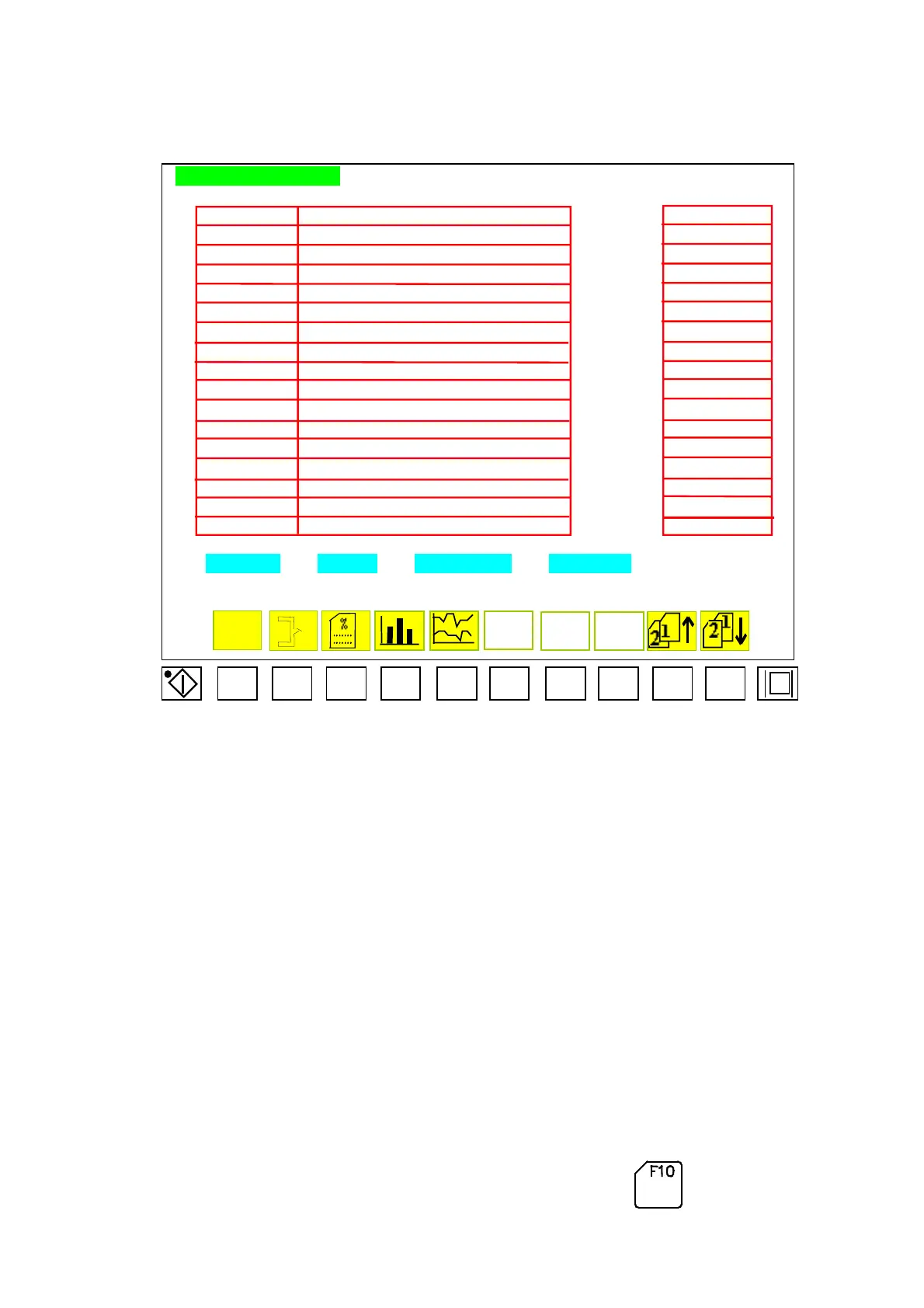
MOLD NO. SETTING
FLOOPY
MOLD NO NOTE FLOOPY
DATA-001 12345678901234567890123456789012345 FILES001
DATA-002 12345678901234567890123456789012345 FILES002
FILES003
DATA-004 12345678901234567890123456789012345 FILES004
DATA-005 12345678901234567890123456789012345 FILES005
DATA-006 12345678901234567890123456789012345 FILES006
DATA-007 12345678901234567890123456789012345 FILES007
DATA-008 12345678901234567890123456789012345 FILES008
DATA-009 12345678901234567890123456789012345 FILES009
DATA-010 12345678901234567890123456789012345 FILES010
DATA-011 12345678901234567890123456789012345 FILES011
DATA-012 12345678901234567890123456789012345 FILES012
DATA-013 12345678901234567890123456789012345 FILES013
DATA-014 12345678901234567890123456789012345 FILES014
DATA-015 12345678901234567890123456789012345 FILES015
DATA-016 12345678901234567890123456789012345 FILES016
MOLD NO. COPY DESCRIPTION TO FLOPPY
Menu42
F1 F2 F3 F4 F5 F6 F7 F8 F9 F10
CDC-2000
DATA-003 12345678901234567890123456789012345
In menu (24) A, CDC2000 Save the mold no. and remarks in the left side that can have
100 groups
‘
mold no.. The mold no. can be enter 1~8 characters and remarks can
include 1~35 characters.
2.31.1 Operational Method for Mold No. Searching
:
The menu (24) A can show 16 groups of mold no.. When the cursor move to the line,
then this line will become to white color, yellow color represents the mold applied,
another will show blue color that means not-used. Press can move up 10 groups,
04/08/13
87



 To Next Page