1 Operational Manual
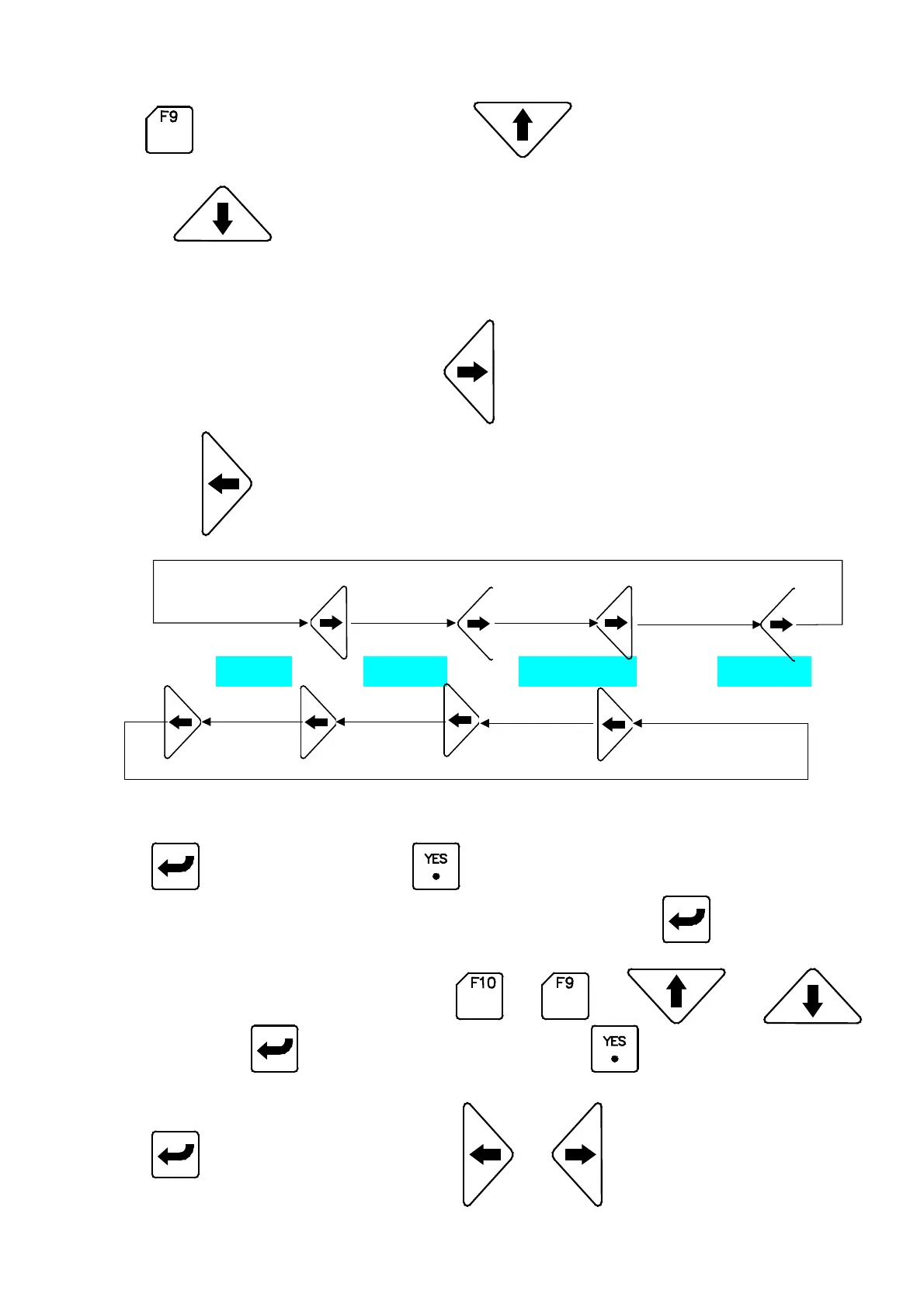
can move down10 groups; Press
can move one group,
and
can move down one group.
2.31.2 Functional Application :
After selecting mold no. Press
the cursor will move right a column, or
press
the cursor will move left a column.
“ Mold No.“
”Mold Copy“
”Content Modify“
”Save to Disk“
A) Application Mold No. : The function is to select mold no., by pressing will appear
“
YES/C
“
, then press to complete a correction.
B) Mold Copy: The function is for copying mold no. . Press
the mold no. will
become red color that means the mold no. in the copied operation. Next searches
the covered mold no. by pressing
or or
or
,
then press
will show us
“
YES/C
“
and press to complete a correction.
C) Content Change: The function is to modify the mold no. and remarks, by pressing
to flash the mold no.,press
or
to move cursor and key in the
04/08/13
88



 To Next Page