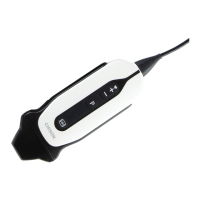
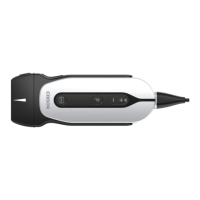
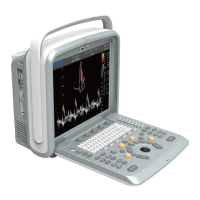
Q9 Digital Color Doppler Ultrasound System
143
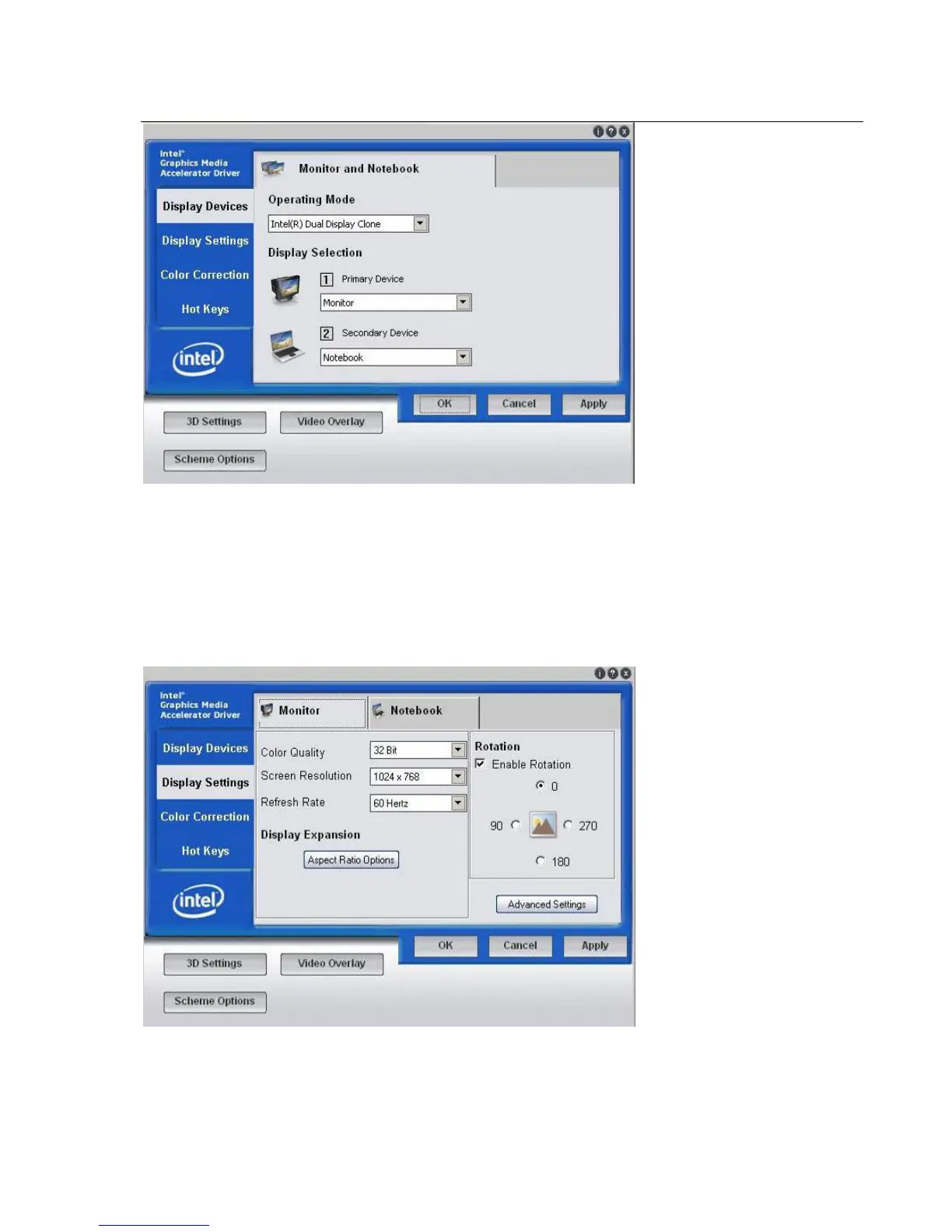
Display Devices:set display device
Operating Mode:Select display Mode. There are 3 options:
Single Display:Single display
Intel(R)Dual Display Clone:Intel(R)Dual Display copy, the display content of two screens are the same.
Extended Desktop:Expanded display
Display Selection:Select display device.
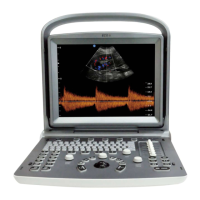
Display Settings: Settings of display.
Color Quality: 32Bit can be chosen.
Screen Resolution
: Resolution of the Screen, it should be 1024*768.


 To Next Page