Q9 Digital Color Doppler Ultrasound System
144
Refresh Rate:Refresh Rate of screen, it should be 60Hertz.
Rotation:Rotation of the screen
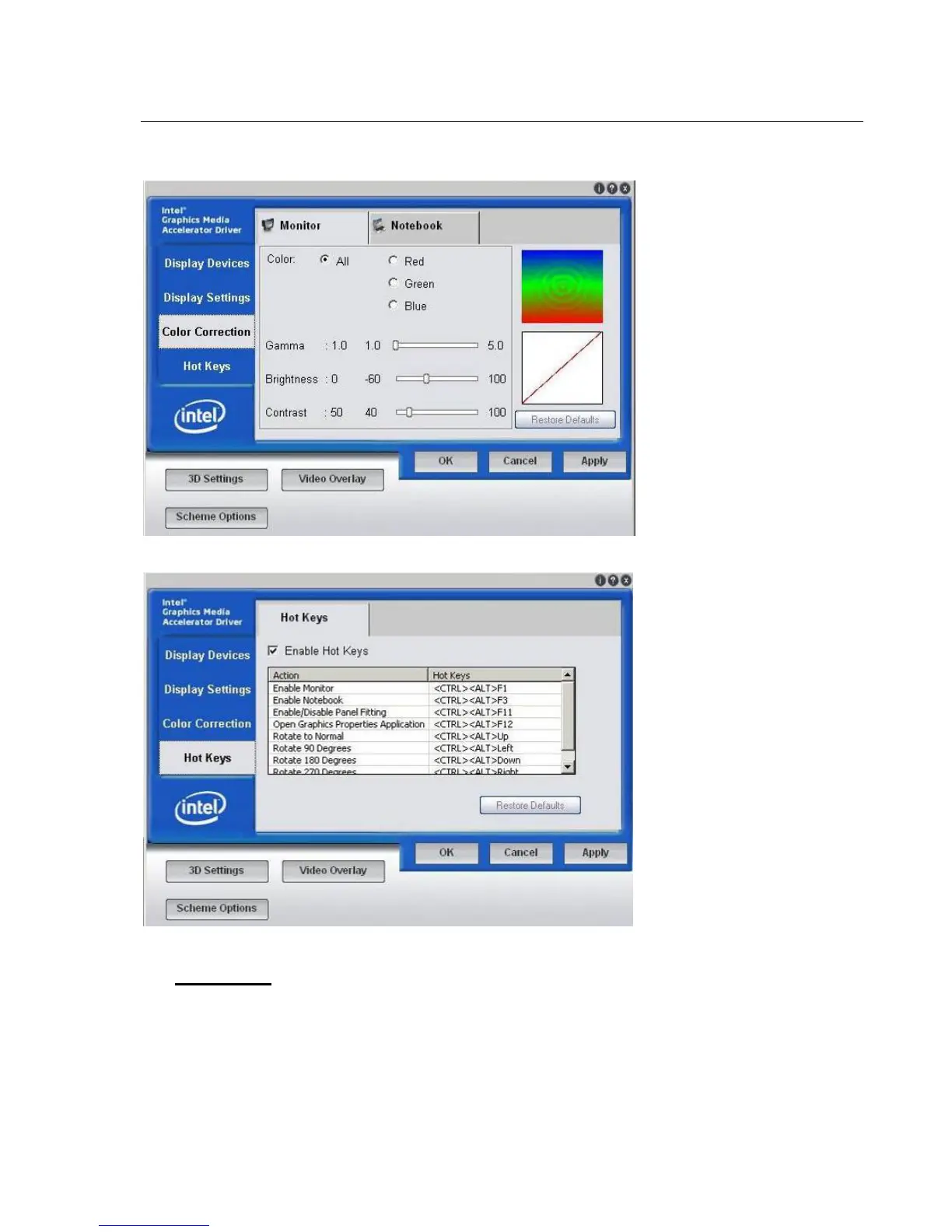
Color Correction:In this interface, users can correct the color. Adjust the color of monitor.
Hot Keys: The setting of hot keys. In this interface, users can set the shortcut key.
CAUTION:
Please follow the instructions above strictly when changing the display setting or installing the printer
driver. Any other changes are not allowed. If user changes to wrong settings, it may cause the system
abnormal or malfunction. Any doubt or question, please contact CHISON's authorized service
engineer.



 To Next Page