Video Pattern Generator 2238 User’s Manual
2-22
■ Following is the operating example of PROGRAM Mode
When PROGRAM is selected for HDCP MODE, the user can select if running HDCP
Link for a certain HDMI or DP timing. The HDCP Link in HDMI or DP timing can only be
selected or edited by VPGMaster or a VPG.
(1) First, save the timing to be output to another timing before executing this function.
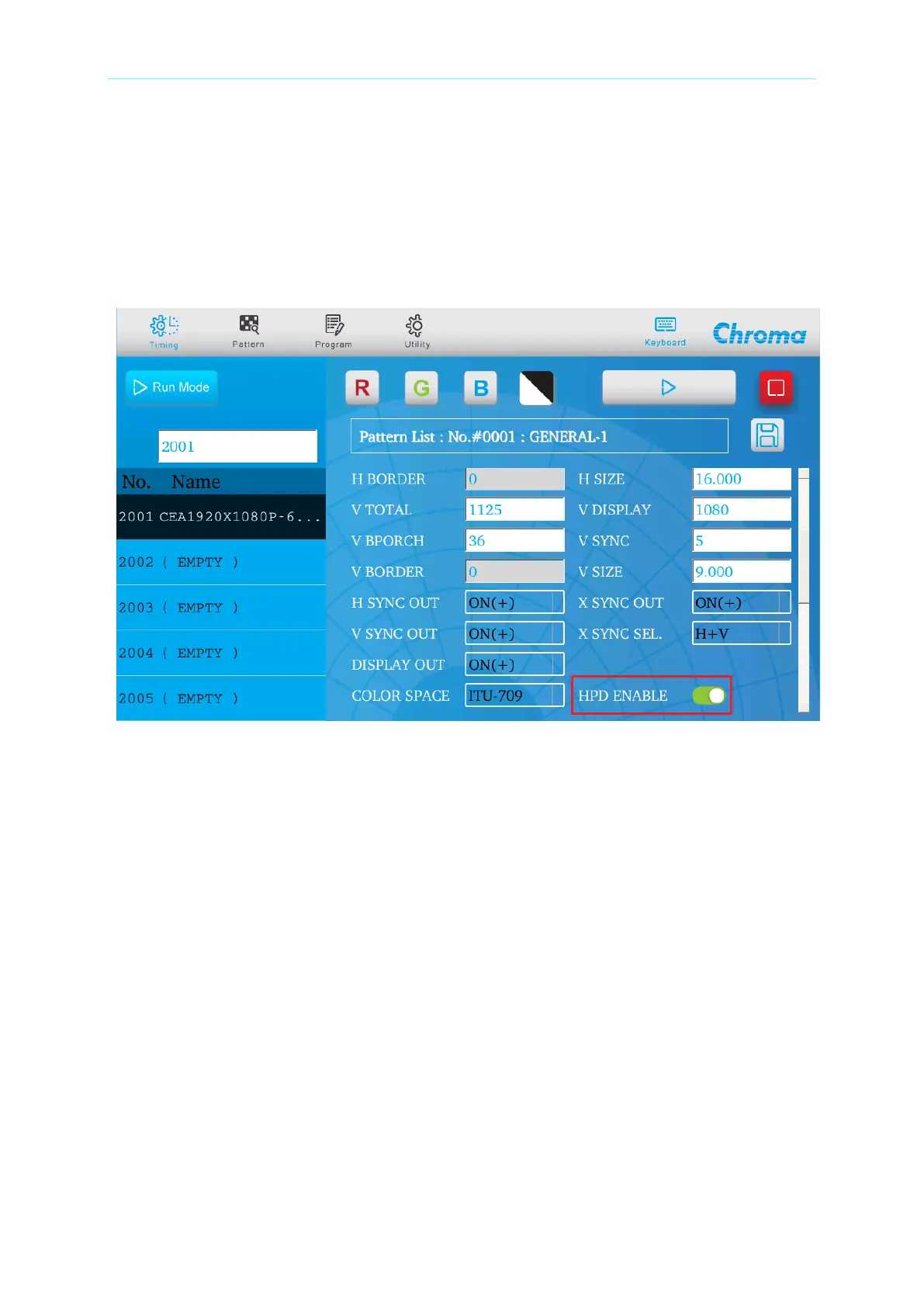
(2) Edit the timing to add the program sequence. In the Timing menu, turn on HDCP
Enable and save the file as the figure shown below.
(3) Next, go to the Program menu to add the already set Timing 2001.


 To Next Page