74 ChroMate™ Operator’s Manual Doc. 4300 Rev. E
Report Tab (Continued)
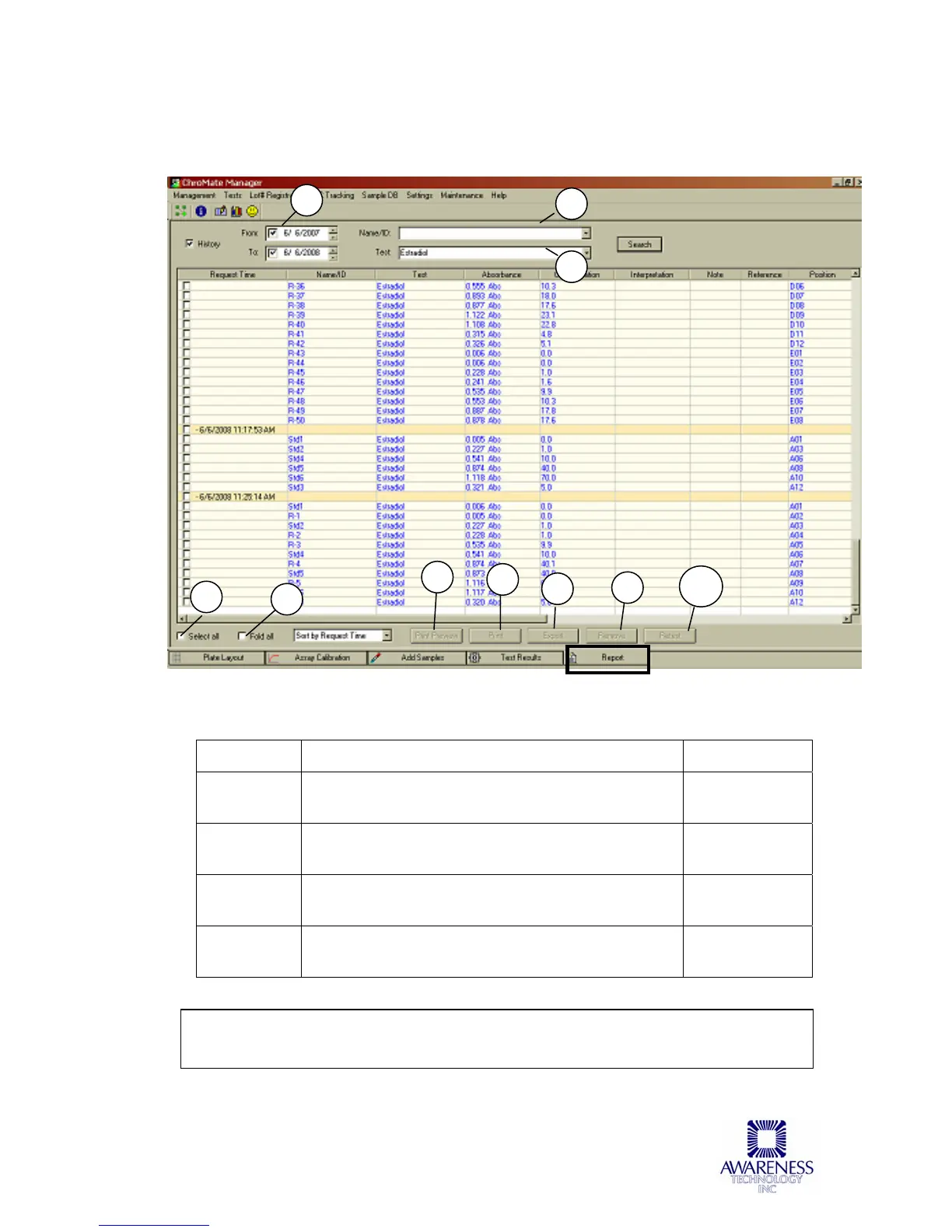
Feature: Description: Item No.:
Search by
Date
Use the drop down menus to select the dates to
search for results.
1
By
Name/ID
Search for results for a specific Patient. 2
By Test Use this menu to search for results from a
specific assay.
3
Select All Check this box to select all of the results. Only
the selected results will appear in printouts.
4
Note: If needed, an Assay Report or a Calibration Report may be printed from the
Calibration window. See the Section Assay Calibration Tab for more information.
1
5
6
7
8
9
4
2
3
10



 To Next Page