ChroMate™ ChroMate™ Operator’s Manual Doc. 4300 Rev. E 75
Report Tab (Continued)
Feature: Description: Item No.:
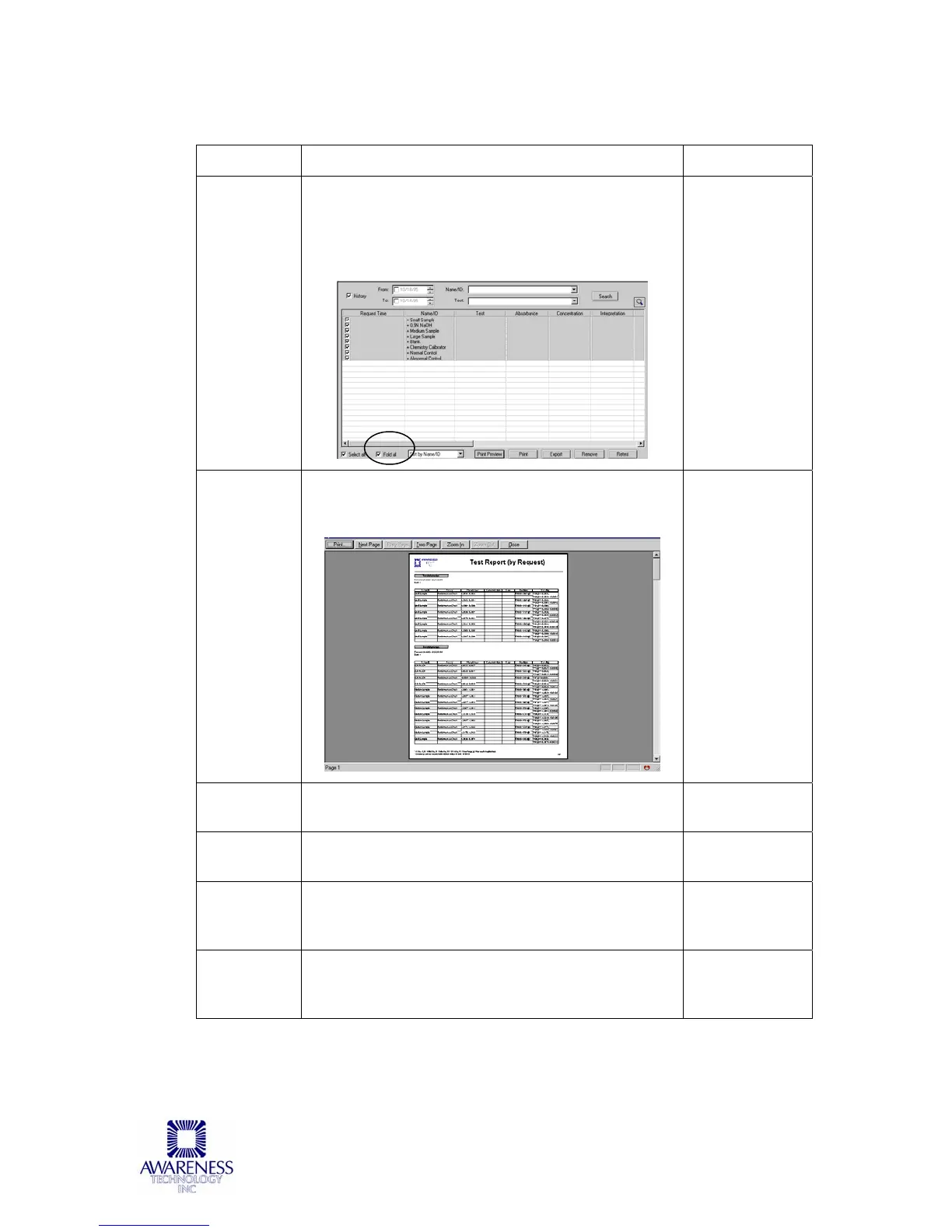
Fold All Fold All narrows the display down to the selection
made in the Sorting Options. For example, after
sorting by Name/ID, click on the Fold All
checkbox. The screen displays only the Name/ID
column:
5
Print
Preview
Select the Print Preview button, the report will
display providing an advanced glance of what the
output will look like:
6
Print Selecting the Print button will print the selected
Results in report format.
7
Remove Selecting the Remove button will remove all
selected items from the results display.
8
Retest (add
to Sample
Tab)
Adds the selected items to the Sample Tab to be
re-tested.
9
Export Exports selected results to a text file (*.txt), MS
Excel file (*.xls), or XML file (*.xml). Save for
future reference.
10



 To Next Page