Managing the System
Network Services
Cisco Small Business NSS300 Series Smart Storage Administration Guide 159
3
address used when creating the account. Save your Cisco Access Now account
details to register your NAS.
STEP 6 Click OK to return to the Remote Access window.
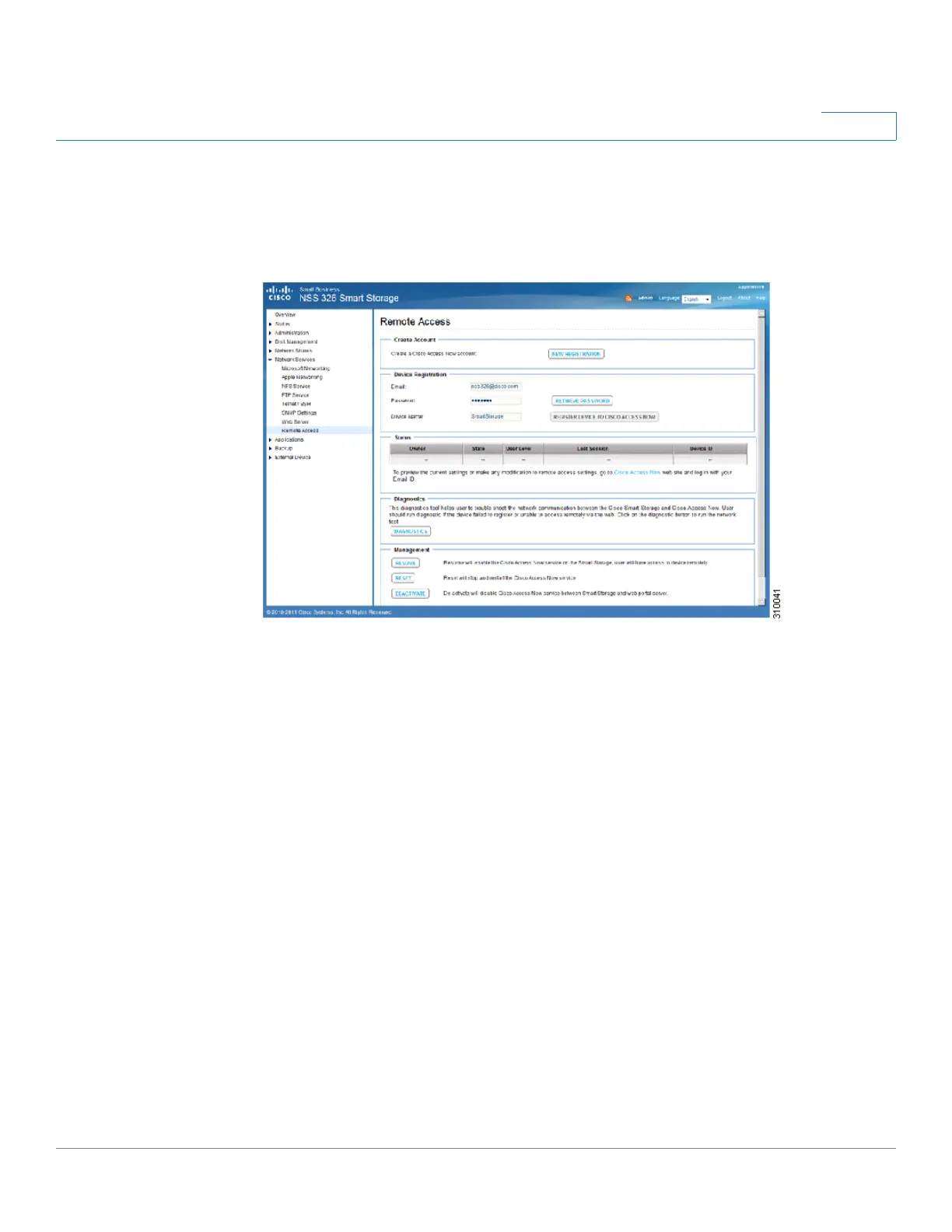
STEP 7 To register the NAS, enter the following information in the Device Registration
section:
• Email—Enter the email address that was used when creating the Cisco
Access Now account.
• Password—Enter the password for the Cisco Access Now account. If you
do not remember the password, click Retrieve Password.
• Device Name—Displays the NAS device name as it will appear on the Cisco
Access Now portal.
STEP 8 Click Register Device to Cisco Access Now, then click OK to continue. A
message displays that the NAS device name has been registered with the Cisco
Access Now service.
NOTE To register multiple NAS devices to your Cisco Access Now account, log into the
NAS device you want to register. Repeat Step 7 and Step 8.



 To Next Page