2. Basic Operations
2.1 Switch on STB
Switch the [Device‟s Main Power] switch on.
When the STB is first used it will display “Init Install” window. You will set OSD Language, Time
Zone, Single Satellite Search and Multi Satellite Search.
Press [▲/▼] keys to highlight the item, press [OK] or [►] key to edit the option, you can press
[▲/▼ ] key to select option, press [OK] or [►] key to confirm the selection
2.2 Standby Mode
1. Press [Power] button to switch from TV/radio mode to standby mode
2. In standby mode press [Power] button again to switch back to TV/radio mode. The last
active channel will be showed.
2.3 MUTE
1. Press the [Mute] button to mute the sound. On the bottom left screen an mute icon will be
displayed to indicate the muted sound.
2. Press the [Mute] button again to restore the sound.
2.4 Function Keys
RCU have four function key, the colour of button are red, green, yellow and blue, they have
special performance in different menu.
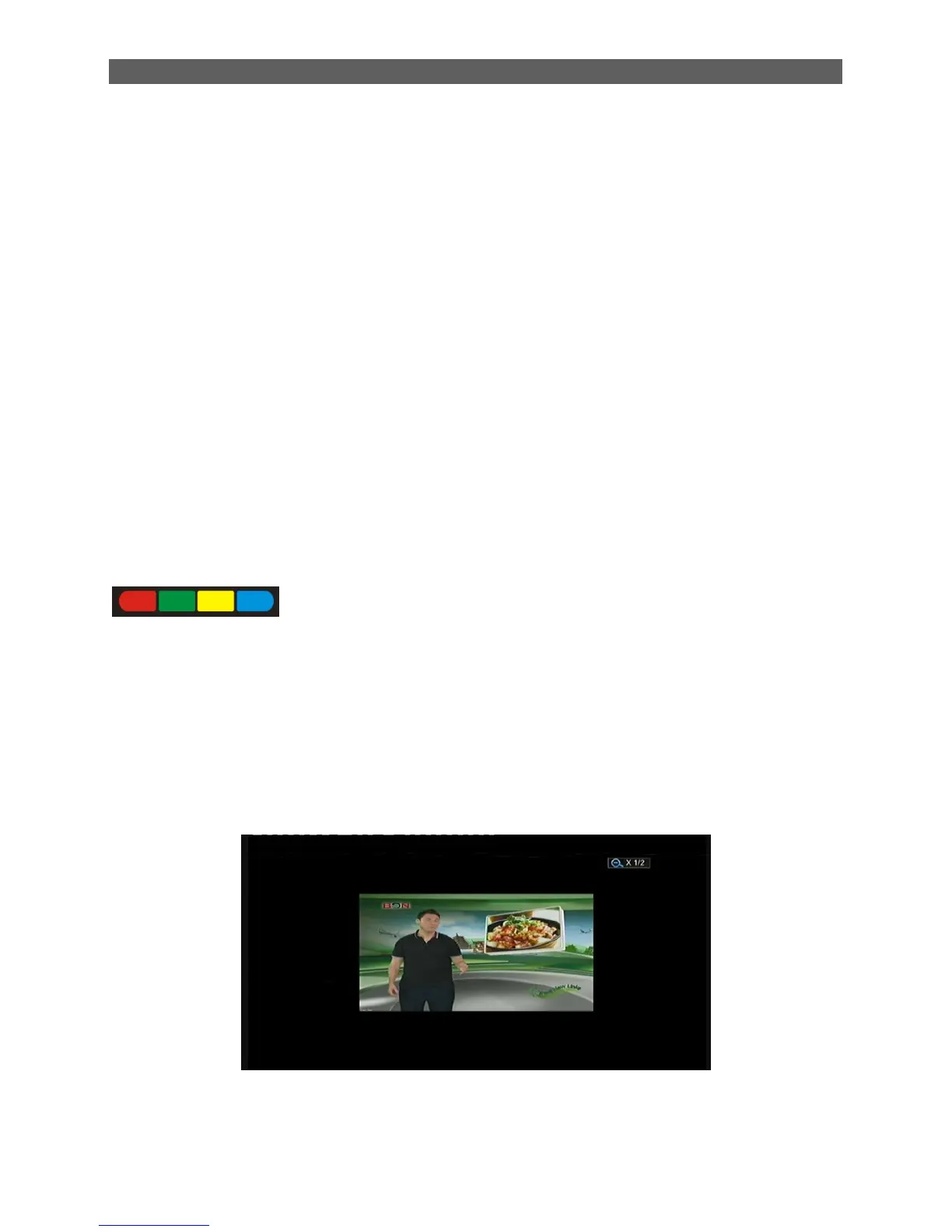
2.5 ZOOM
Zoom in or out the images of screen.
1. Press the [ zoom] button, the scale of screen will display on the top right Conner. Continue to
press the [ zoom ] button will switch the scale.
2. Press the [◄/►/▲/▼] button can move the image of screen.
2.6 SUB
Enter the program subtitle selection menu.



 To Next Page