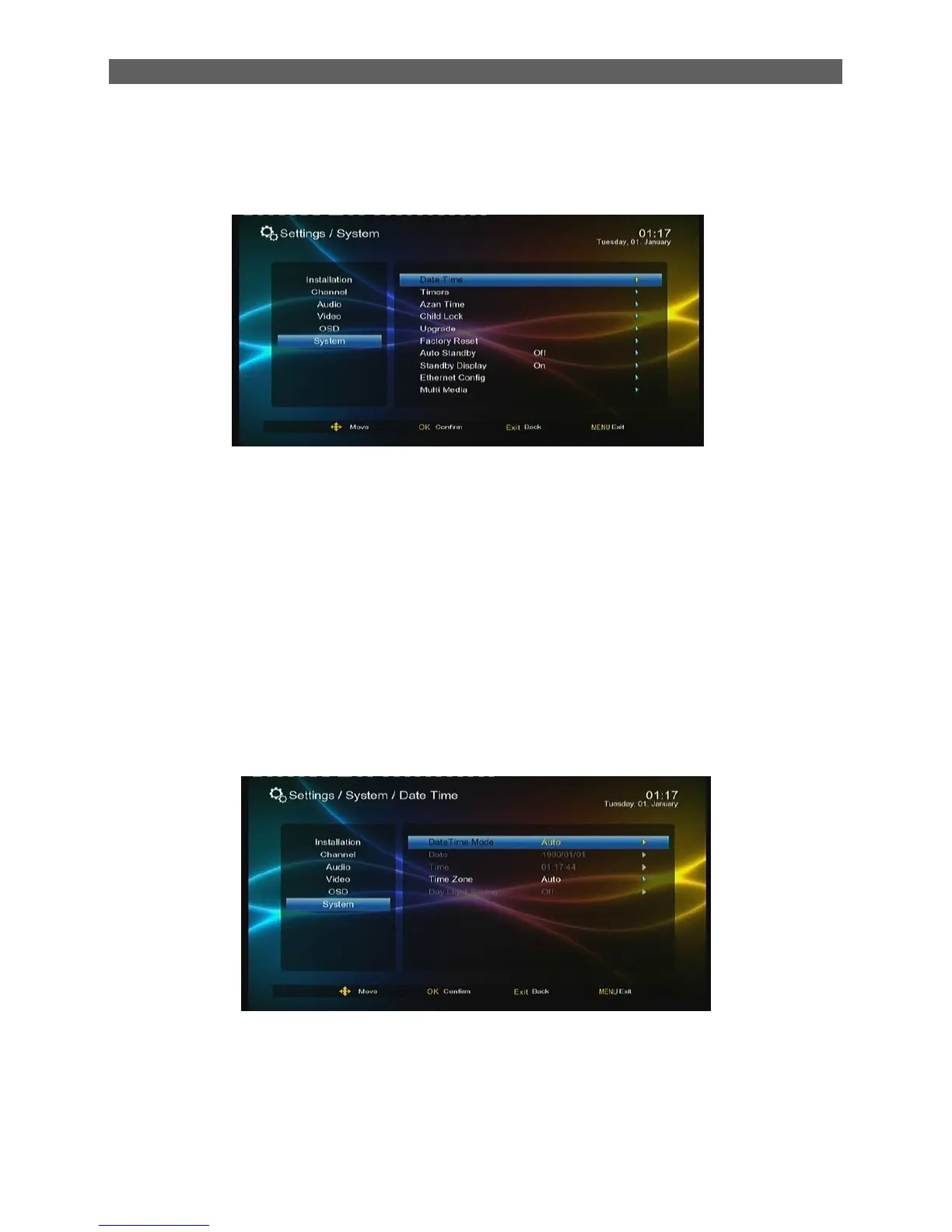
8. System
Press[▲/▼] key to highlight the system main menu, press [ok] or [ ►] to enter sub-menu.
8.1 Date Time
Setup the date time setting of system
Date Time Mode
Auto: both the Date and Time items will be set automatically (cannot be set by hand),you can set
up time Zone and Day light saving item
Manual: users can set the Date and Time items by hand, but Time Zone and Day light saving item
cannot be set.
If the Time Zone item is set as Auto ,the Day light Saving item will be grayed (cannot be set by
hand).if the Time Zone item is set as a concrete time zone, you can set whether or not to use the
daylight saving time according to the selected time zone.
8.2 Timers
Through the Timers item, you can manage scheduled programs. In the Timers menu you can view
and edit the scheduled program‟s name, start time, schedule type and so on:
This is the interface timers



 To Next Page