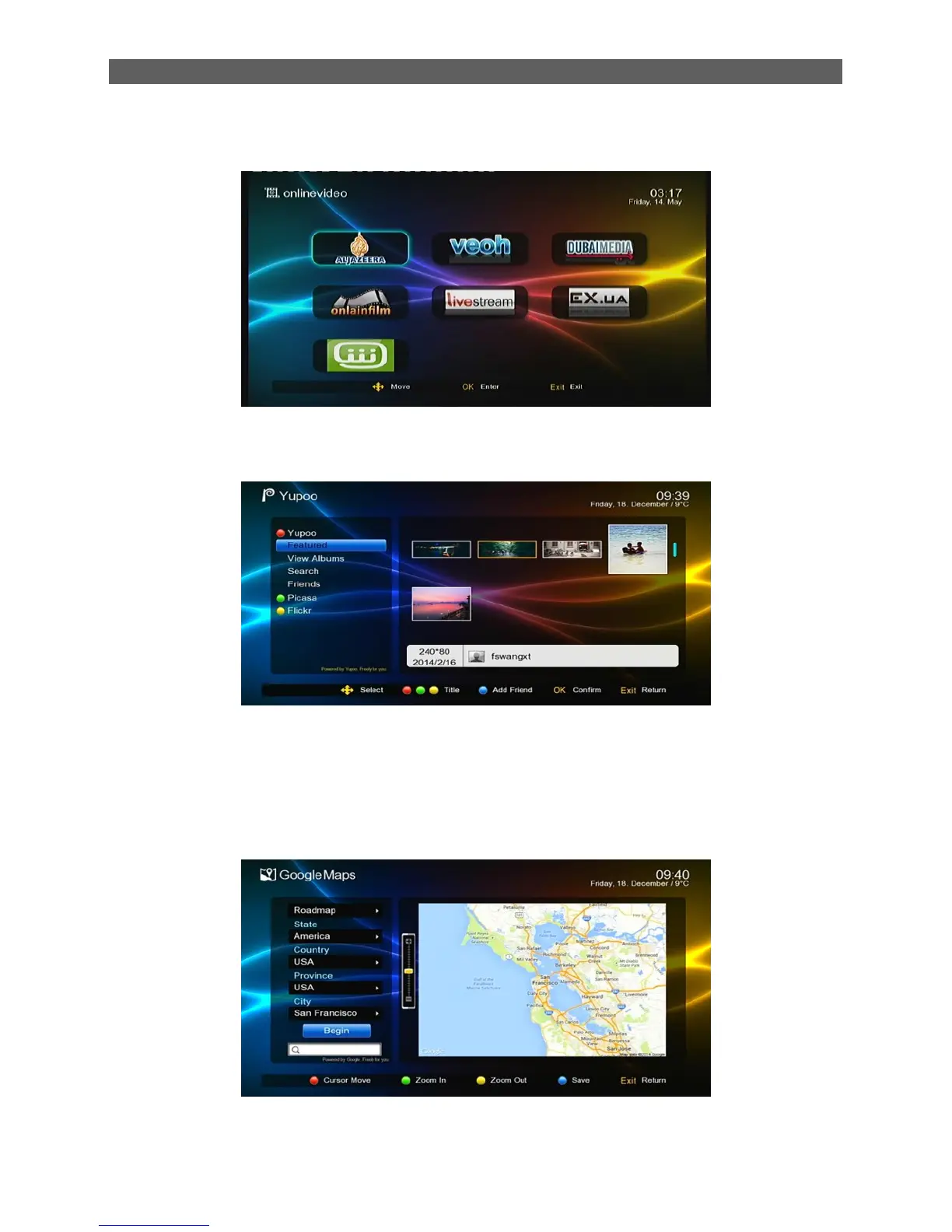
6.9 Online Video
This option access the Online Video.
6.10 Photo
The Photo module is for playing image files stored on the USB (CARD) device. Most popular
image formats are all supported.
In the Module Select Area, press [◄/►] keys to select the Photo type, then press [OK] or [▼] keys
to enter the image file list area. See the figure above:
6.11 Google Map
Google Map can help users know where they are and the environment around them, and also
search for a certain location and surroundings. See the figure below:
In the Google Map page, you can press the red function key to switch between the map search
setting area and the map display area; press the green/yellow function keys to zoom in or out the



 To Next Page