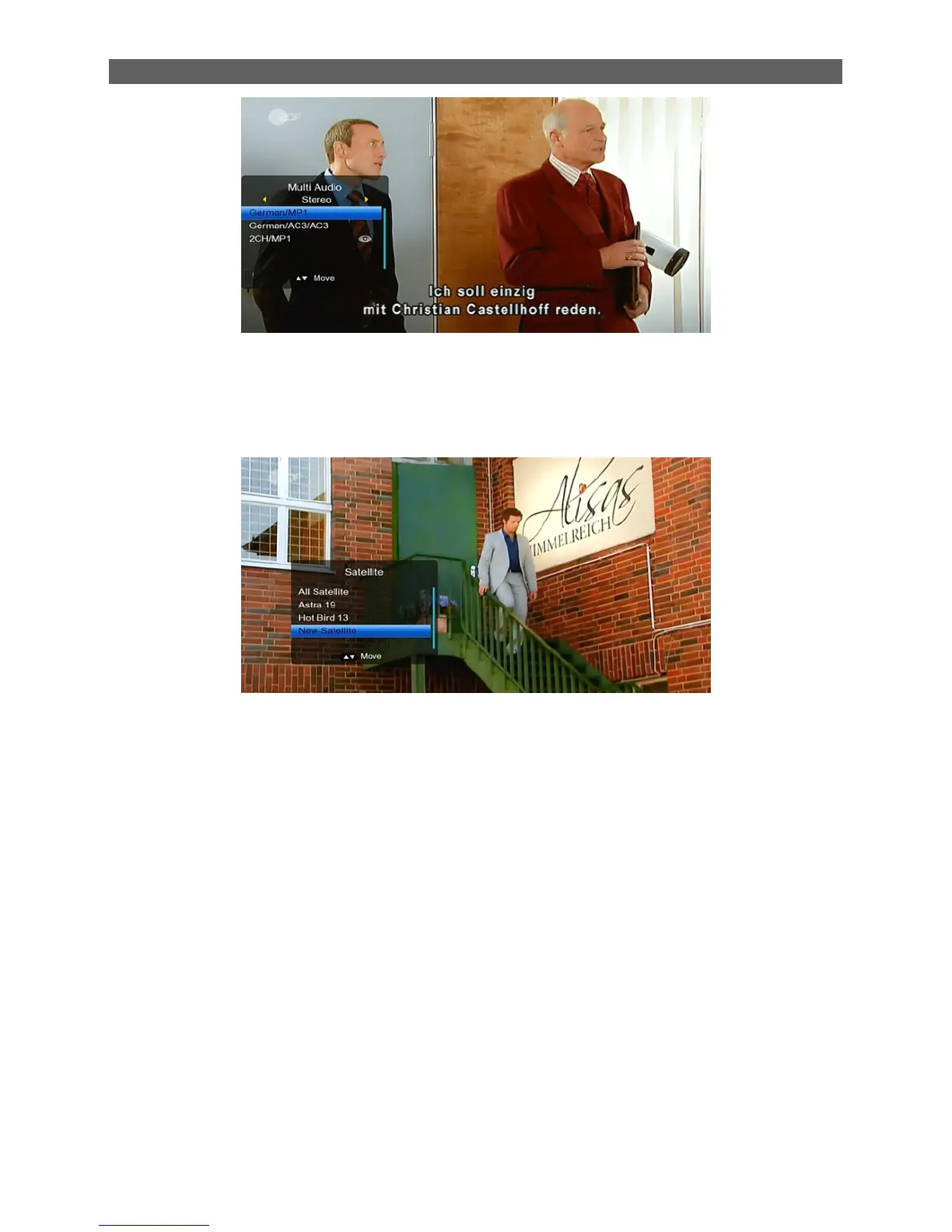
2.27 SAT
1. In TV mode, press [SAT] button to open satellite list and select there, then press [OK] to
open “TV Channel List” menu, select channel of the current.
2. In satellite list, press [CH▲/▼] to switch directly between satellites.
2.28 Channel Number
In TV mode you can enter the channel number directly with your remote control unit and confirm
the number with the OK button to change to the desired channel
2.29 FAV
1. In TV mode press the [FAV] button to display the Favorite Group window on the screen as
the picture beside shows.
2. In the Favorite Group window you can select the desired favorite channel with [CH▲/▼]
and confirm it with [OK] to switch to it. In bigger groups you can navigate with [PGUP/
PGDN].
3. With [VOL◄/►]. You can select different Favorite Groups.
4. Press [Exit] to close the Favorite Group window.
? Frequently Asked Question
Q: Why the screen displays “No Favorite Channel” after pressing the [Favorite] button?
A: No channels have been assigned to a Favorite Group yet. You can do this in the channel
menu.
2.30 RECALL
Pressing the [Recall] button allows you to toggle between the actual and the last selected
channel.



 To Next Page