During playback, the things you can do only include to press [◄◄/►►] keys to fast
backward or forward play the file, and to press RECALL key to return to the record file list.
Both file switching and repeat mode setting cannot be done.
When the playback completes, the system will auto return to the record file list.
To delete a record file: select it first and then press the red function key.
To rename a record file: select it first and then press the green function key.
6.2 Disk Manager
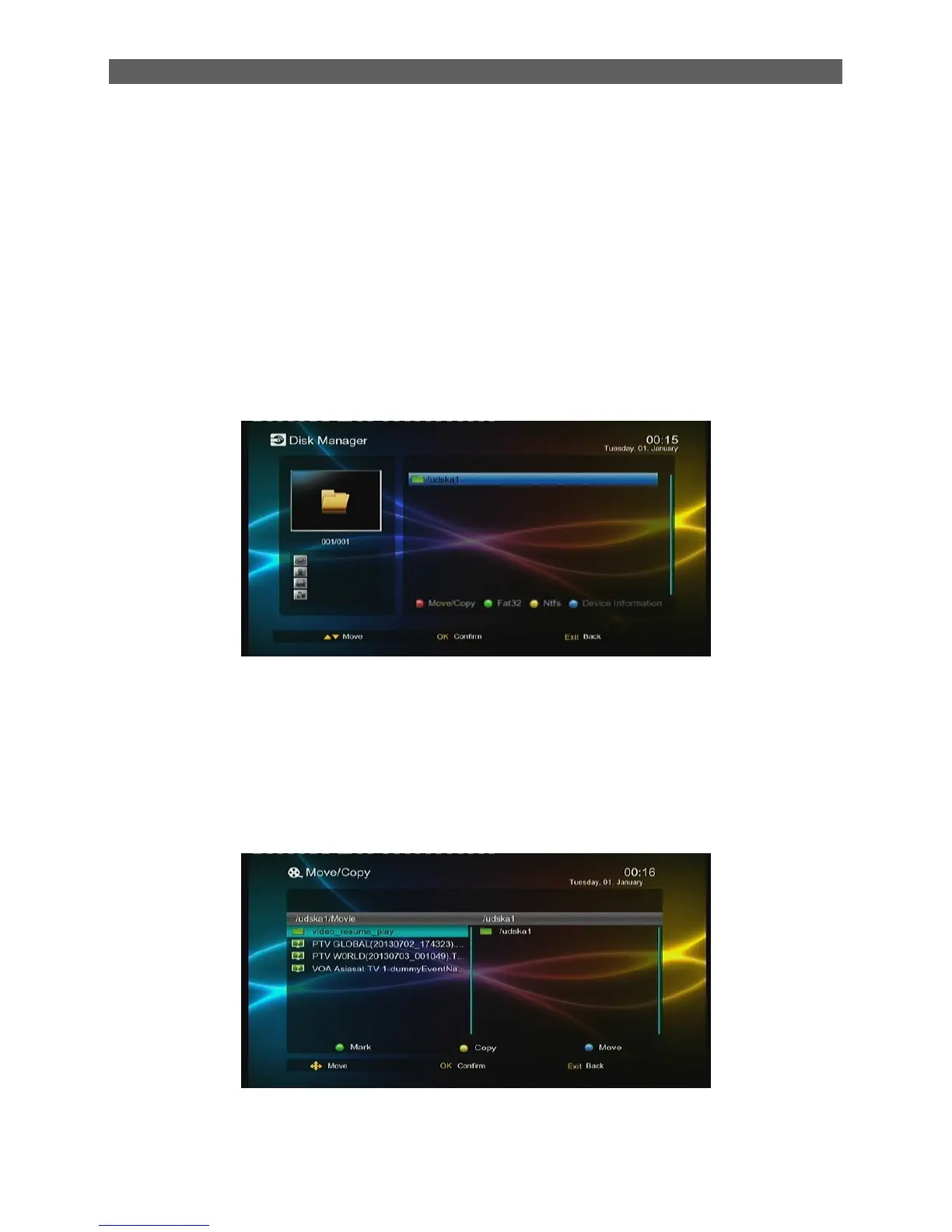
The Disk Manager module is for disk and file management:
If the selected object is a partition:
Green function key: Format the selected partition into FAT32 format.
Yellow function key: Format the selected partition into NTFS format.
Red function key: Move or copy the files (folders) in this partition. See the figure
below.



 To Next Page