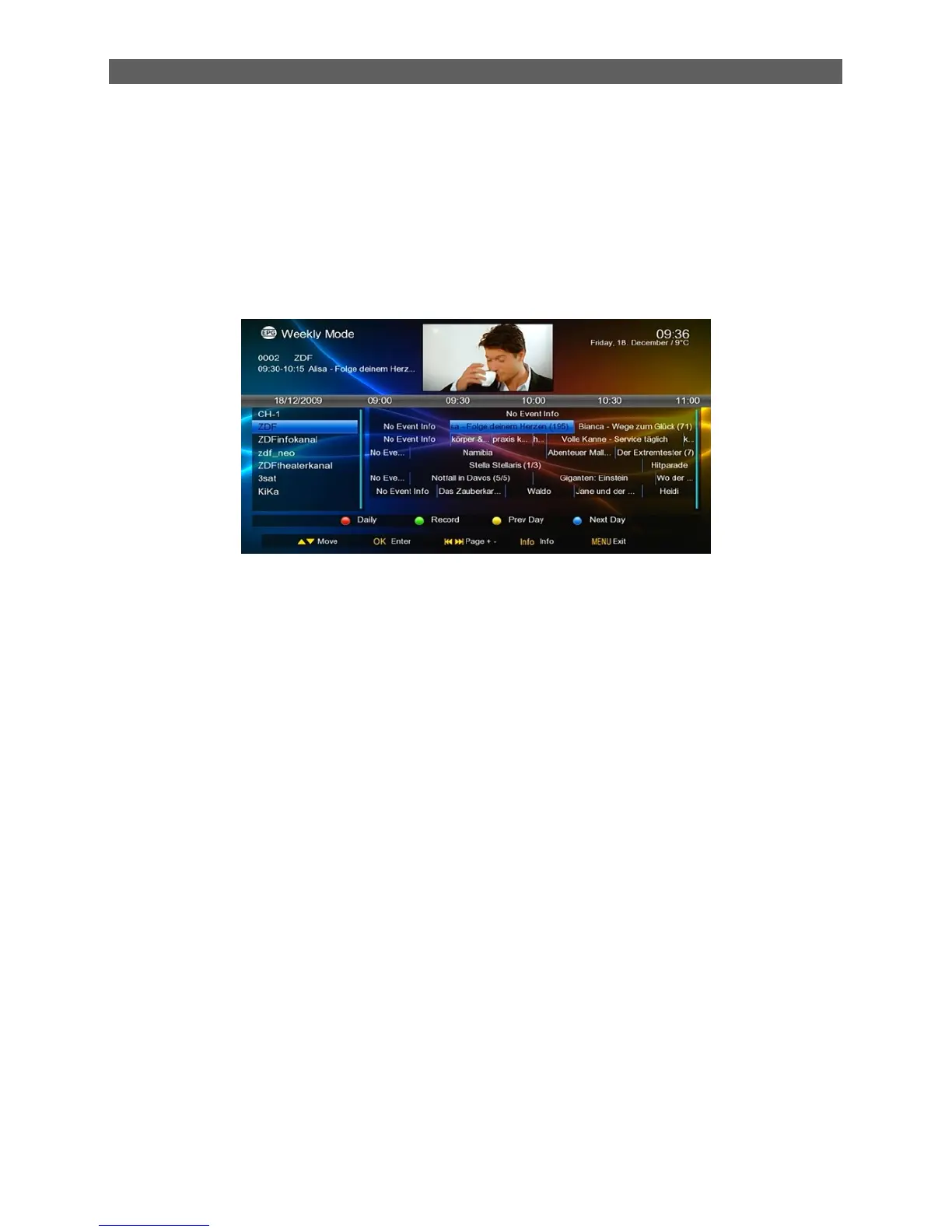
Green function key: When the highlight is in Area 5, press this key to record the selected program.
When the highlight is in Area 6, press this key to schedule to record the selected program
(Scheduled Record).
In addition, press INFO key to show the detailed information of the selected program.
2. Daily Mode
In Daily Mode, you can find the information of the programs on a day. See the figure below:
Yellow or blue function keys: Display EPG information of previous day or next day.
Green function key: If the selected program is being played, pressing this key can record the
program. If the selected program has not been played yet, pressing this key can schedule to play
or record the program.
2.23 INFO
Show or hide program info.
Show the information of the selected item while in EPG state.(Optional)
Show the detailed information of the being played media file while in multimedia playback .state.
(Optional)
Show the record information or record list while in record mode.
2.24 I◄◄/►►I
Go to the previous or next media file to play while in multimedia playback state.
2.25 ◄◄/►►
Fast Rewind or Fast Forward while in multimedia playback state.
Selection: 2x, 4x, 8x, 16x, 32x speed.
2.26 AUDIO
1. In TV mode, press the [Audio] button to open the Multi Audio window.
2. Press [VOL◄/►] to select sound channels
3. Press [▲/▼] to select audio language.(Optional)



 To Next Page