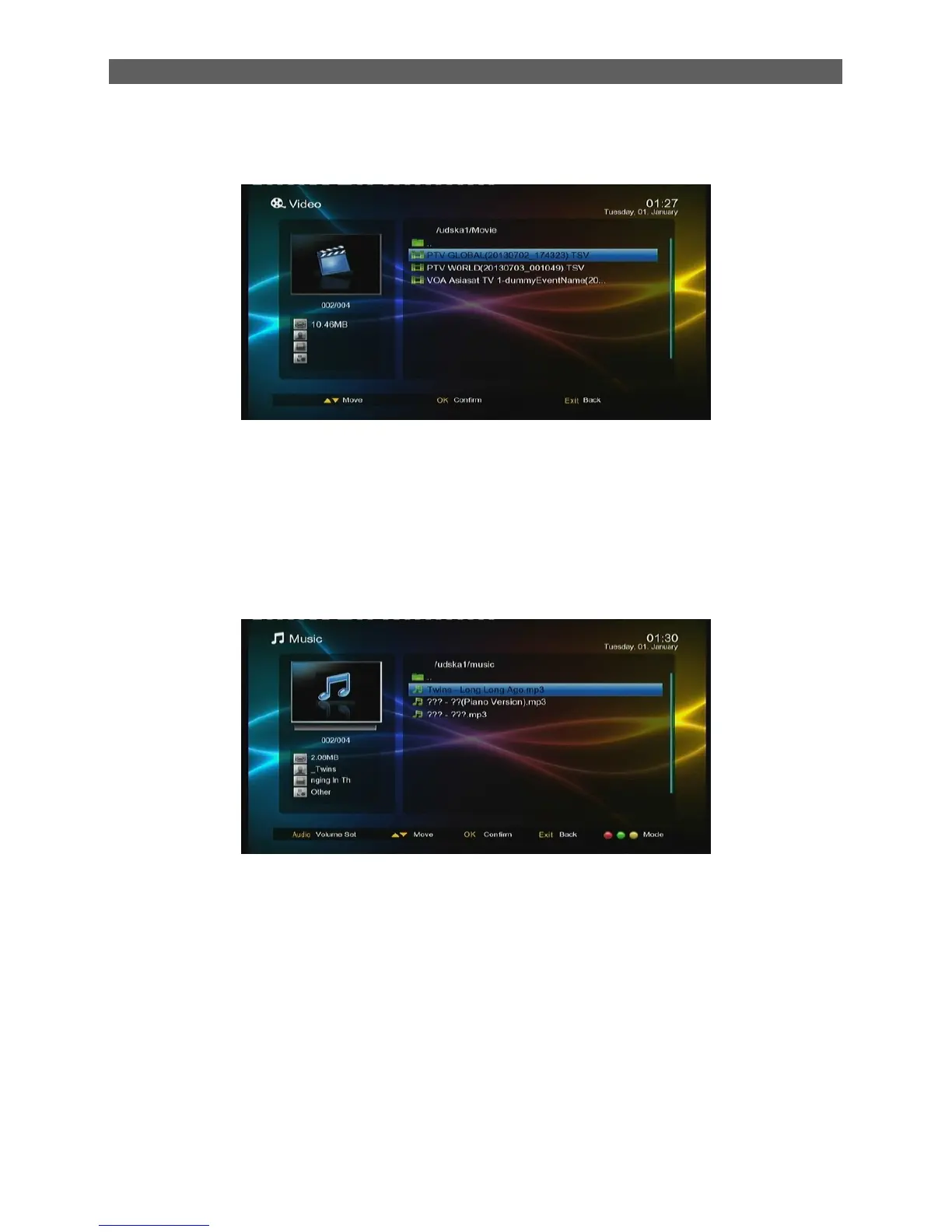
3. Video
The Movie module is for playing video files stored on the USB (CARD) device.
Press [OK]or [ ►] keys to play the selected video file
Press [I◄◄/►►I] and [◄◄/►►] to play the previous or next video at the same directory
4. Music
The Music module is for playing audio files stored on the USB (CARD) device. Most popular audio
formats are all supported.
Press [▲/▼] keys to select the previous or next audio files.
Press [OK]or [ ►] keys to play the selected audio file. (If the audio file is under a folder,
pressing [◄] key can exit the folder.)
Fast Play: Press [◄◄/►►]keys to fast move forward or backward through the audio
file. The max fast play speed is x32. Press PLAYS keys to resume the normal playback.
Stop: Press STOP key to stop the current playback.
Pause: Press PAUSE key to pause the current playback. Pressing PLAY key can
resume the playback.
Exit: Press EXIT or RECALL keys to exit the playback interface and return to the
multimedia type select interface. (Note that if the background play function has been
turned on, the music will not stop but become background music.)



 To Next Page