map; press the blue function key to save the current map; [▲/▼] & [◄/►] keys to move the focus
in the map to view different locations.
6.12 Weather
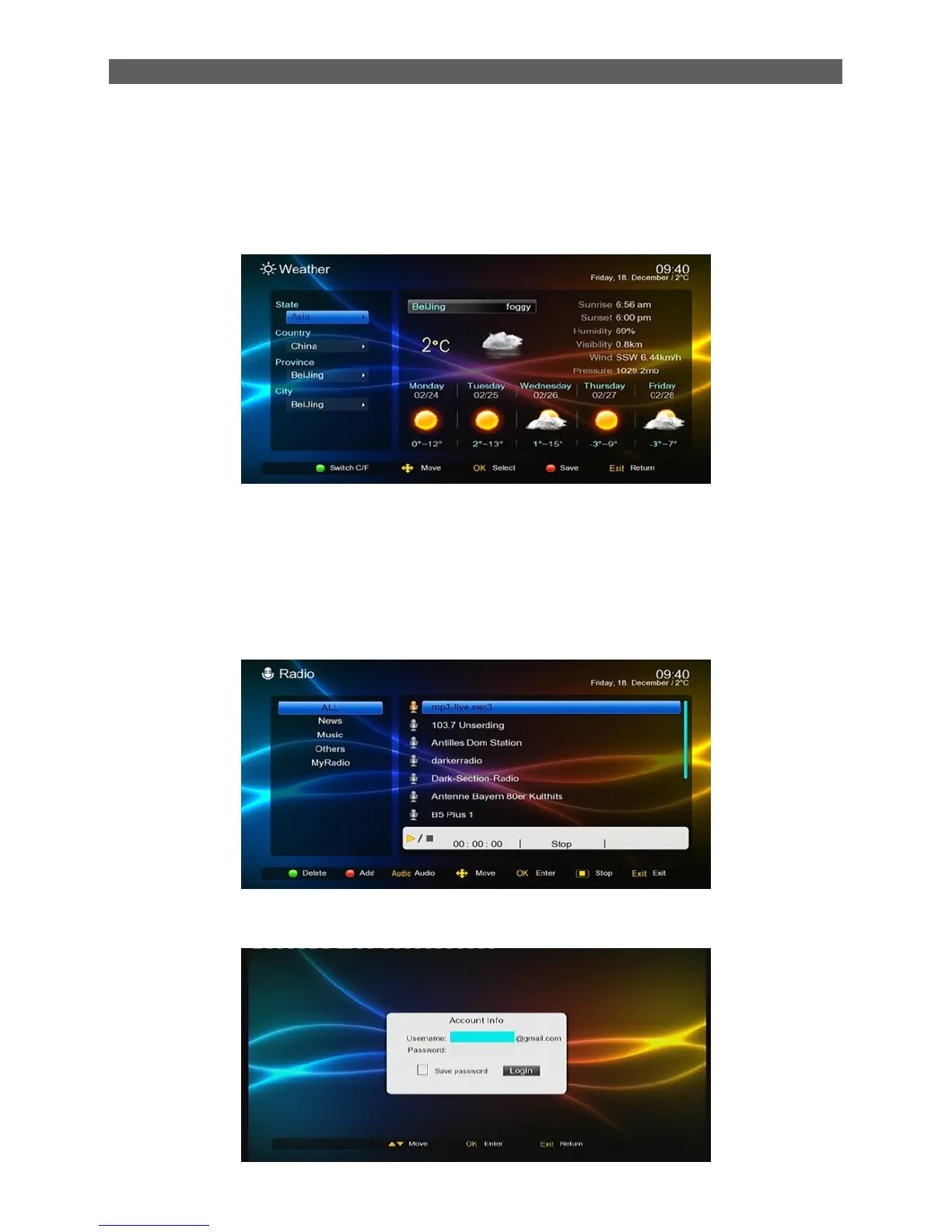
The Weather module provides weather forecast information for users. To enter this module, select
the Weather item in the Network menu by pressing [◄/►] keys and then press [OK] key. See the
figure below for the Weather page:
In this module you can get current weather conditions and forecast within a week for locations in
the world. You can press direction keys to set a city through the search fields at left and then press
[OK] key to view the weather information of the city. For example, to view Beijing‟s weather
information, select Beijing City in the search field area and then press [OK] key. Then you will find
the Beijing‟s weather information at the right side.
6.13 Radio
Online radio and TV channels, you can use [◄/►] an[▲/▼] to select the menu program.
6.14 Gmail
This is free E-mail server. This figure as below:



 To Next Page