7. Setting
The Main Menu has six items: Installation, Channel, System Setting, Tool, Media, and Net Work,
which include all setting items of the system.
Press [MENU] key to display the Main Menu, see the figure below:
7.1 Installation
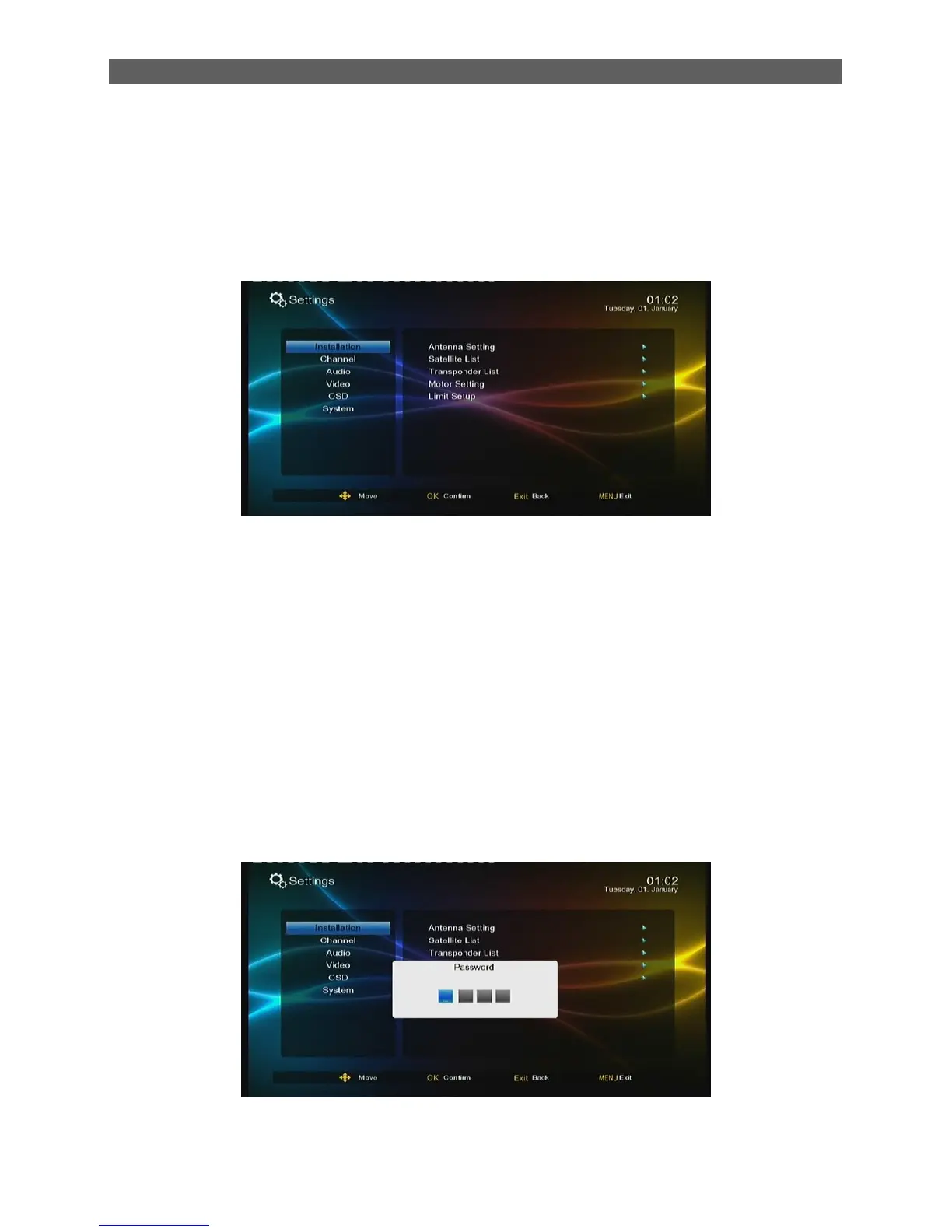
Press [▲/▼] keys in the Main Menu to highlight the Installation item and then press [OK] or [►]
keys. A password input dialog pops out. After entering a correct password (default password is
„0000‟), there are five sub-menu:
The password can be change in main menusystem settingchild lock sub-menu
Antenna Setting: Antenna and LNB settings
Satellite List: Satellite list setting
Transponder List: Transponder list setting
Motor Setting: Polar axis motor setting
Limit Setup: Polar axis move limit setting



 To Next Page