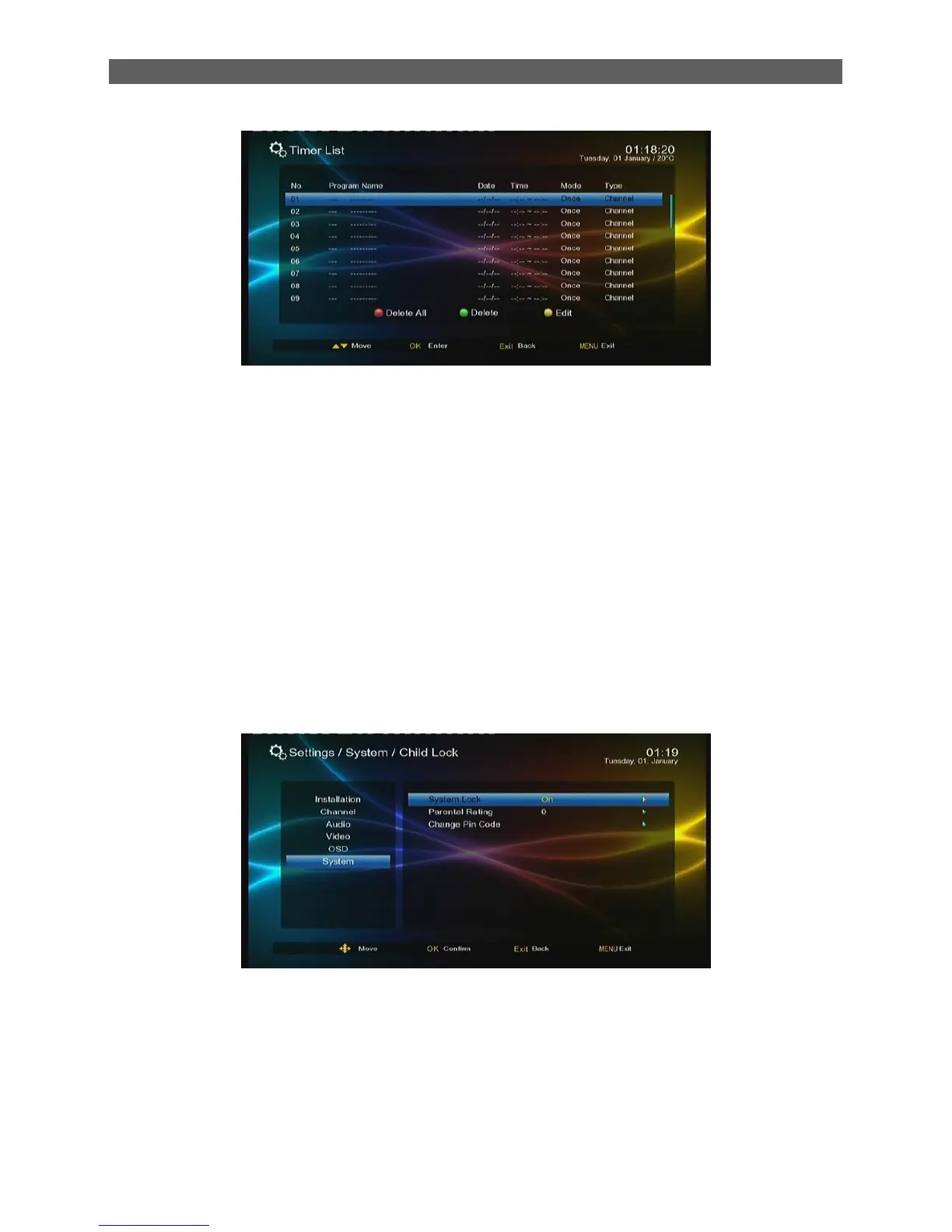
Program Name indicates the scheduled program.
Data and Time indicate the scheduled time.
Mode indicates the frequency of schedule: Once, Daily, Weekly or Monthly.
Type indicates the behaviors after the scheduled time is reached.
8.3 Child Lock
The Child Lock sub-menu is to set a program lock in order to protect children from watching some
improper programs to their ages.
After highlighting the Child Lock item in the Setting menu press [OK] key, and a password input
dialog will appear. Input a correct password (default: 0000) to enter the Child Lock menu.
There are three menu items:
System Lock: Turn on or off the child lock function.
Parental Rating: Set rating from 4 ages to 18 ages. If set as 0, no limit.
Change Pin Code: Change the password of the child lock. When this item gets the
highlight, press [ OK ]key to call out the Change Pin Code dialog. See the figure below:



 To Next Page