7.4.7 HUE
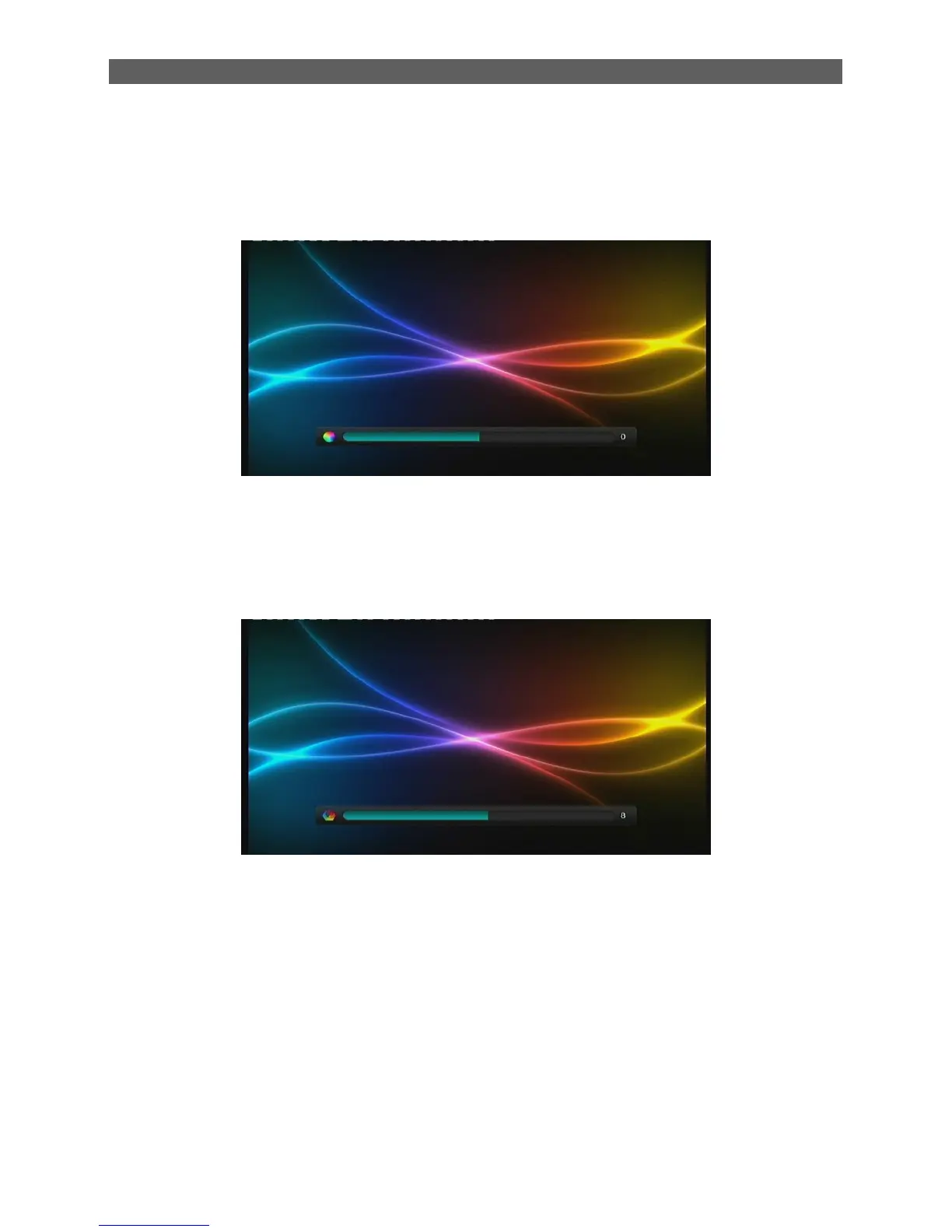
The HUE item is to adjust the hue level of the system from -30 to 30. After highlighting this item,
press [OK] key to enter its setting interface:
7.4.8 SHARPNESS
The Sharpness item is to adjust the Sharpness level of the system. After highlighting the
Brightness item, press [OK] key to enter its setting interface:
In addition, in this interface press [▲/▼] keys can switch among Contrast, Brightness, Saturation,
Hue and Sharpness.
7.5 OSD Language
The OSD Language sub-menu defines the language of menu and prompts. To change the OSD
languages, press [▲/▼] keys to highlight this item and then press [ok] or [ ►] keys to pull down a
language list. In this list, you can press [▲/▼] keys to select a language and the press [ok] key to
confirm.



 To Next Page