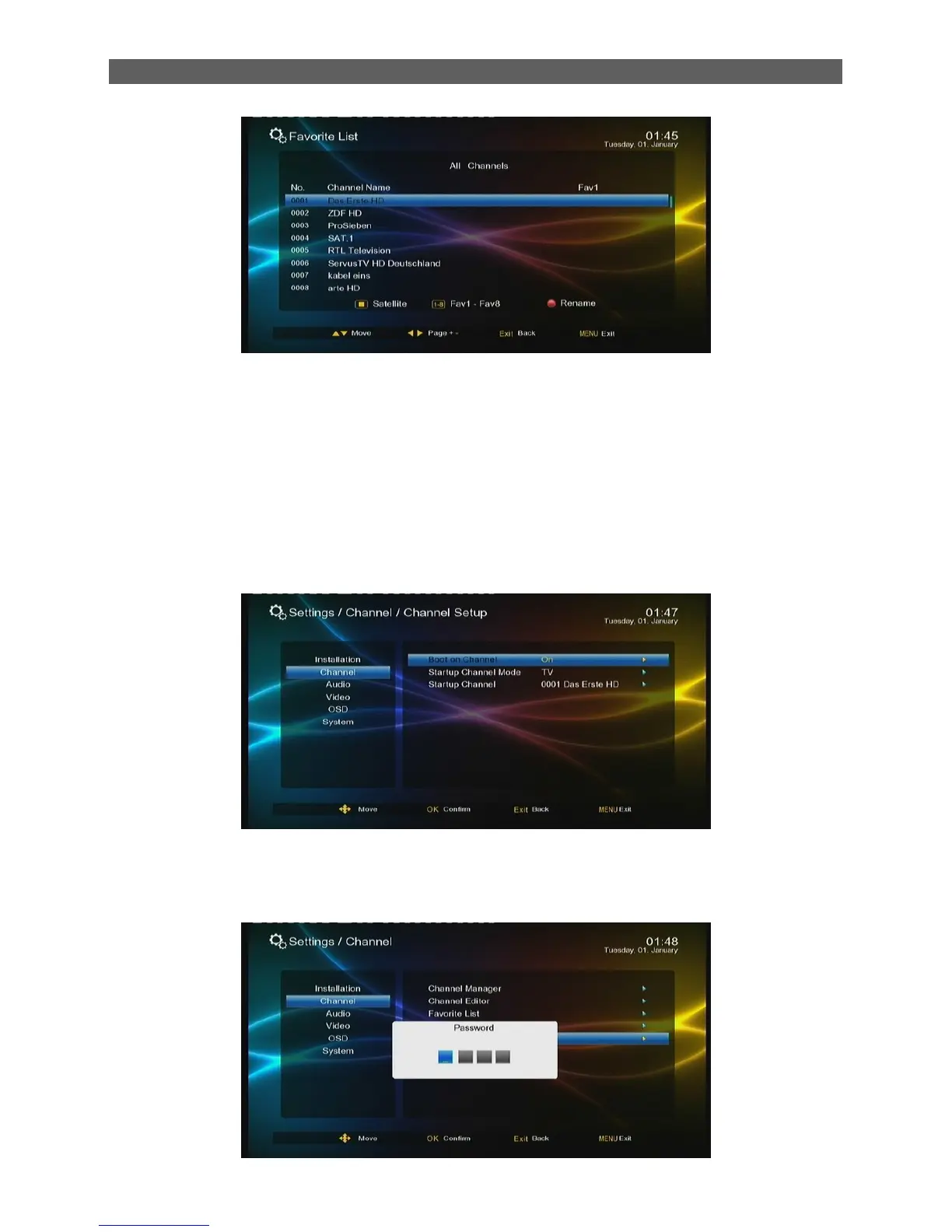
Rename the name of Favorite List
Select the Favorite List you want to rename by number 1-8 on RCU, press [red function] key to
rename it
7.2.4 Channel Setup
This item is to set the default channel after the system boots. By default, after the system boots,
the channel that is being played before the previous turning off will be auto played. If you want to
make the system always play the Awaz TV every boot on, you can configure the setting items in
the Channel Setup menu as follows.
7.2.5 Delete All Channel
Highlight Delete All Channel sub-menu, press [ok] or [ ►] keys, a warning window will display,
select „yes‟ will delete all channel, select “no” will cancel the operation.



 To Next Page