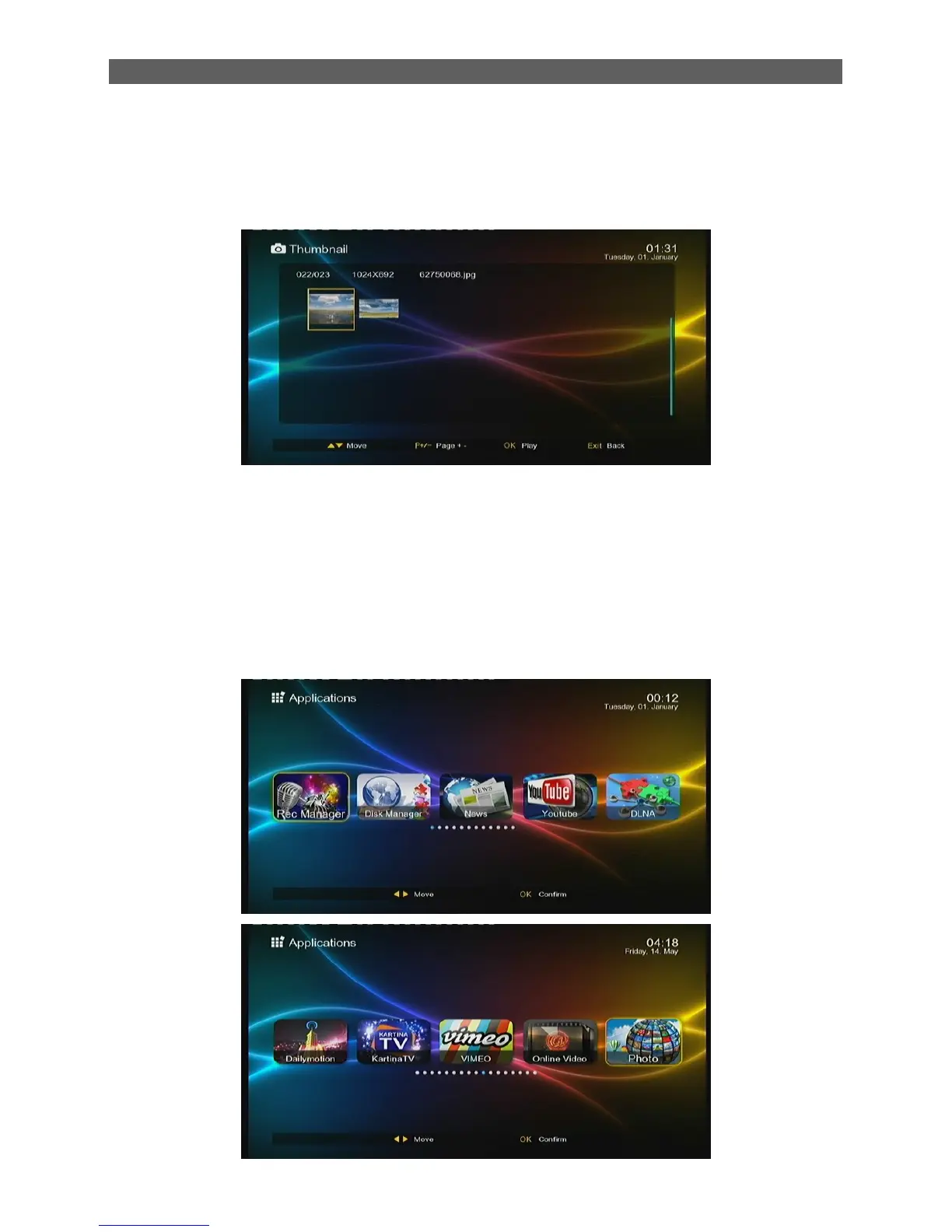
5. Picture
The Picture module is for playing image files stored on the USB (CARD) device. Most popular
image formats are all supported.
In the Module Select Area, press [◄/►] keys to select the Photo type, then press [OK] or [▼] keys
to enter the image file list area. See the figure above:
6. Applications
This option shows all the applications you can use, the figure as below:



 To Next Page