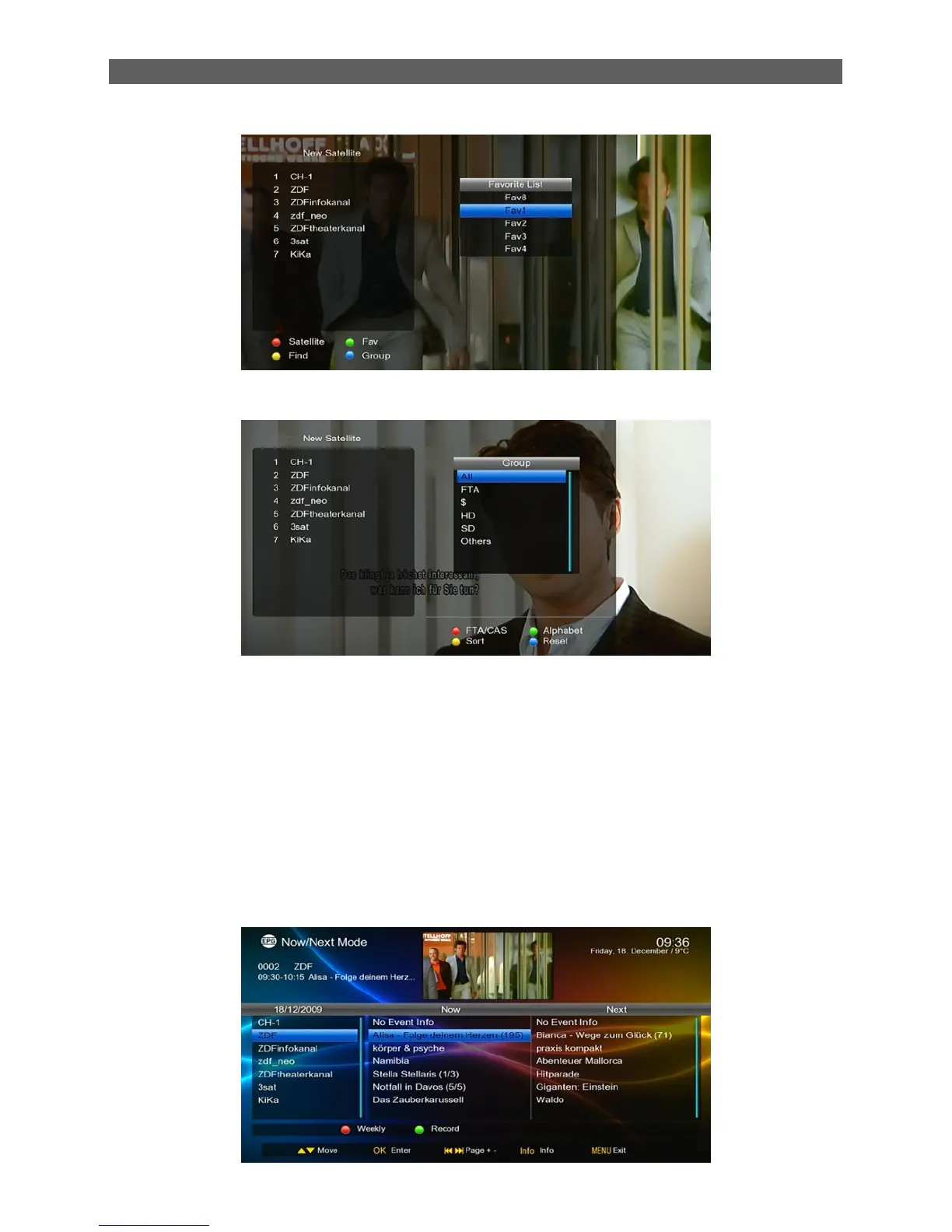
Press [Blue] button to open the “Group” window like showed beside.
2.22 EPG
To get the information of programs being played or to be played in coming days, press EPG key to
enter the electronic program guide (EPG). The EPG information depend on the channel, if the
channel have not EPG information, the relative field show “No Event Info”.
EPG info has three modes: Now/Next Mode, Daily Mode and Weekly Mode. The system will
enter the Now/Next mode by default, and you can press the red function key to change to other
modes. Press EXIT or EPG keys to exit EPG.
1. Now/Next Mode



 To Next Page