7.4.4 Contrast
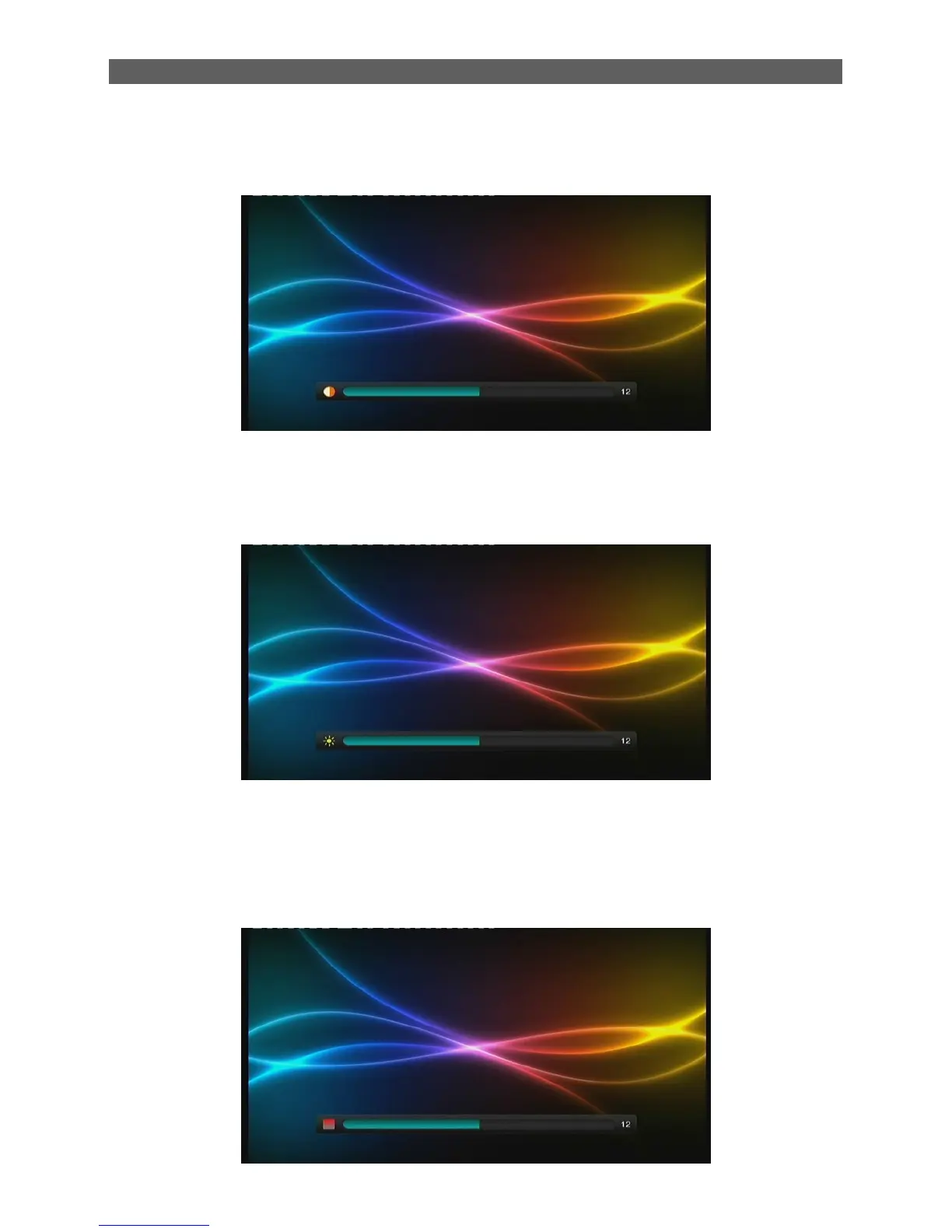
The Contrast item determines the contrast level of the system. After highlighting the Contrast item,
press [OK] key to enter its setting interface:
7.4.5 Brightness
The Brightness item is to adjust the brightness level of the system. After highlighting the
Brightness item, press [OK] key to enter its setting interface, see the figure below:
Press [◄/►] keys to adjust the brightness level from 0 to 24. After setting, press [OK] key or just
wait for 3 seconds to return to the AV menu.
7.4.6 Saturation
The Saturation item is to adjust the saturation level of the system from 0 to 24.



 To Next Page