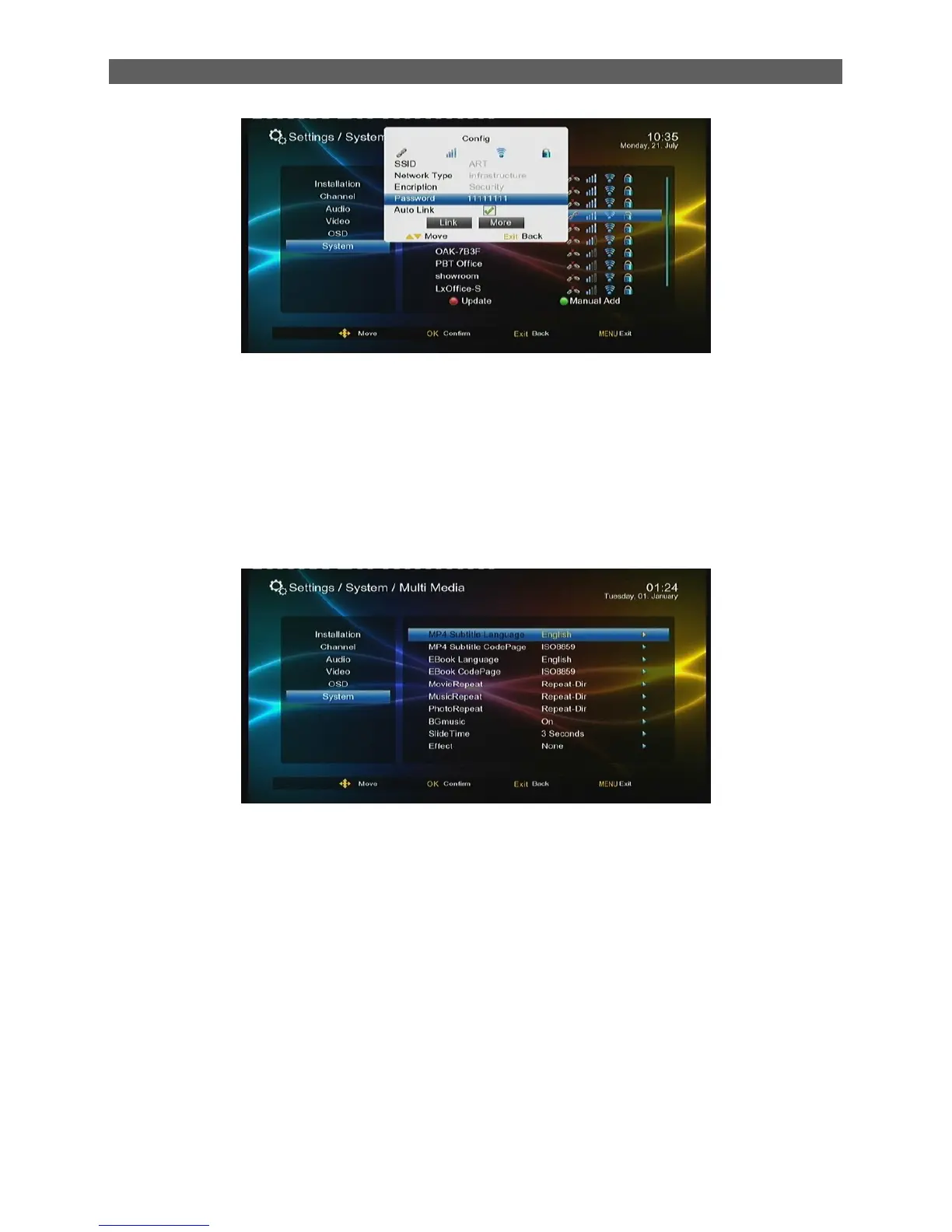
If Network is connected, it should get the correct IP address and display the “ Network Connect
success”
8.9 Multi Media
The Multimedia item is only for the Multimedia Mode.
Main parameter included:
MovieRepeat: Set repeat mode for movie playback. Three options: Dir, One, OFF.
MusicRepeat: Set repeat mode for music playback. Three options: Dir, One, OFF.
PhotoRepeat: Set repeat mode for photo playback. Three options: Dir, One, OFF.
Bgmusic: Turn on or off background music (while playing photos or eBooks).
Slide Time: Set time interval for photo slideshow mode.
Effect: Set special effect for photo slideshow mode.



 To Next Page