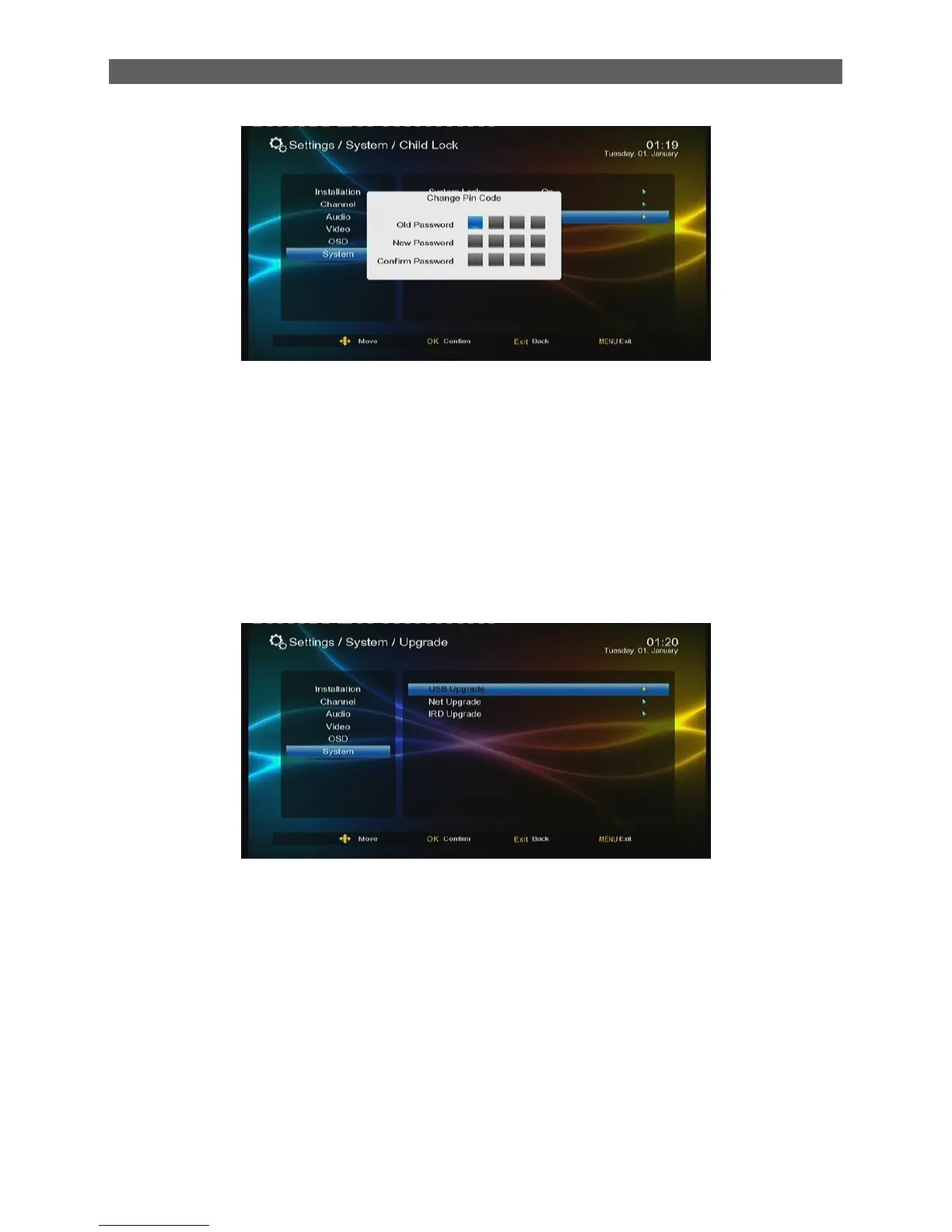
In this dialog, enter the correct old password first and then give a new password twice. Thus the
password is changed completely.
8.4 Upgrade
Carry out system software upgrade.
At present the system supports three methods to upgrade the system software: USB Upgrade,
Net Upgrade. IRD Upgrade. This is the data base config interface configuration:
:
8.5 Factory Reset
Through the Factory Reset item you can reset the system to factory settings.
Press ▲/▼ keys to highlight this item and then press [ OK ] key, and a password input dialog will
appear. Input a correct password (default: 0000), and the system will then start to reset to factory
settings. When finished, “Init Install” window display (refer to chapter 2.1)



 To Next Page