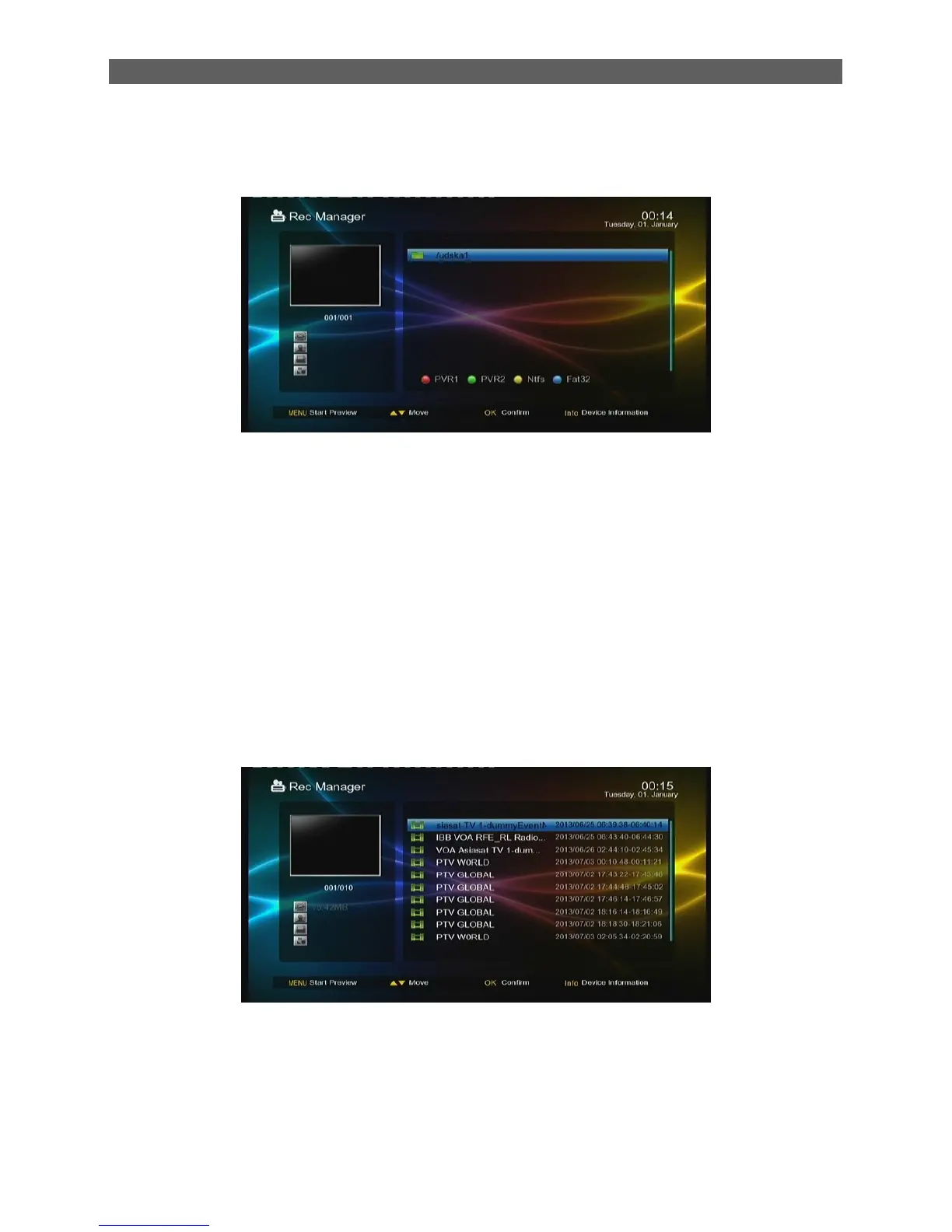
6.1 Rec Manager
The Rec Manager module is for users to carry out record setting and view the programs recorded:
If the USB (CARD) device has more than one partition, you should manually set the partition in
which record files will be saved.
Red and Green function key: Set the selected partition as the default record partition.
Blue function key: Format the selected partition into FAT32 format.
Yellow function key: Format the selected partition into NTFS format.
To view record files, select the partition that stores the record files and then press ENTER key to
enter it. The system will auto list all the recorded programs, see below:
To play a record file: press [▲/▼] keys to select the record file first and then press
[OK]or[ ►] keys to play it.



 To Next Page