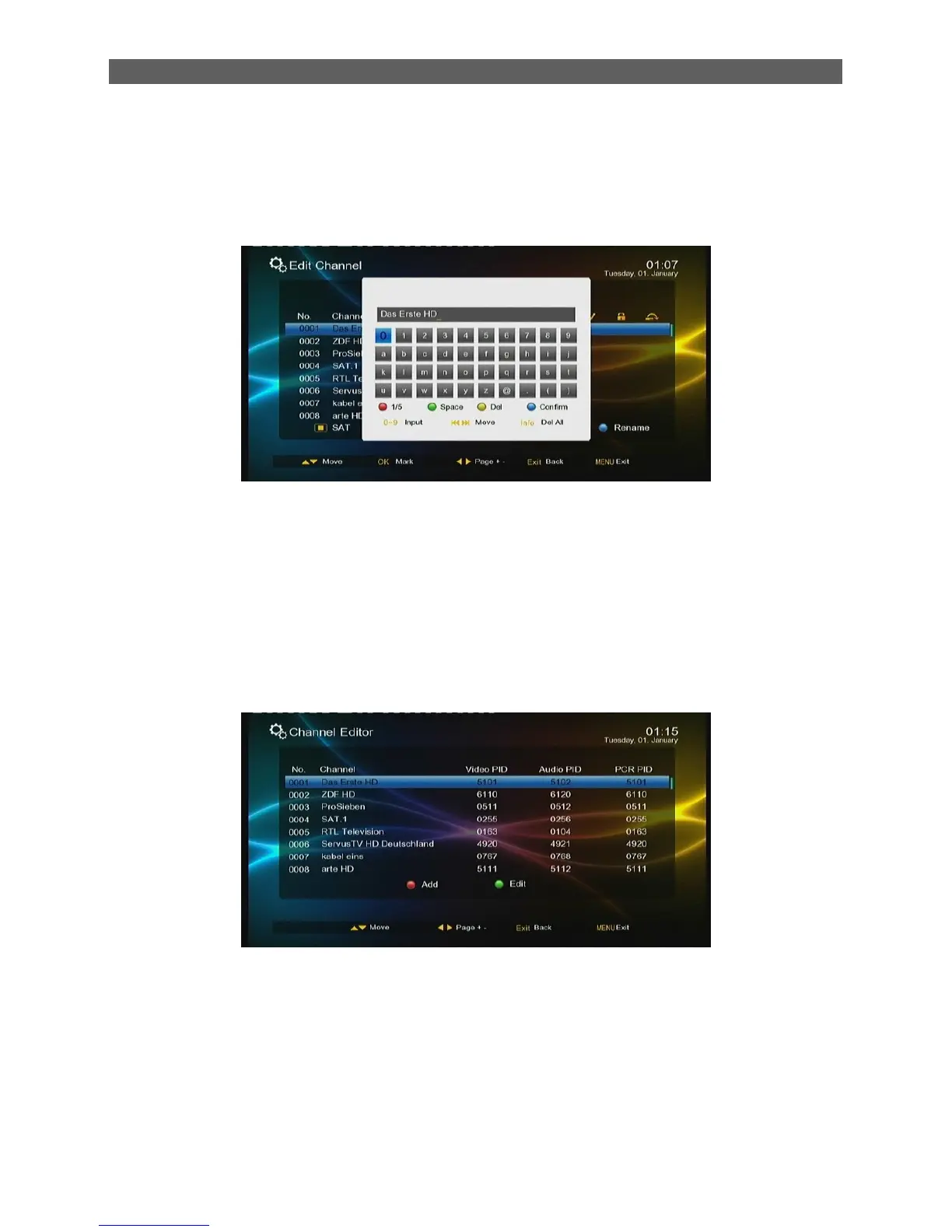
[Blue function] key: Edit channel
Press [▲/▼] keys to select the channel and then press the blue function key to enter the channel
name edit page.See the figure below:
After editing, press [ok] key to confirm.
Press Menu key to exit the Channel Manager menu.
Press EXIT key to go back to the Main menu.
7.2.2 Channel Editor
To enter the Channel Editor menu, in the Channel menu press [▲/▼ ] keys to select the Channel
Editor item and then press [ok] key.
The Channel Editor menu contains two functions: Channel Add and Channel Edit, Press [▲/▼] keys
to select the channel and then press the red or green color function keys on the remote control to
manage it: press the red function key to add a new channel; the green function key to edit the
attributes of selected channel (Channel name, Video/Audio/PCR Pid).



 To Next Page