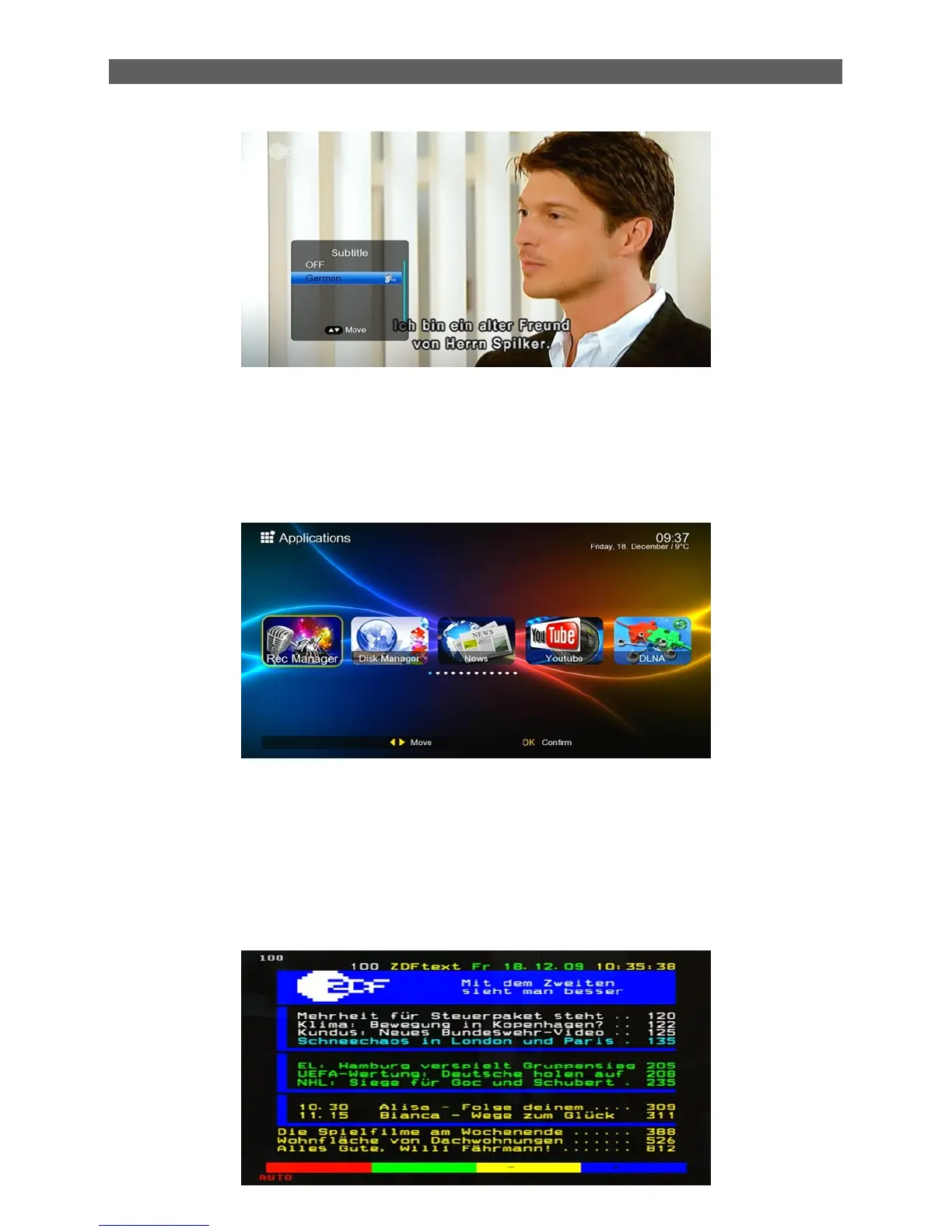
The optional selection depend on the channel..
2.7 TIMESHIFT
In TV mode, press the [TIMESHIFT ] button will play back the recordings recorded, press the
"stop" you will be asked to "Do you want to stop TIMESHIFT " menu.
2.8 USB
In TV mode, press [USB] button to access directly to the “Applications” menu.
The function “Applications” menu is same as [Main Menu Applications].
2.9 TV/Radio
In TV mode, press [TV/Radio] to switch to Radio mode. In Radio mode press [TV/Radio] again to
switch back to TV mode.
2.10 TXT
Press TXT key to enter the Teletext mode. See the figure below:



 To Next Page