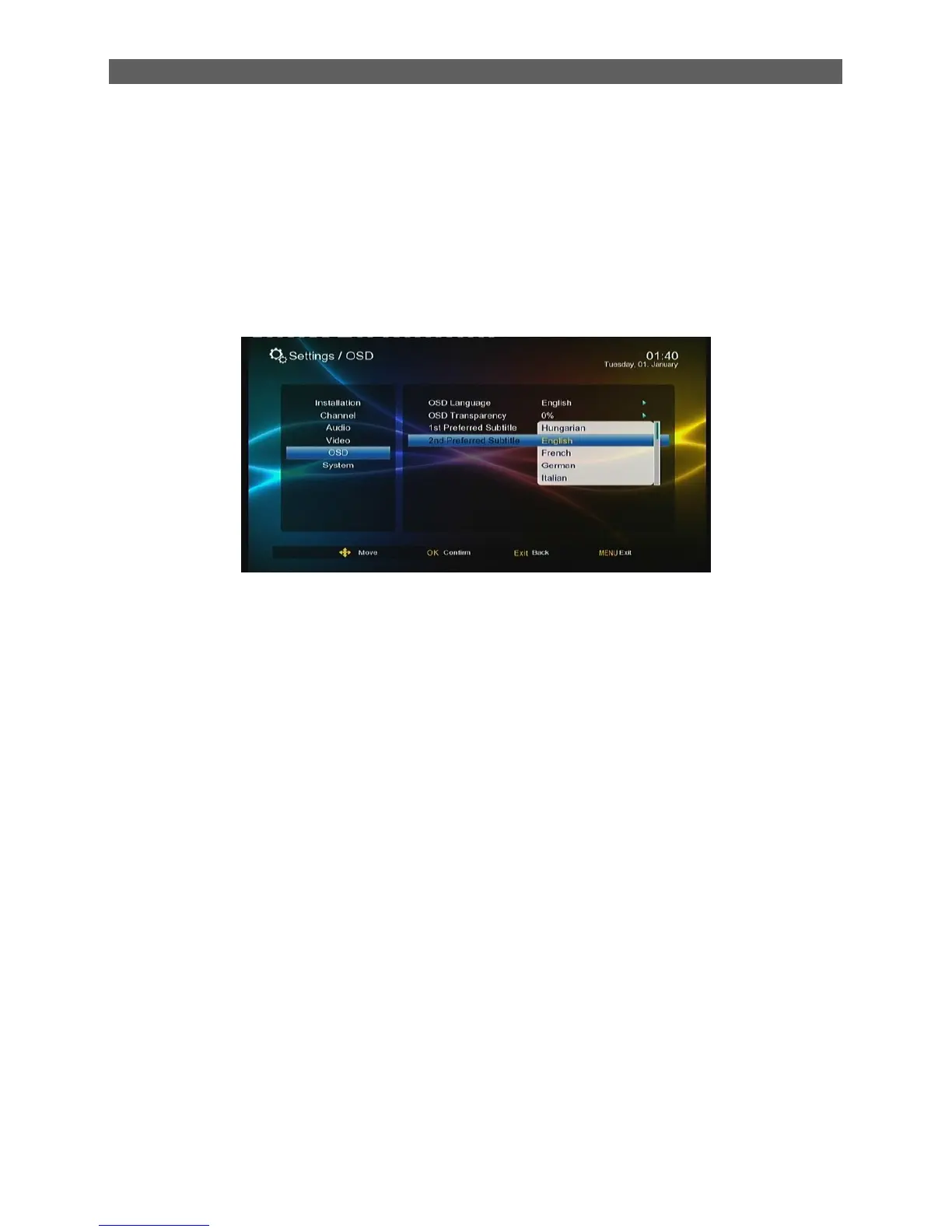
To change preferred subtitle languages, press [▲/▼] keys to highlight the Preferred Subtitle
sub-menu and then press [ok] or [ ► ] keys to pull down a language list. In this list, you can press
[▲/▼] keys to select a desired language and then press [OK] key to confirm.
7.5.3 2Preferred Audio
The 2Preferred Audio Subtitle is used to set the default audio language. When a program has
audios of multiple languages, the system will auto search the matched audio to play according to
the settings here. Two preferred audios can be set and the first one has a higher priority.



 To Next Page