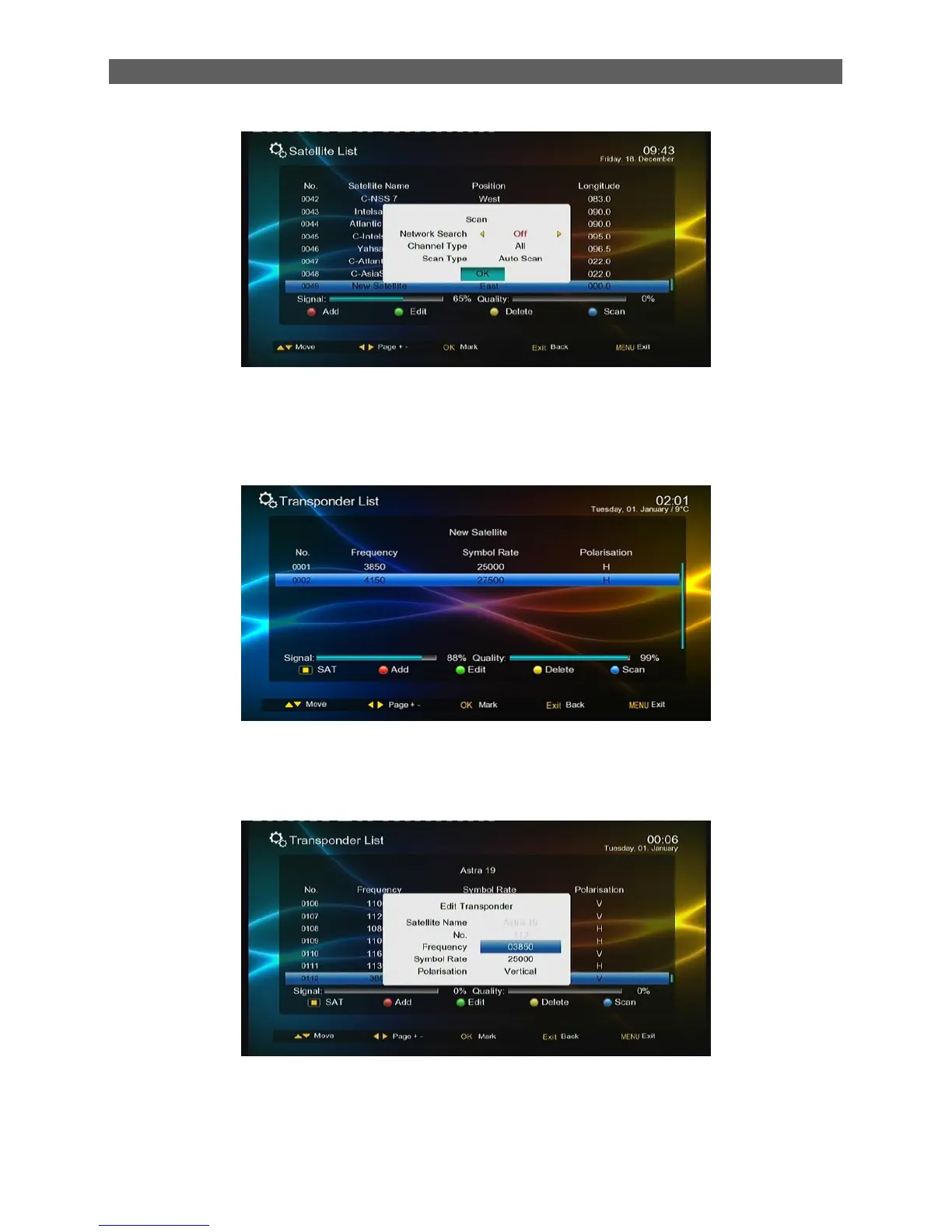
7.1.3 Transponder List
In the Installation menu, press [▲/▼] keys to highlight the Transponder List item
And then press [OK] or [►] keys to enter the Transponder List page. See the figure below.
The Transponder List stores the transponders of current satellite of current system. Each
transponder may have multiple frequencies. You can press color function keys on the remote
controller to edit the list,
Press [red function] key, set the Frequency, Symbol Rate and Polarization of transponder, press [ok]
key to store it.



 To Next Page