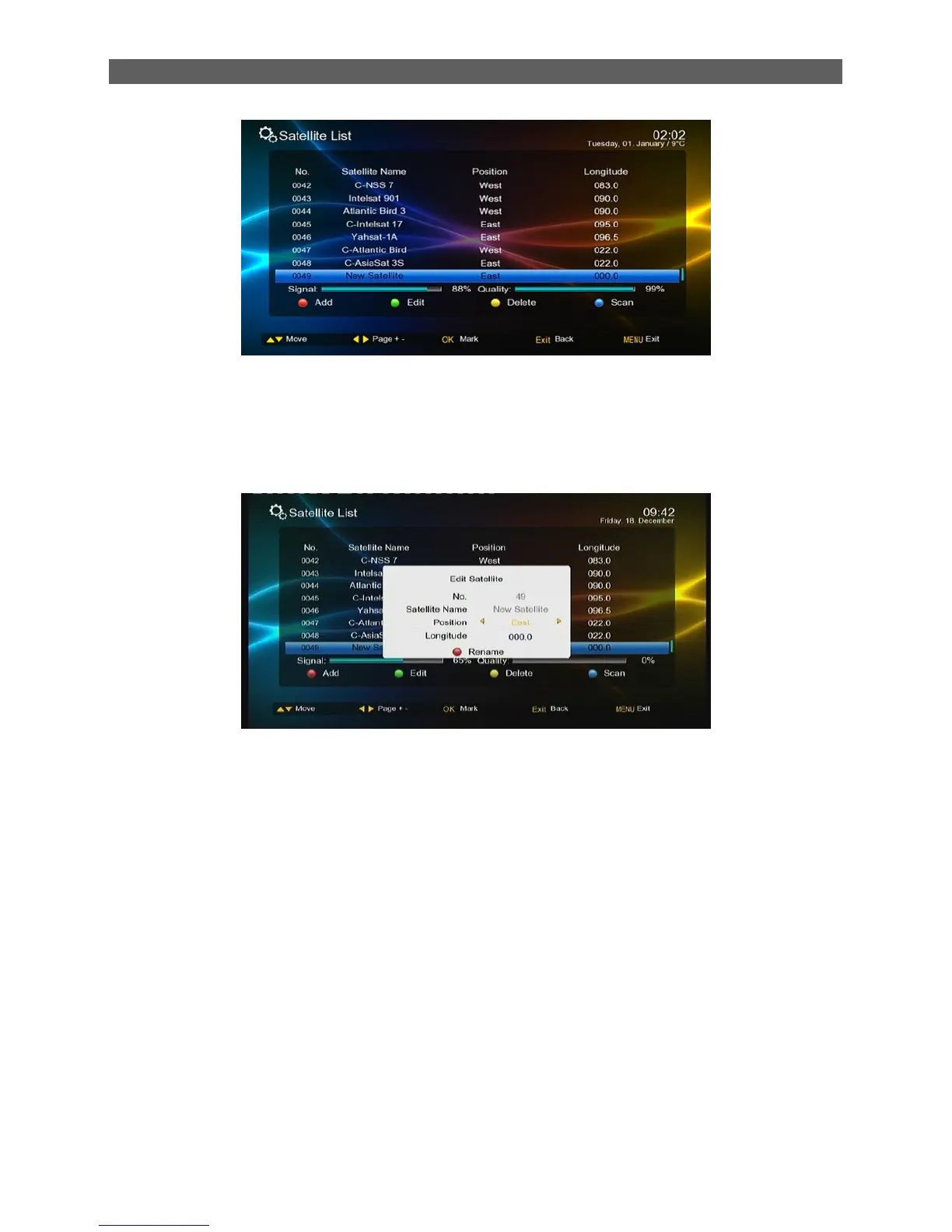
The Satellite List (see figure above) shows all the satellites the system has stored. Users can
press color function keys on the remote controller to edit the list,
[red function] key: add a satellite
Press [red function] key, set the position and longitude of satellite, the default satellite name is
new satellite, you can press [red function] key again to rename it.
[Green function] key: edit a satellites
[Yellow function] key: delete a satellite
Scan channel by satellite
Press [▲/▼] keys to highlight the satellite which you want to scan channel, Press [blue] key, the
scan window display, select correct scan criteria, press [ok] button, the system will begin to scan
channel of this satellite,



 To Next Page