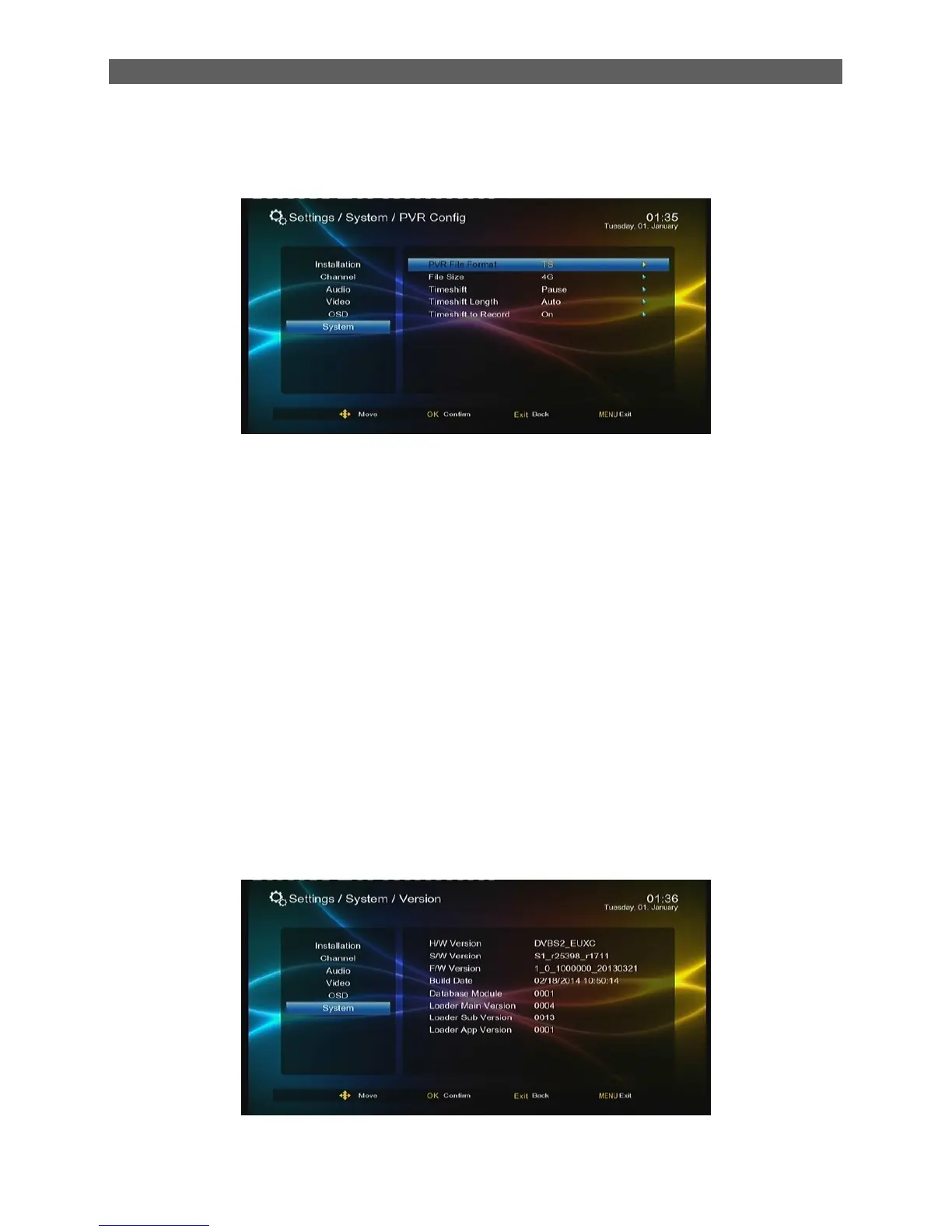
8.10 PVR Config
Through the PVR Config item you can do some settings on Timeshift and Record functions.
PVR File Format: Set the format of record files , TS or PS.
File Size: Set the size of a single record file. Four Options:1G,2G,3G or 4G..
Timeshift: Set a method to start the timeshift function. Three options: Auto, Pause and Off.
Timeshift Length: Set the time shift length. Four options: Auto, 30 min, 1hr and 2hr.when disk is
full, the earlier data will be overwritten and it is not limited by this parameter‟s setting. This setting
is unavailable when Timeshift is set as “off”.
Set “on” during timeshift, if you press “REC” key, the system. Will record the data which has been
buffered by timeshift will be saved into a file .If “OFF” is selected ,the buffered data will be
removed when the timeshift end
8.11 Card
Show the message of card.
8.12 Version
Through the Version item you can view the version information of system hardware and software
as well as the build date of the system:



 To Next Page