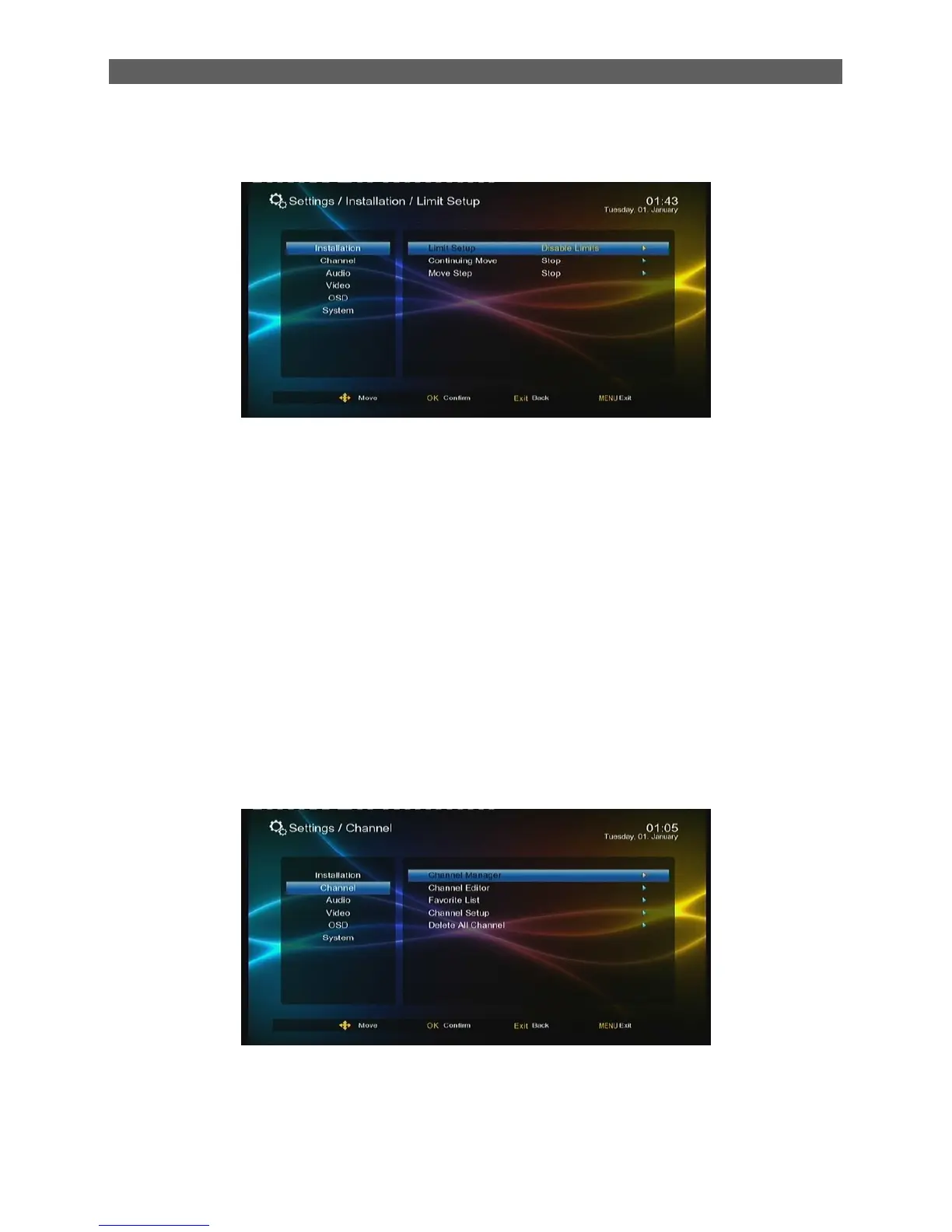
7.1.5 Limit Setup
There are three sub items:
Limit Setup: Polar axis move limit setting.
Continuing Move: Enable polar axis continuous move.
Move Step: Enable polar axis step move. After setting, you can press [◄/►] keys to move the
polar axis east or west step by step.
7.2 Channel
The Channel menu has five items: Channel Manager, Channel Editor, Favourite List, Channel
Setup and Delete All channel. To enter the Channel menu, press [ ▲/▼] keys in the Main Menu to
highlight The Channel item and then press [OK] or [ ►] keys. The Channel menu is shown as
below:



 To Next Page