1. Remote Control & Panel Description
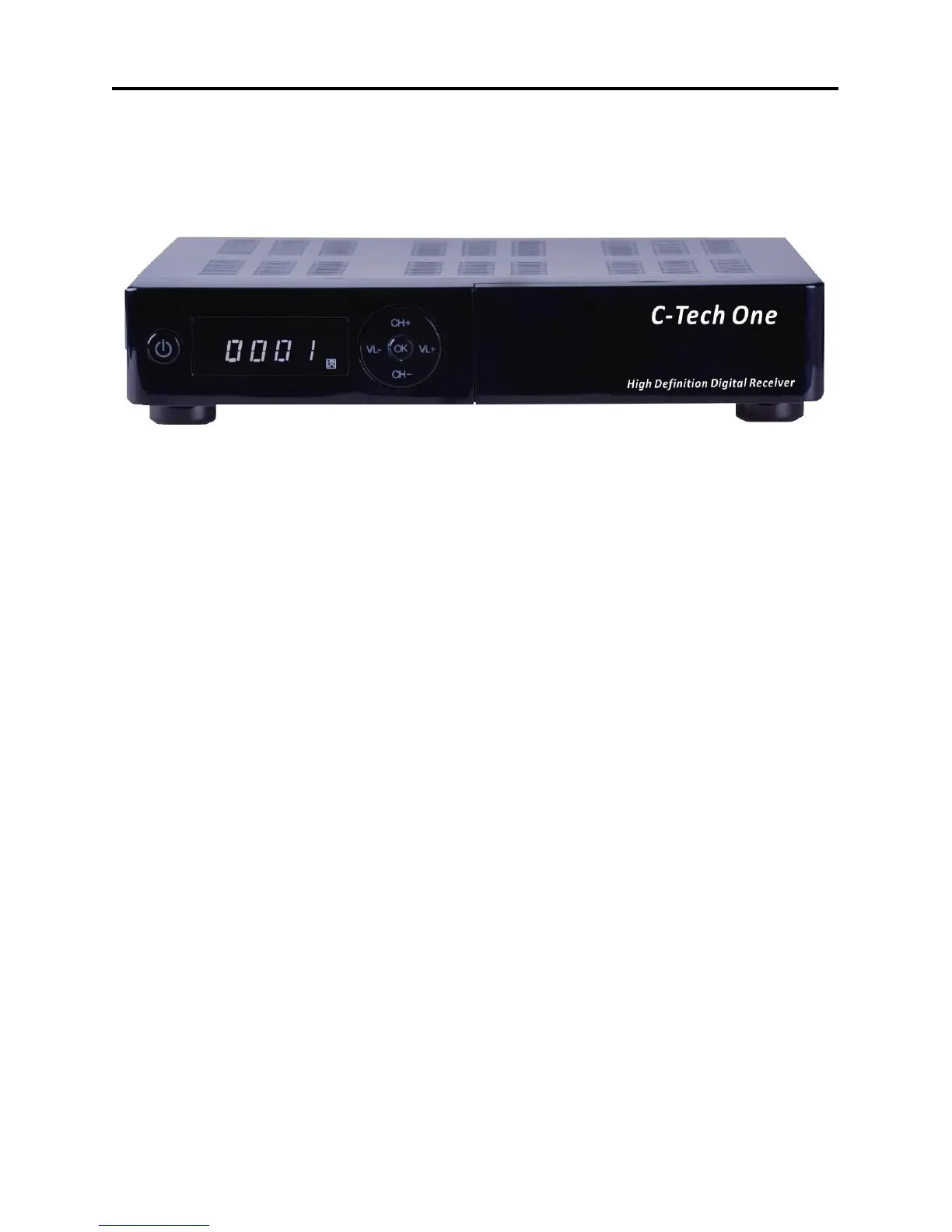
1.1 Front Panel Description
1. POWER: Is used to switch between the working mode and the standby mode.
2. Display: (4-Digit/7-Segment) Displays the received channel number while operating
and time in standby mode.
3. IR-Sensor: Detects the infrared signals from the remote control unit.
4. CH+/-: Used to move the highlight bar or change channel up / dn.
5. VL+/-: Used to move the highlight bar or change volume up / dn.
6. OK: Confirms selections or opens channel list.



 To Next Page