[Green function] key: edit a Transponder
[Yellow function] key: delete a Transponder
Scan channel by Transponder
Press [▲/▼] keys to highlight the Transponder which you want to scan channel, Press [blue] key,
the scan window display, select correct scan criteria, press [ok] button, the system will begin to
scan channel of this Transponder,
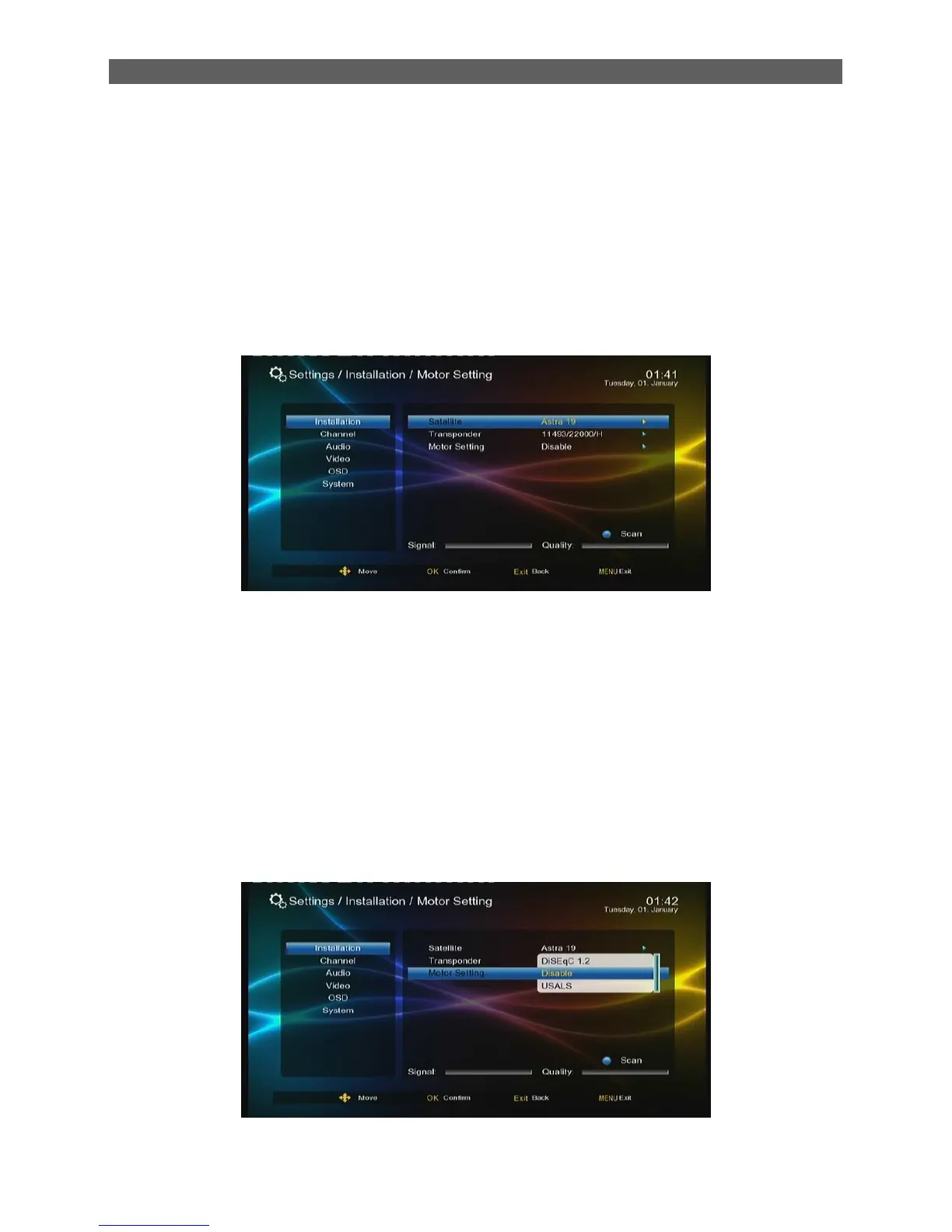
7.1.4 Motor Setting
Through the Motor Setting page you can control the polar axis motor to adjust the direction of
antenna so as to make the antenna accurately point to the satellite.
Satellite: Select a satellite.
Transponder: Select a transponder.
Motor setting: Set the polar axis motor.
If you have already selected a satellite and a transponder, when moving the polar axis you will
find the signal strength and quality indicators at the bottom of the page.
.



 To Next Page