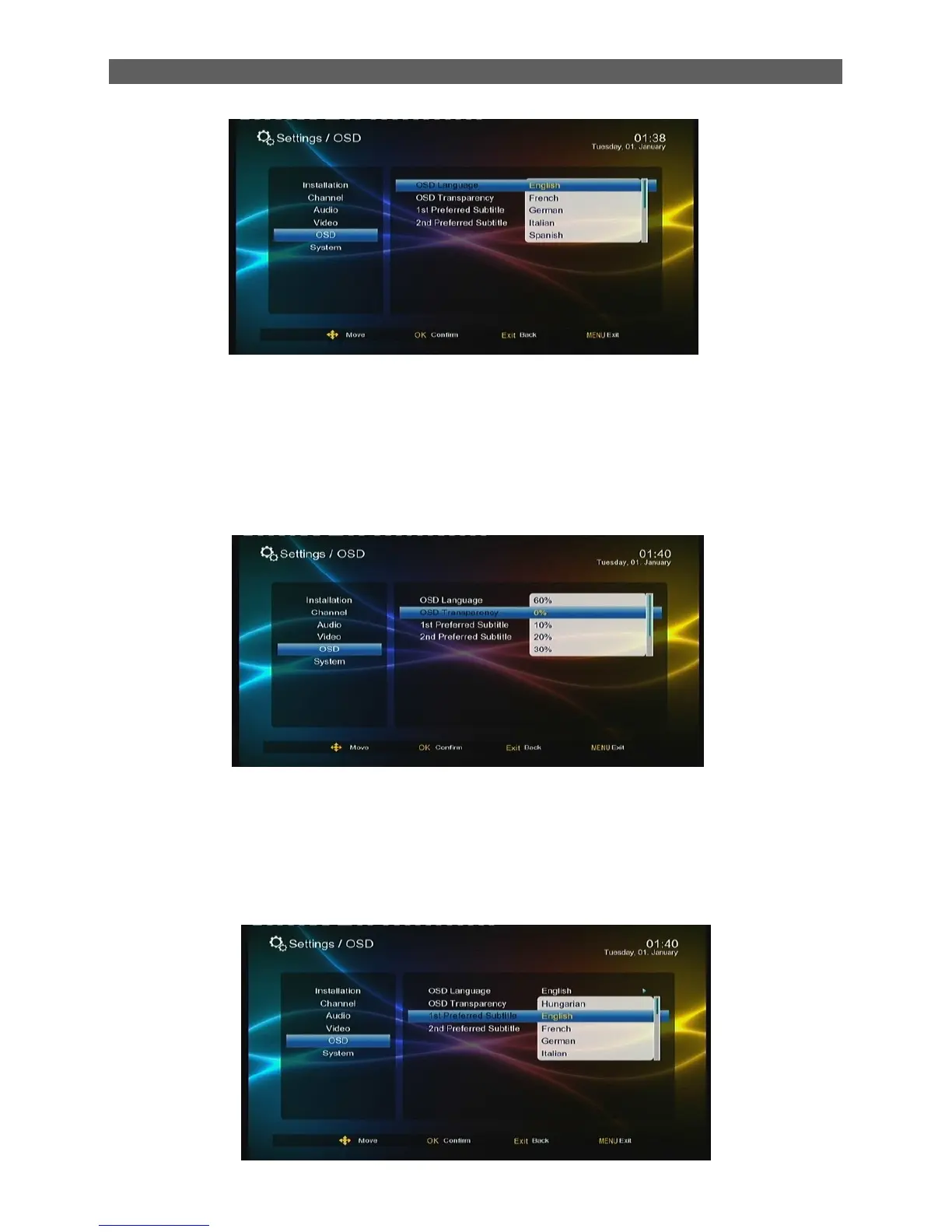
7.5.1 OSD Transparency
Through the OSD Transparency sub-menu you can adjust the transparency of OSD display in the
Main Menu. To change the OSD transparency, press [▲/▼] keys to highlight the OSD
Transparency item and then press [ok] or [ ►] keys to pull down a transparency list. The list has
seven transparency levels from 0% to 60%.The bigger the level value is ,the higher the
transparency is, After selecting a transparency ,press [OK] key to confirm.
7.5.2 1Preferred Subtitle
The 1Preferred Subtitle sub-menu is used to set subtitle languages. When a program has
subtitles of multiple languages, we can set priorities for these languages through this item. Two
preferred subtitle languages can be set here and the first one has a higher priority. The system will
then auto search the matched subtitle to play.



 To Next Page