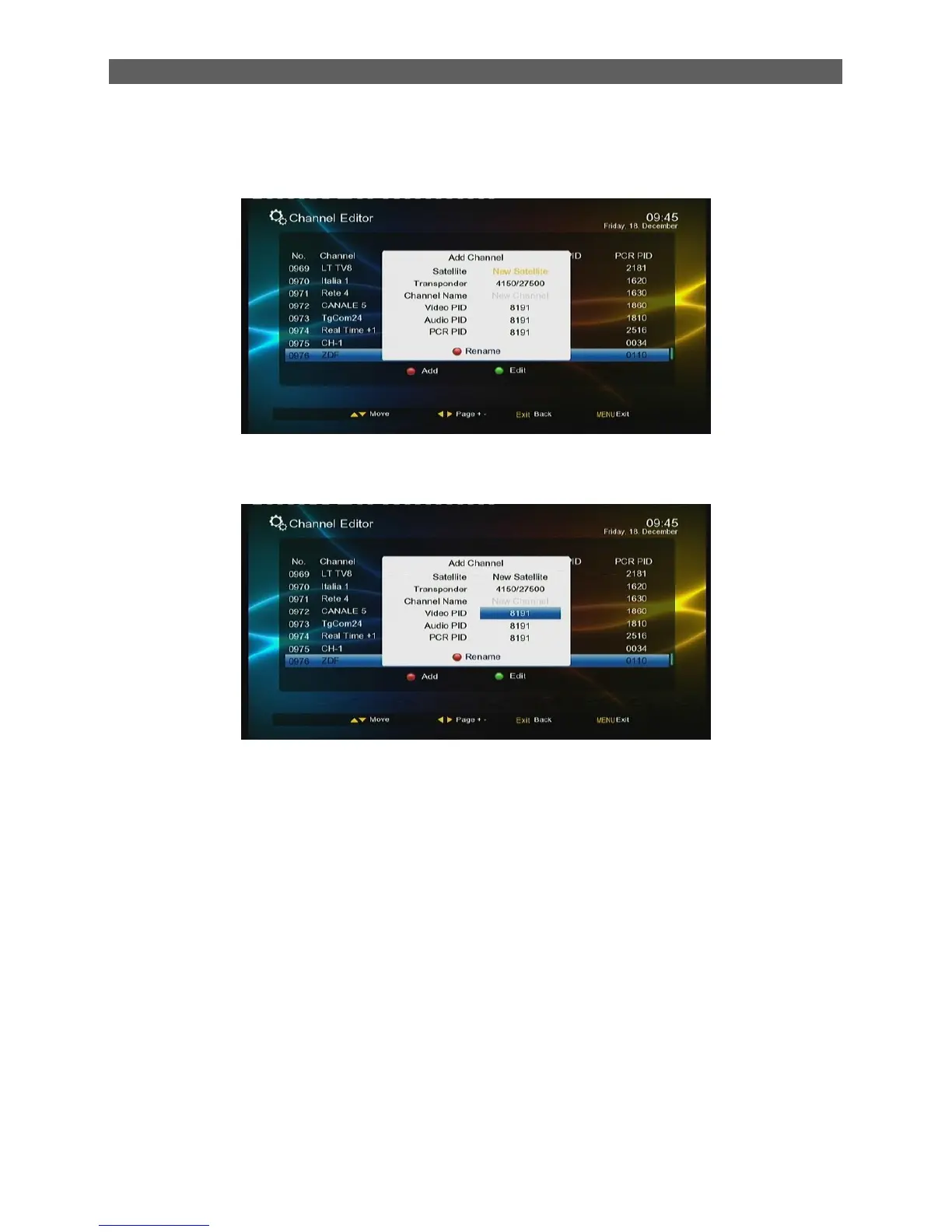
To add a new channel, press red color function key to enter the add channel page. See the
figure below.
To edit a channel, press ▲/▼ keys to select the channel, then press the green function key
to enter the channel edit page.
Press Menu key to exit the Channel Editor menu.
Press EXIT key to go back to Main menu.
7.2.3 Favorite List
The system provides a favorite channels list function. You can through the Favorite List menu to
add, delete or group your favorite channels.
To enter the Favorite List menu, in the Channel menu press [▲/▼] keys to select the Favorite List
item and then press [OK] key.
There are total 8 favorite lists. You can select them by number 1-8 on RCU
Add the channel into Favourite List
Select the Favourite List you want to add the channel into it by number 1-8 on RCU, press [▲/▼]
key highlight the channel, press [ok], the channel will be mark „√‟,press [ok] again will cancel the
selection



 To Next Page