2.19 CH▲/▼
to change previous/next channel, Move cursor up/down.
2.20 Vol◄/►
Adjust volume, select highlighted menu, display sub-menu, return to previous menu
2.21 OK
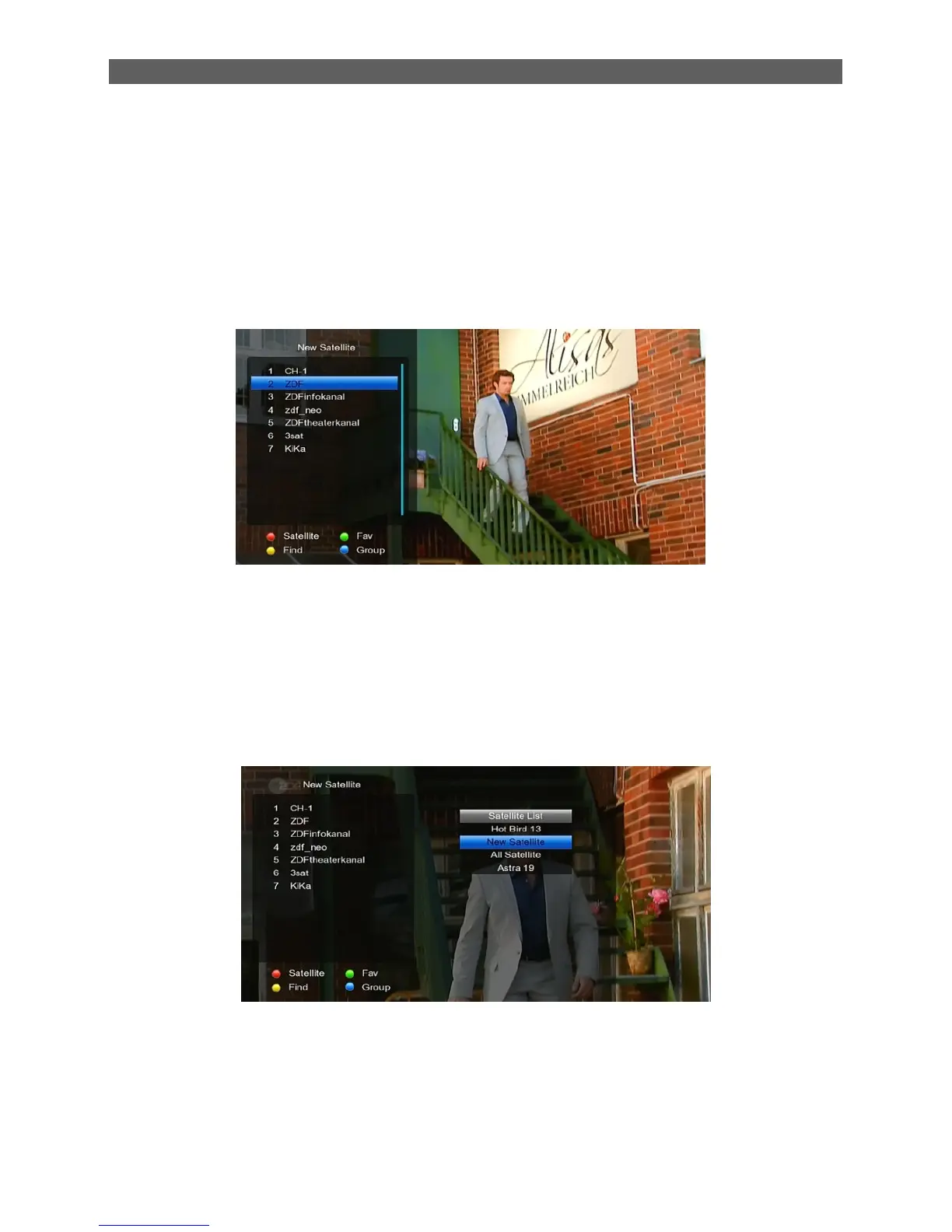
1. In TV mode press [OK] button to open the Channel List window.
2. Press [CH▲/▼] to switch channel and confirm it with [OK] to switch to it.
3. The colour buttons offer further functions to manage the channel list.
Press [Red] to open the sat window. Press [CH▲/▼] to select and [OK] to confirm
your choice.
Press [Green] button to display [ Fav list], Press [▲/▼] to select and [OK] to confirm
your choice.
Press [Yellow] button to open the Find window. You can use this feature to find
channel by their names.



 To Next Page