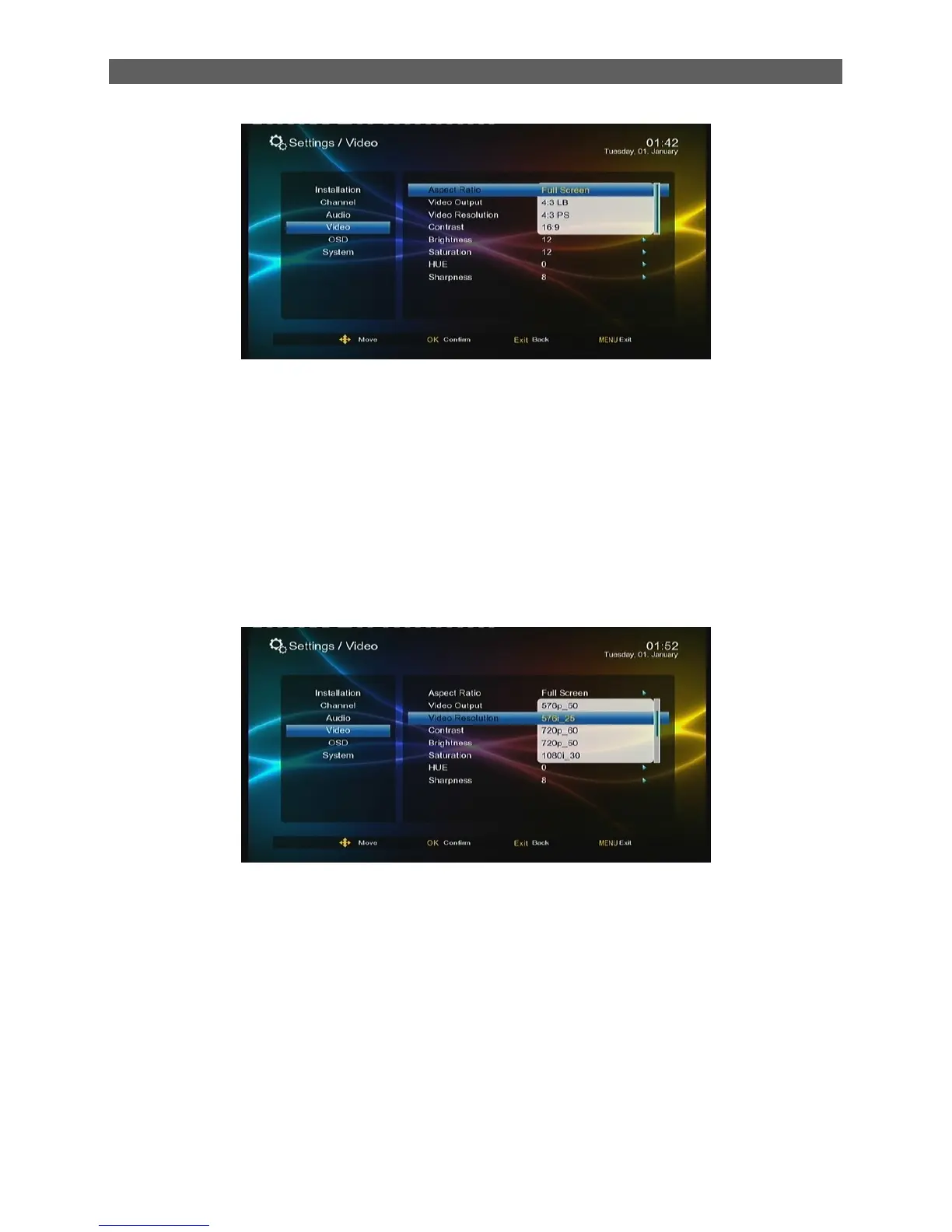
The list has two options: 16: 9, Full Screen.
7.4.2 Video Output
The Video Output item is to set the format of video output.
7.4.3 Video Resolution
The Video Resolution item is to set the resolution (up to 1080p_60 (Full HD)) and refresh rate of
video output. After highlighting this item, press [OK] key to pop out an option list
The list has following options („p‟ indicates progressive scan; “I” indicates interlaced scan):
Auto Detect
480p_60, 480i_30
576p_50, 576i_25
720p_60, 720p_50
1080p_60, 1080p_50, 1080i_30, 1080i_25



 To Next Page