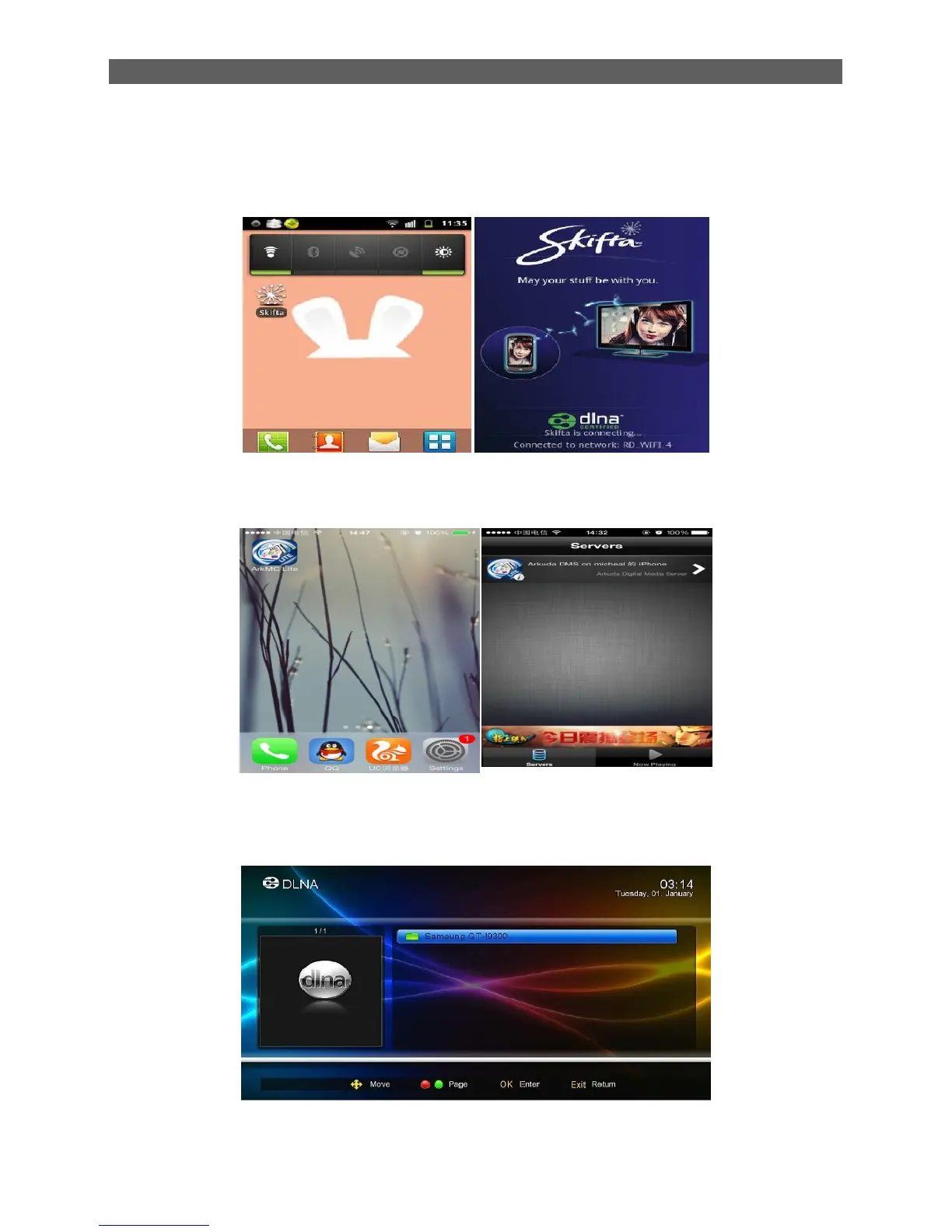
Step3,
A: Android Phone
Open the DLNA S/w in the phone, and keep it in opening state. (Keep the permission for outside
visiting),
B: iOS phone,
Open theArkMC lite, and keep it in opening state. (Keep the permission for outside visiting),
Step4, Setup STB, Open DMP function
STB: Main menu Application DLNA DMP
Waiting for seconds, STB will find the Phone, show as below
Step5, Choose the media files, play it.
Press Ok, choose the media file (Video, picture,MP3)



 To Next Page