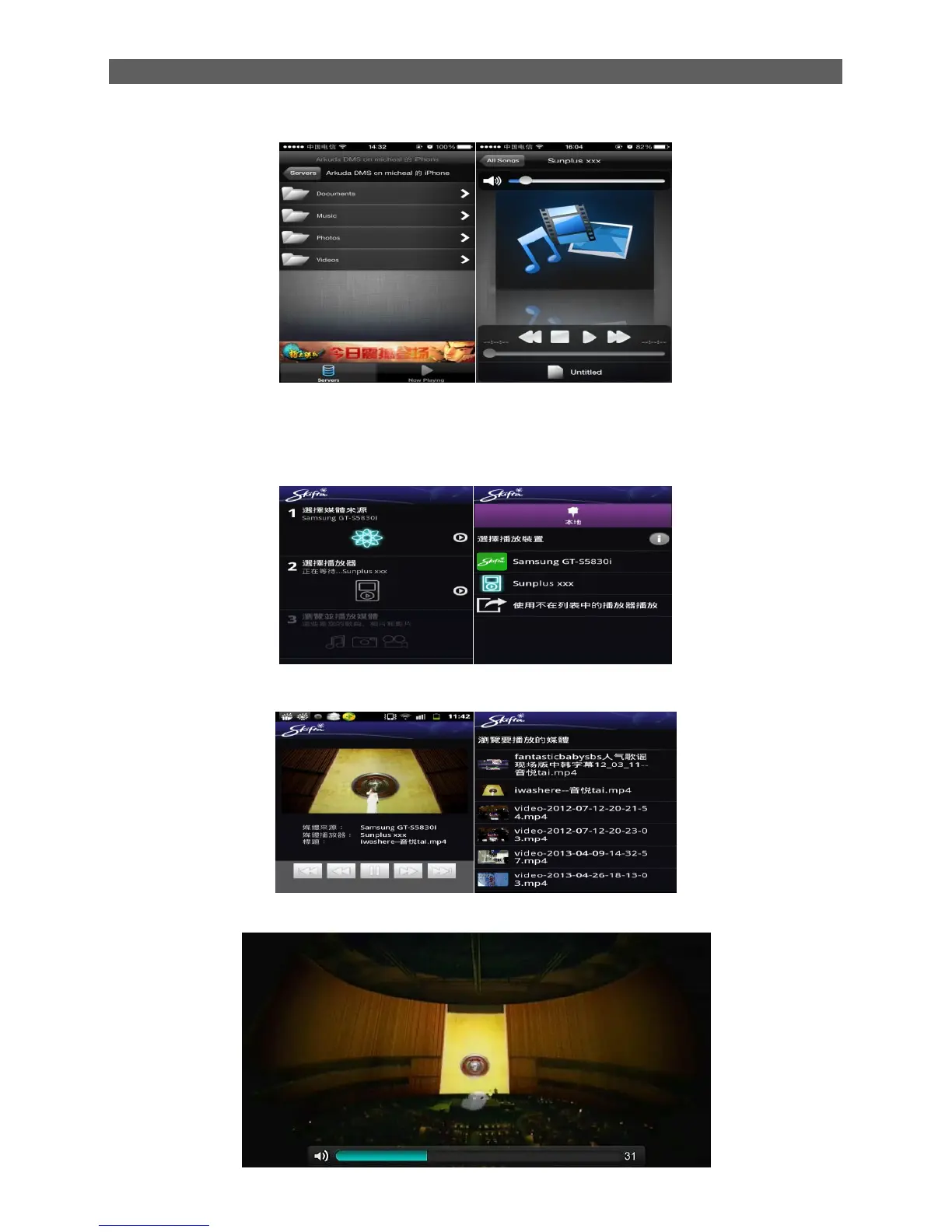
The picture as below, it‟s a media list in the iPhone, choose a file and play it,
B : Android Phone:
Open the DLNA Tool in the phone,will see the pictures as below,
This step is asking you choose the media resource, get into it the next step is choose Media
player. Here we choose Sunplus xxx.
Finally, we can choose the file to play through “Browse and play media” .
The picture as below, it‟s a media list in the iPhone, choose a file and play it,
Step 5: You will see the window on the TV. Enjoy it!



 To Next Page