All content © 2020, cmotion GmbH. All specications are subject to change without further notice.
http://www.cmotion.eu
page 23 of 120
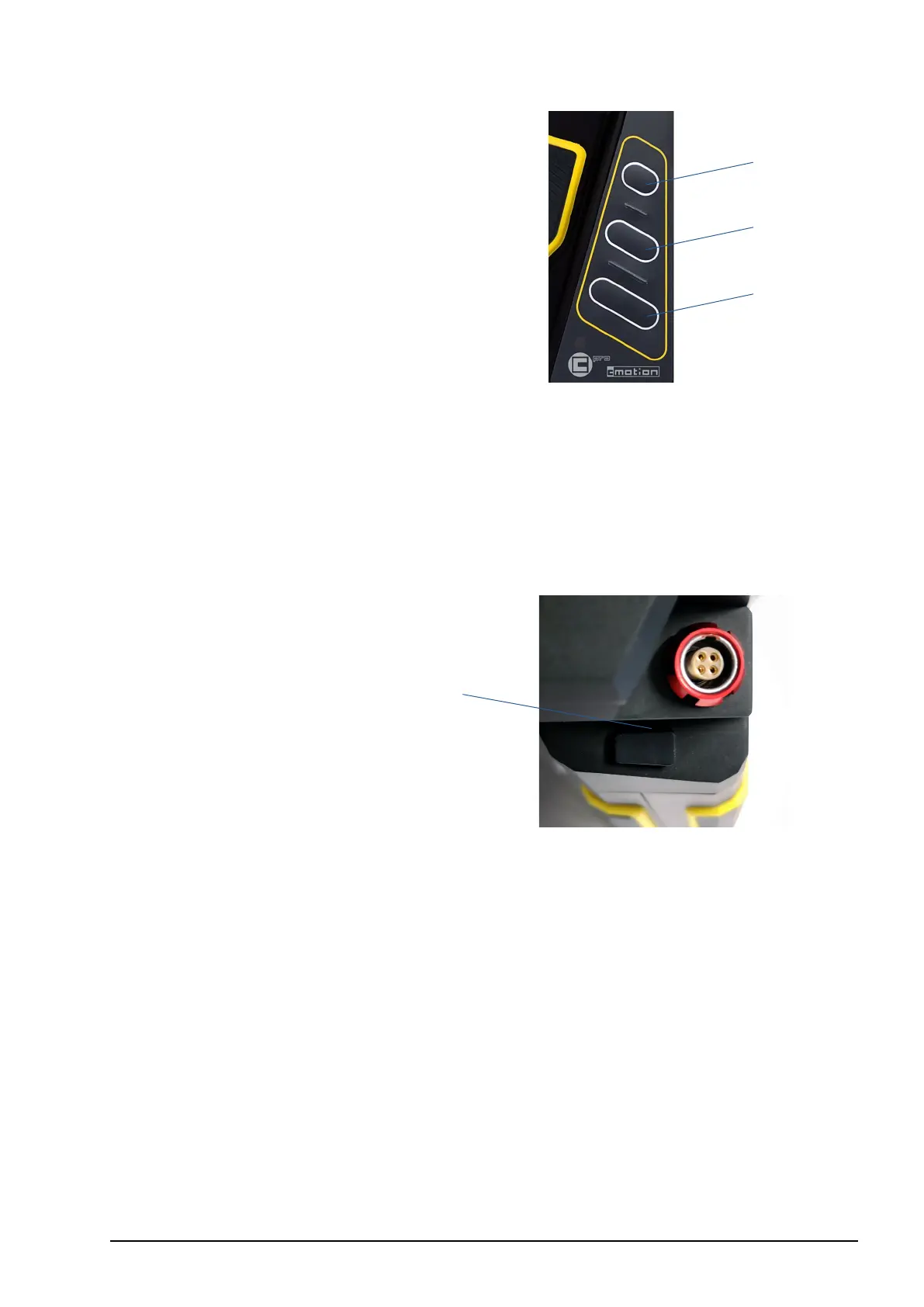
5.2.6.2. User buttons
1 User button 1 (UB1)
2 User button 2 (UB2)
3 User button 3 (UB3)
All user buttons (UB1/UB2/UB3) in the center of the cPRO / cPRO PLUS and cPRO ONE
hand unit can be assigned individually. Once assigned to a user function, each assigned
button will illuminate individually unless keypad brightness is set at 0.
5.2.6.3. Back button
1 Back button (BB1)
The back button is located underneath the LBUS connector on the cPRO / cPRO PLUS
and cPRO ONE hand units. It is not illuminated but can be assigned individually to any
user function.
While navigating in the cPRO menu or creating a lens le, the back button is assigned to
“select”.
1
2
3
1



 To Next Page