All content © 2020, cmotion GmbH. All specications are subject to change without further notice.
http://www.cmotion.eu
page 80 of 120
6.2.3.4.2.6. Manual calibration
The manual calibration menu allows you to create a digital calibration range through any
connected motor for lenses without mechanical end stops.
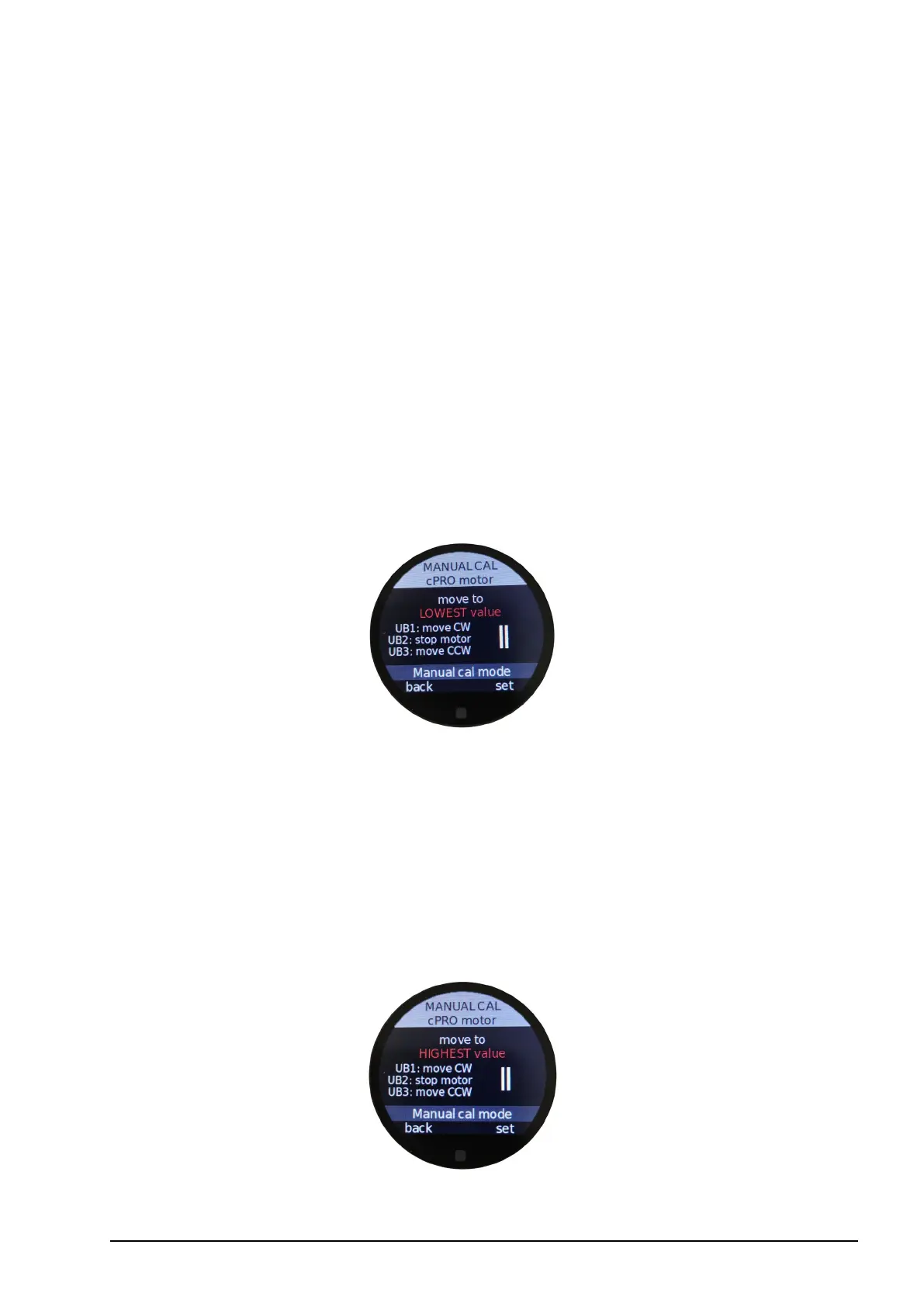
Enter the manual calibration wizard.
1. Move the motor to the LOWEST value e.g. lowest T-stop, focal length or close focus
distance by using the user buttons UB1, UB2 and UB3.
UB1: Moves the motor clockwise. You can press UB1 up to ve times to increase the
speed of the motor’s clockwise rotation. Press UB3 up to ve times to reduce the speed
of the motor’s clockwise rotation.
UB2: Stops the motor at any time.
UB3: Moves the motor counter clockwise. You can press UB3 up to ve times to increase
the speed of the motor’s counter clockwise rotation. Press UB1 up to ve times to reduce
the speed of the motor’s counter clockwise rotation.
Press set (MB3) once you have reached the desired position.
2. Move the motor to the HIGHEST value e.g. highest T-stop, focal length or innity by using
the user buttons UB1, UB2 and UB3.
Please follow the UB1, UB2 and UB3 instructions as explained in step 1.
Press set (MB3) once you have reached the desired position.
The motor is now calibrated and, if assigned to the knob or slider, will match the rotation
or slider scale of the corresponding controller.



 To Next Page