All content © 2020, cmotion GmbH. All specications are subject to change without further notice.
http://www.cmotion.eu
page 38 of 120
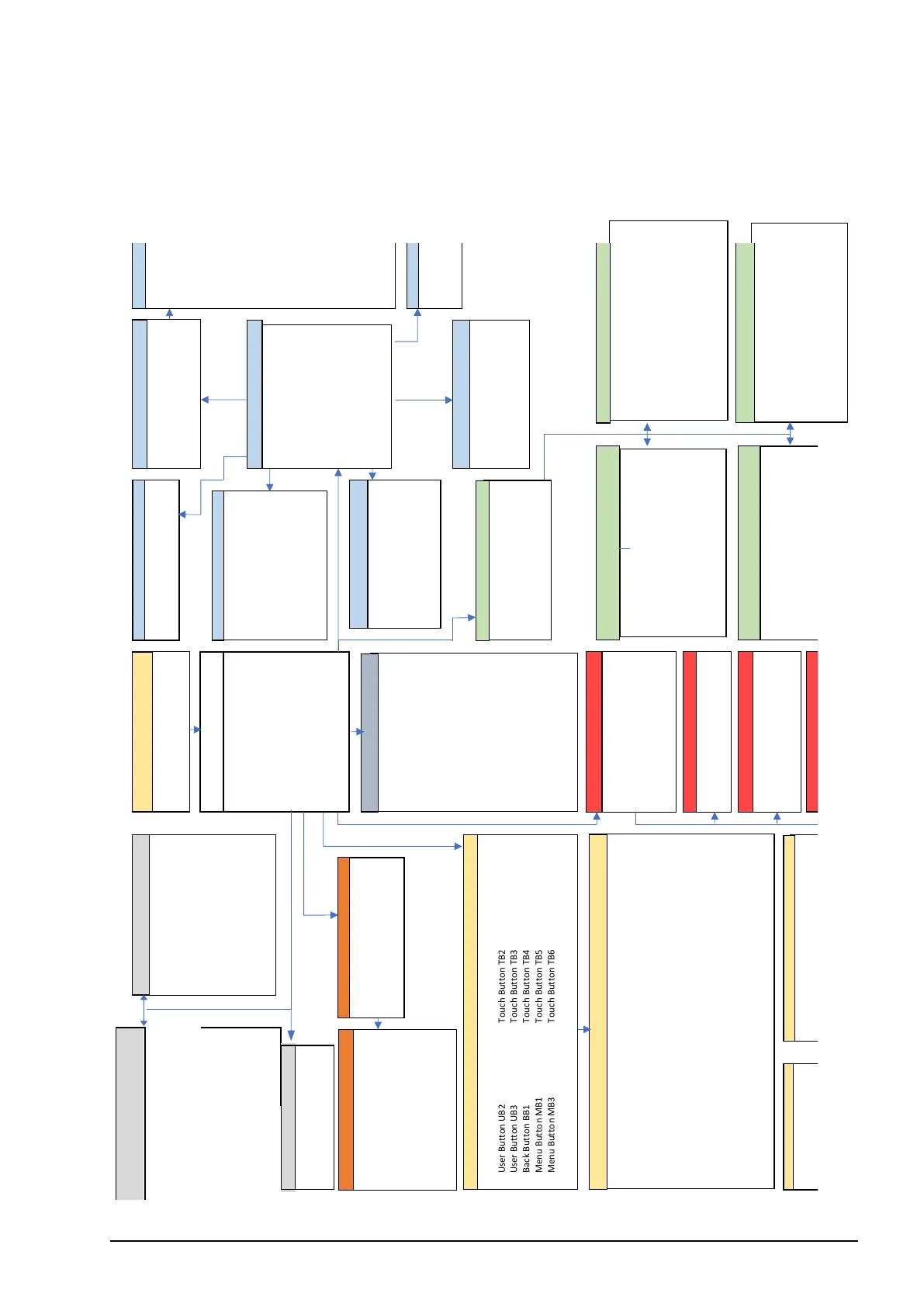
6.2. Adjustment menu
6.2.1. Adjustment menu overview
CONTROLS
LENS
MOTORS
CAMERA
FILTER
RANGEFINDER
BUTTONS
ABOUT
cPRO hand unit: info screen
LBUS DEVICES: List LBUS DEVICES
Firmware update
LICENSES
Slider
Joystick
Thumb wheel
Control: (Focus/Iris/Zoom/Filter/Aux/Off)
Sensitivity: (Min/ Mid/ Max)
Speed: control bar
Lock: (On/ Off)
Control: (Focus/Iris/Zoom/Filter/Aux/AF
ramp/Off)
Limits (Motor limit/ Motor + ctrl limit/
Control limit)
Pre-marked strips: (Plain/ 22-2.8/ 22-2.0/
Close-1.0)
Lock: (On/ Off)
Control: (Focus/Iris/Zoom/Filter/Aux/AF ramp/
Off)
Knob direction: (Left/ Right)
Limits (Motor limit/ Motor + ctrl limit/
Control limit)
Pre-marked rings: (Plain/ 8“/ 12“/ 14“/ 20“/
3‘6“/ 0.20m, 0.25m/ 0.35m/ 0.5m/ 1m) Lock:
(On/ Off)
cPRO hand unit
LBUS devices
cPRO hand unit
LBUS devices: list LBUS devices
Touch screen: (On/Off)
Thumb wheel: (On/Off)
EUROPE
USA
ROW
AUSTRALIA
CANADA
CHINA
EGYPT
HONG KONG
INDIA
PHILIPPINES
SINGAPORE
TAIWAN
THAILAND
Unit (status)
Brightness
Vibration
Touch screen: (On/Off)
Stealth mode all: (On/Off)
Power save
User profiles
Language
Auto brightness: (On/Off)
Display brightness: control bar
Keypad brightness: control bar
Knob brightness: control bar
Slider brightness: control bar
Joystick brightness: control bar
Channel: 0-13
Region: (Country)
Motor Settings
Stealth mode: (On/Off)
Unload
Create: lens wizard
Edit: list lens files
Duplicate: list lens files
Delete: list lens files
Import from USB
Import ARRI lens
Export to USB
Export ARRI lens
Lens view (Small, Medium, Large)
Set iris
Set zoom
Circle of Confusion
Axis: (Focus/Iris/Zoom/Filter/Aux)
Direction: (Left/Right)
Ramp: (Min/Short/Long/Max)
Torque:
(Min/Weak/Strong/Max)
Calibrate
Load premarked ring
Load premarked strip
Switch language
Camera button 1
Camera button 2
Camera button 3
Camera button 4
Camera button 5
Camera button 6
Marker focus
Marker iris
Marker zoom
Autofocus pinpoint
System unit
Stealth mode all
Laser pointer
Camera rec
Lock knob
Lock slider
Lock joystick
Lock thumb wheel
Filter increase
Filter decrease
Cinefade set
Load Lens
Marker distance
access to each submenu
functions
Offset: control bar
Limits: (Limit max/Limit min)
Sensitivity: control bar
Autofocus: (On/Off)
AF ramp mode (Time/Speed /Manual)
AF ramp time
AF ramp speed
Laser pointer: (On/Off)
Distance predict
(cvision feature only)
Stealth mode: (On/Off)
RANGE FINDER
Home Button HB: list menu
functions
recording function: (On/Off), REC-Note: not
implemented in Software menu options
Press RESET for factory settings
LBUS devices
Control: (Focus/Iris/Zoom/Filter/Aux/AF ramp/
Off)
Direction: (clockwise/ counter cw)
Menu direction: (clockwise/ counter cw)
Axis ratio: (1:4/ 1:3/ 1:2/ 1:1/ 2:1/ 3:1/ 4:1)
Lock: (On/ Off)
Filter Mode
Optical save range
FILTER
Shutter
ISO
White Balance
ND Filter
Playback
Camera Buttons
Note: Menu entries dependent of
camera type
Save
10 seconds
30 seconds
1 minute
Knob Button KB1
Knob Button KB2
Knob Button KB3
Knob Buttons available
on cPRO PLUS only
Target A
Target B
Target C
Target M



 To Next Page